TeamGroup X1 Max review: a 256GB flash drive with dual ports and SSD speeds
 By ForGeeks
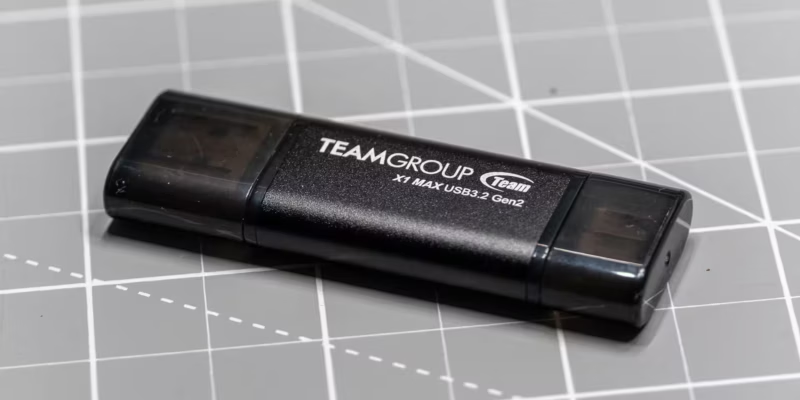
When I was in school, I got my first 256MB flash drive as a gift. Back then, I thought it could hold half the internet, if not all of it. Now, holding the TeamGroup X1 Max in my hand—a drive smaller in size but capable of storing 1,024 times more data—makes me realize just how wrong I was. The X1 Max is a compact SSD in a flash drive form factor, featuring both USB-A and USB-C ports. It promises speeds of up to 1000MB/s read and 900MB/s write. Available in 128GB, 256GB, 512GB, and 1TB versions, it costs roughly between 2,000 and 8,000 rubles and works with a wide range of devices—from smartphones to PCs. The X1 Max is a smart buy if you want portability and versatility for everyday tasks, but not for regularly copying huge data volumes.
Design and ergonomics of the TeamGroup X1 Max
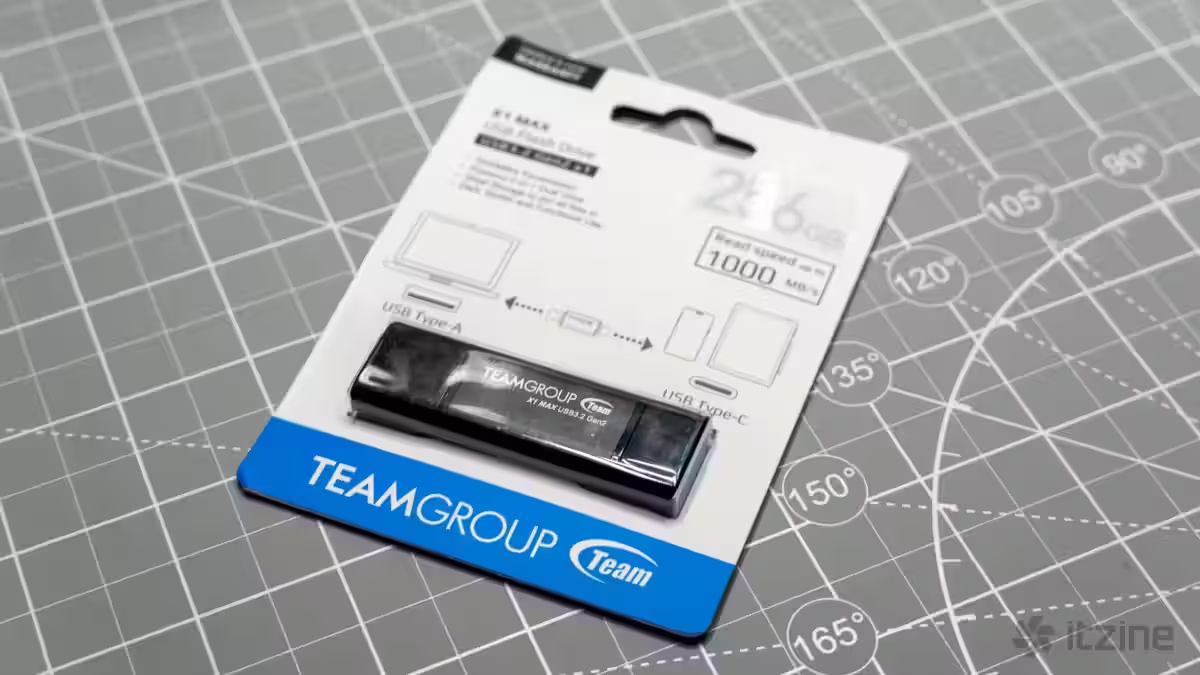
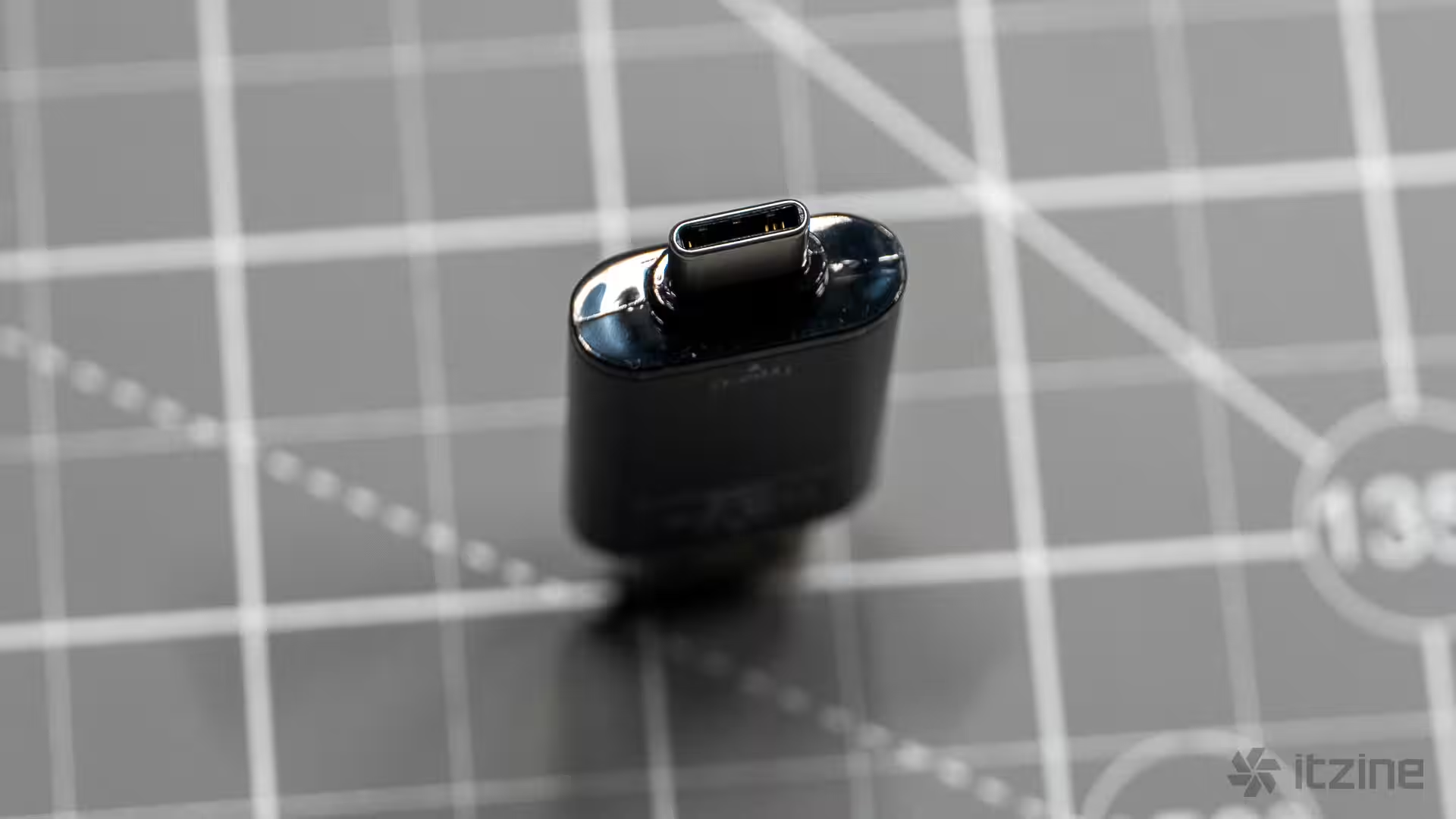
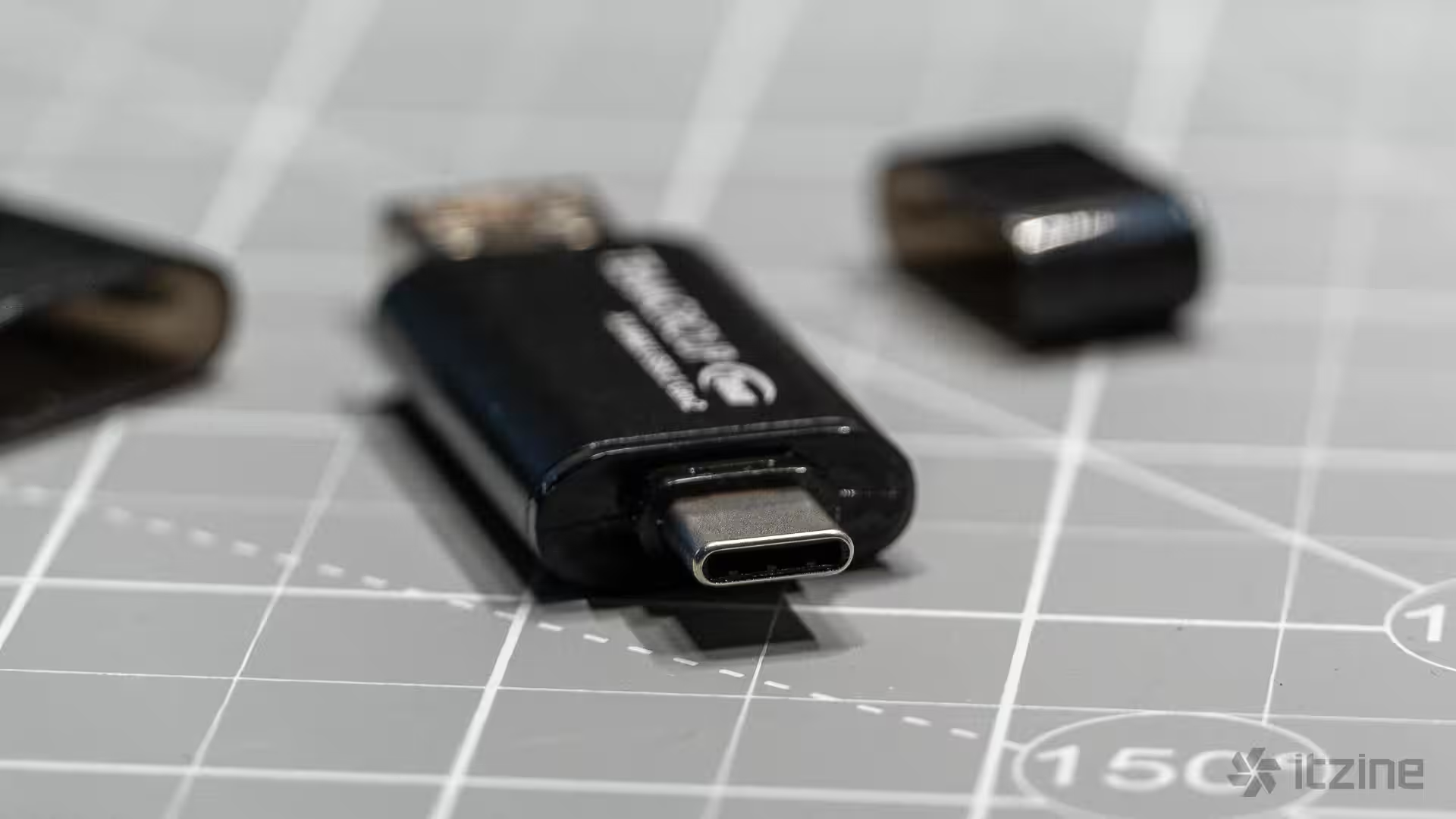
The TeamGroup X1 Max looks like a typical USB flash drive but packs SSD hardware inside. It features an NVMe controller and NAND memory running over a USB 3.2 Gen 2 interface capable of up to 10Gbps throughput. Its standout feature is the dual ports: a USB Type-A on one end and a USB Type-C on the other. Both ports come with plastic caps that are easy to remove but also easy to lose—oddly, there are no attachments to keep them secure. The drive measures 6.3cm long and weighs just 12 grams. It sports an aluminum alloy body with a sandblasted finish that looks neat and resists scratching. Its dimensions are comparable to classic flash drives: about 6.3cm long, 2cm wide, and less than 1cm thick.
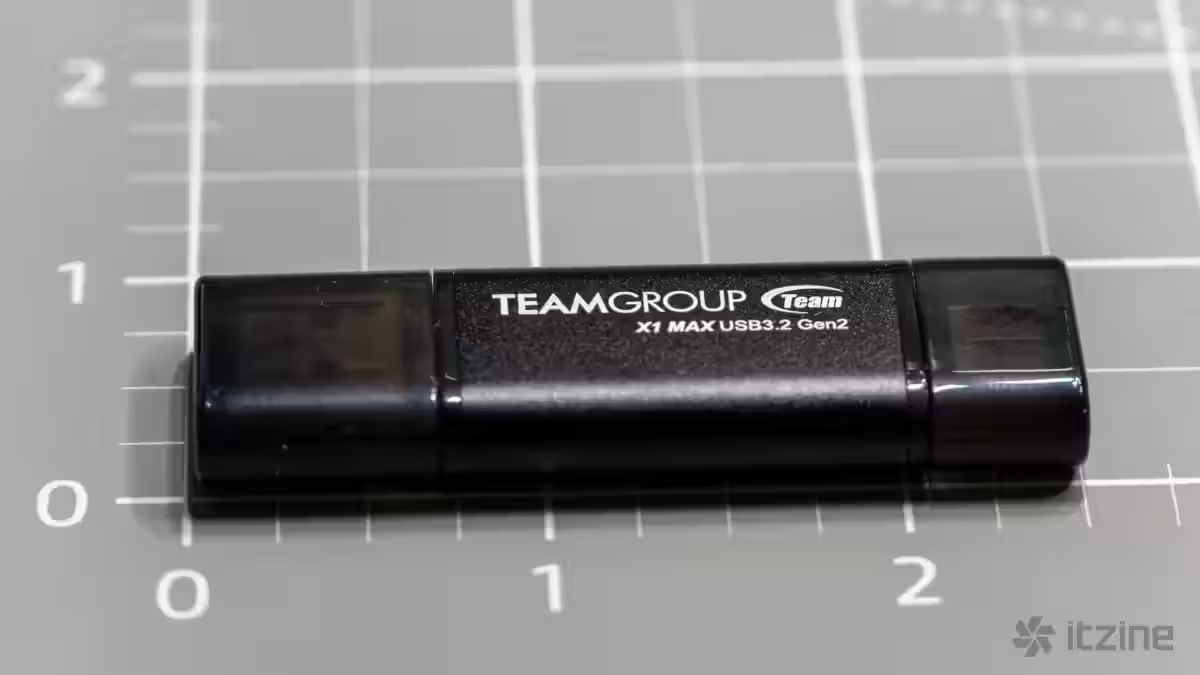
Compatibility is broad. The X1 Max works with Windows XP and later, macOS 10.6 and up, Linux 2.6 and newer, as well as modern iOS and iPadOS versions with USB-C ports. It’s plug-and-play with no drivers required. The target audience includes users who need a fast, universal storage device to work across multiple gadgets without cables or adapters. Journalists, photographers, videographers with small projects, and office workers—all who regularly shuttle files between laptops, tablets, and smartphones—will find it especially useful.
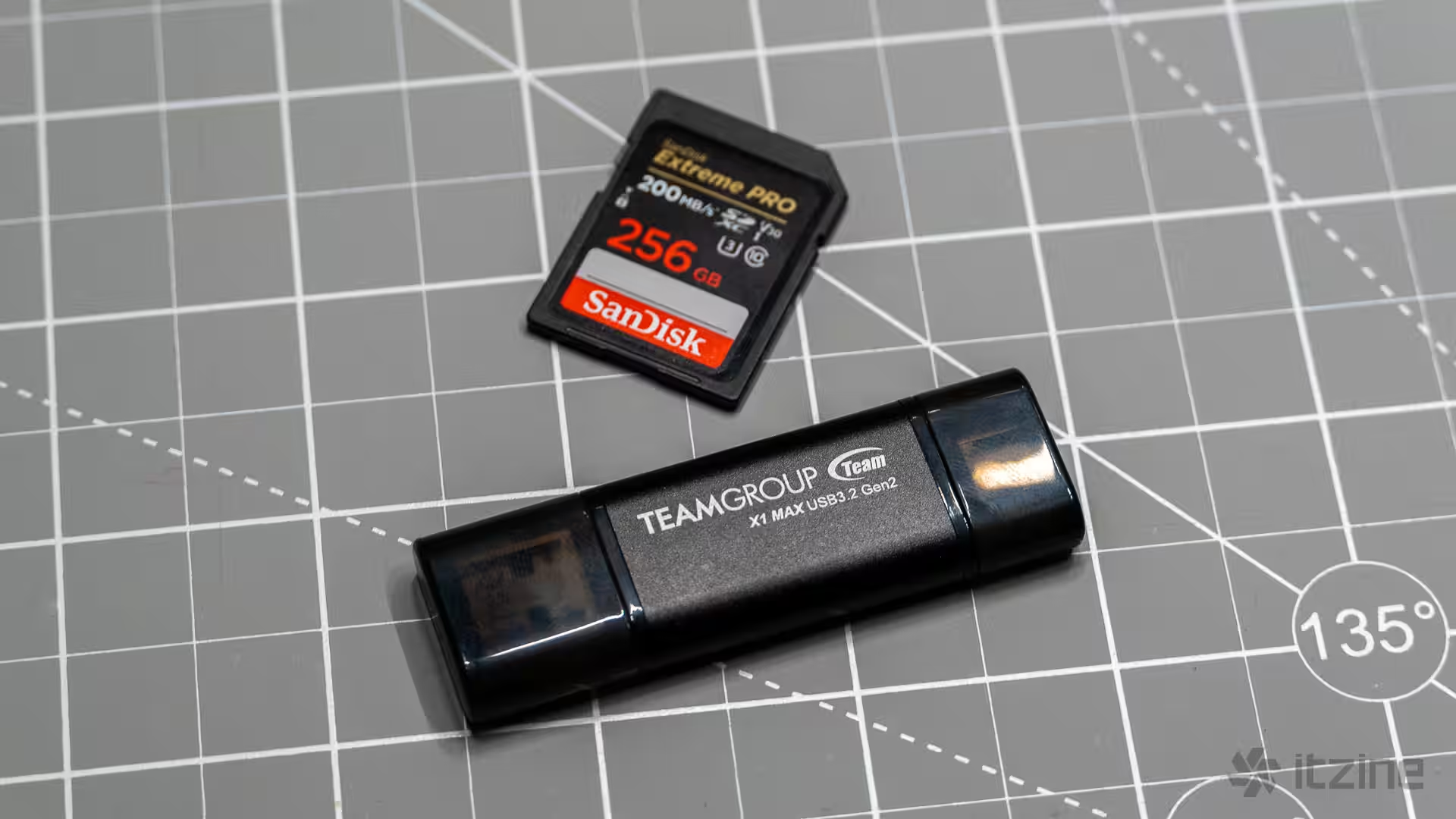
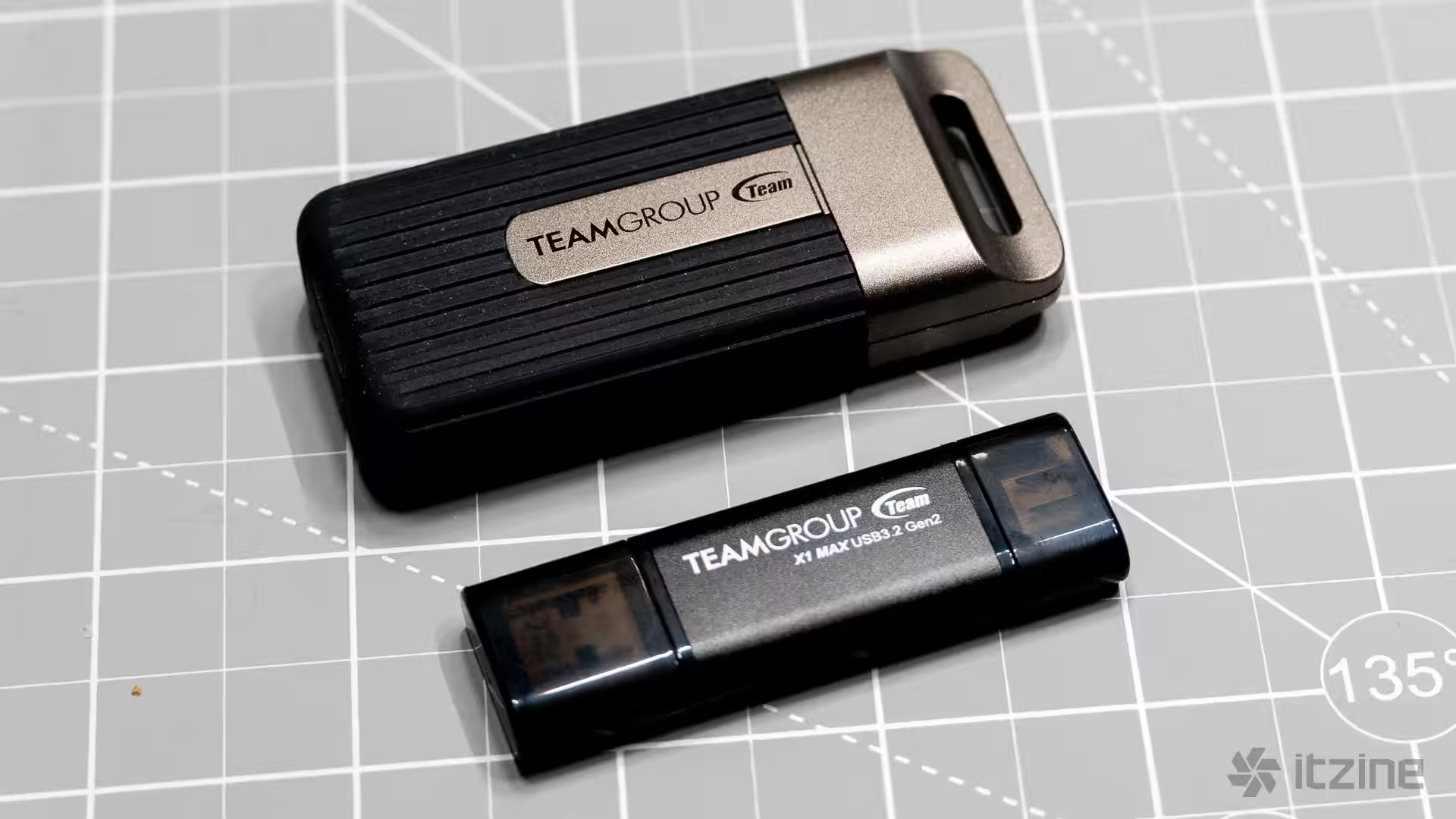
At first glance, the X1 Max is a straightforward black aluminum rectangle with minimal design flair. But its form factor comes with risks. The drive sticks out from the port, making it vulnerable to accidental knocks or breaks—especially on laptops. A careless move can easily damage both the drive and the computer’s port. This shape makes it prone to rough handling. Additionally, on some MacBooks, the ports are so close together that the X1 Max’s width prevents simultaneous use of nearby connectors. That said, its compactness is a major plus. It fits in any pocket, requires no case or cables, and is ideal for travel—perfect for quickly transferring files between your phone and laptop or vice versa.
Performance and endurance
In synthetic benchmarks using small files, the X1 Max impresses. Testing the 1TB model with BlackMagic Disk Speed Test returned read speeds hitting the claimed 1000MB/s mark, while write speeds even soared above 1500MB/s. Speeds were nearly identical over both the Type-A and Type-C ports, showcasing a well-executed implementation of both interfaces. When transferring a 5GB file, speeds dipped slightly—reads averaged around 917MB/s, and writes slowed to about 500MB/s, though this drop isn’t critical for most tasks.
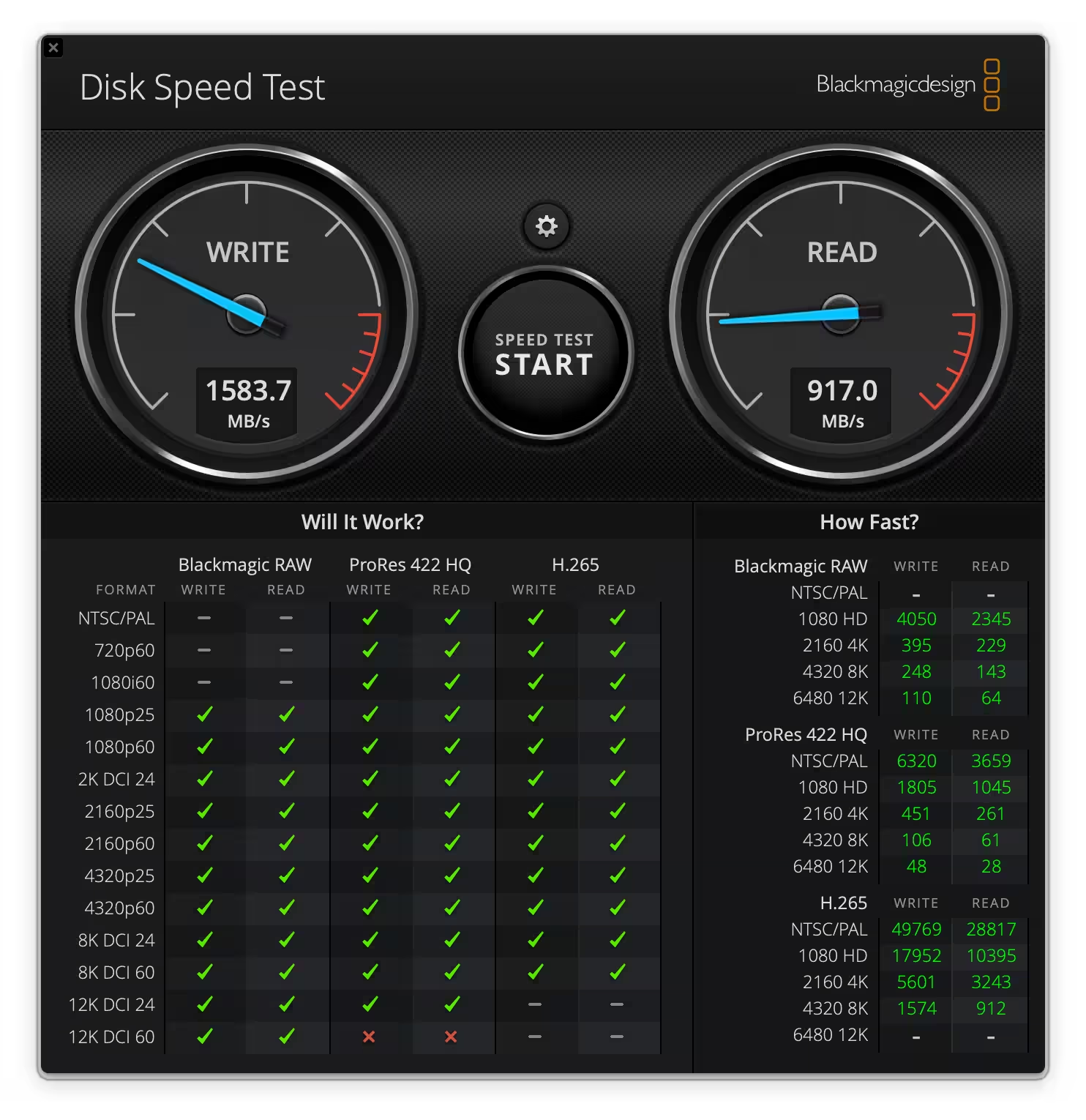
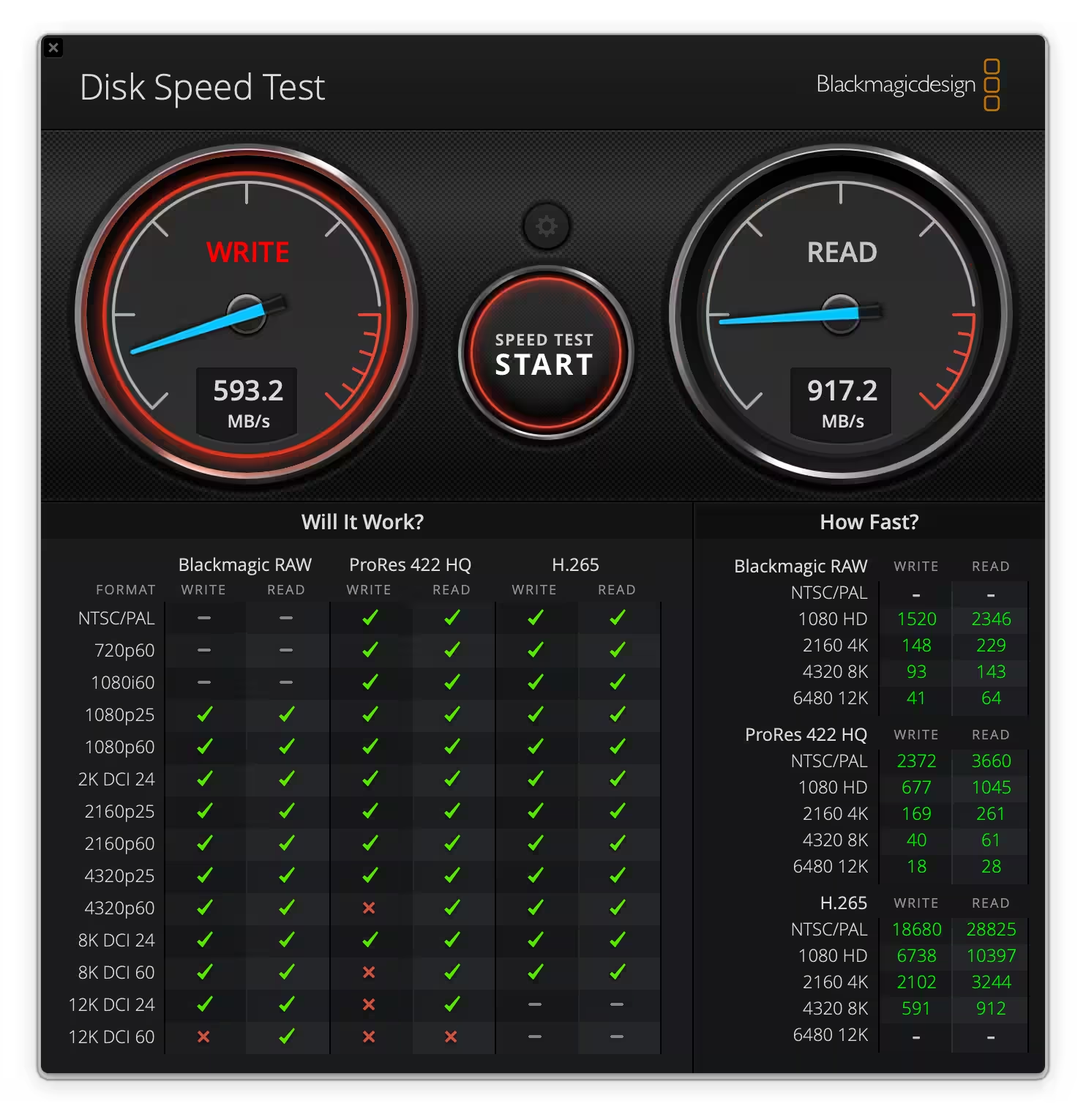
Tests with Magic Benchmark Disk Test confirmed these figures, though results varied slightly. When copying 10GB files, speeds dropped since the cache fills and writing falls back to the raw flash memory speeds. Even so, falling to around 700MB/s isn’t a dealbreaker—it’s still within USB 3.2 Gen 2 standards.
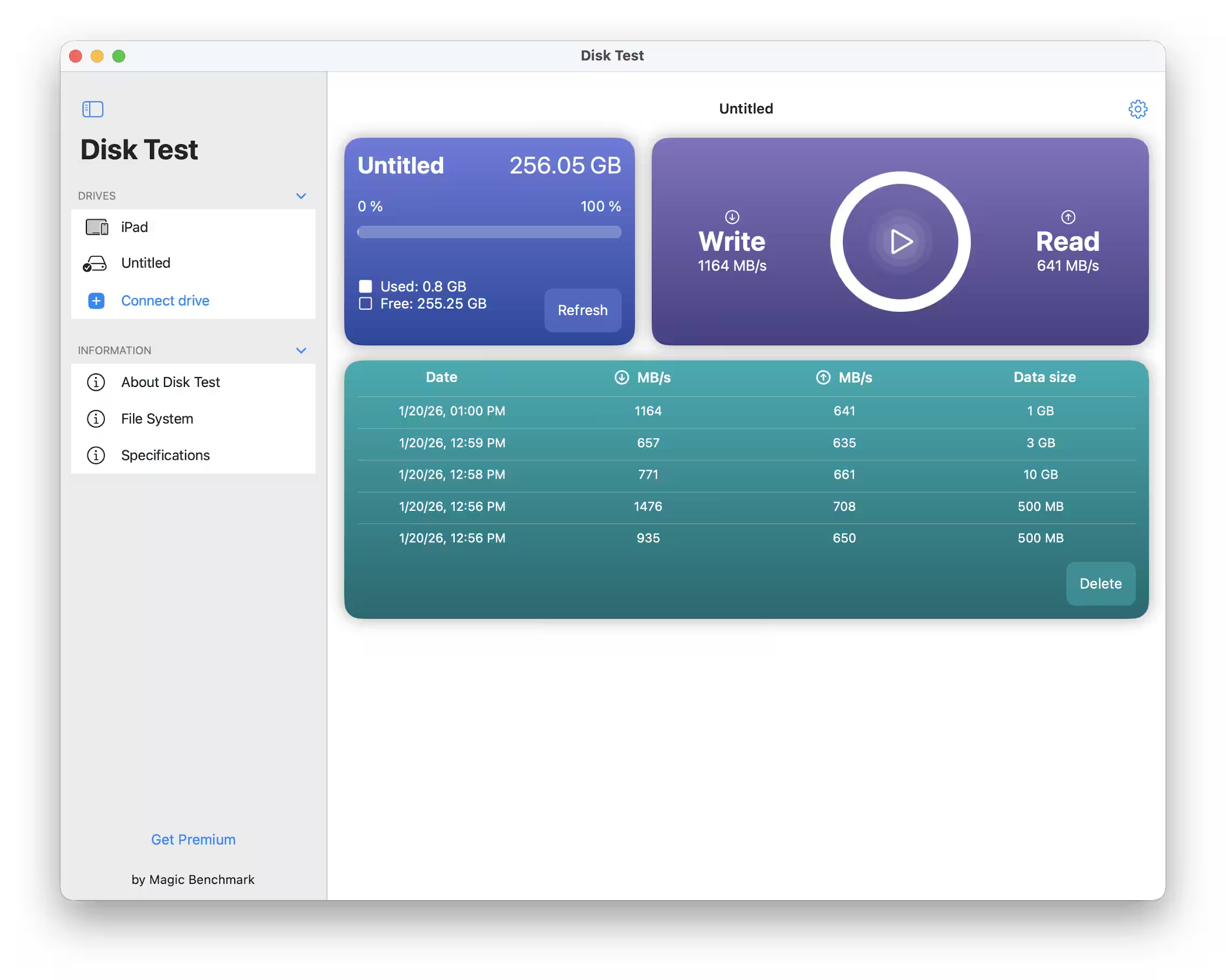
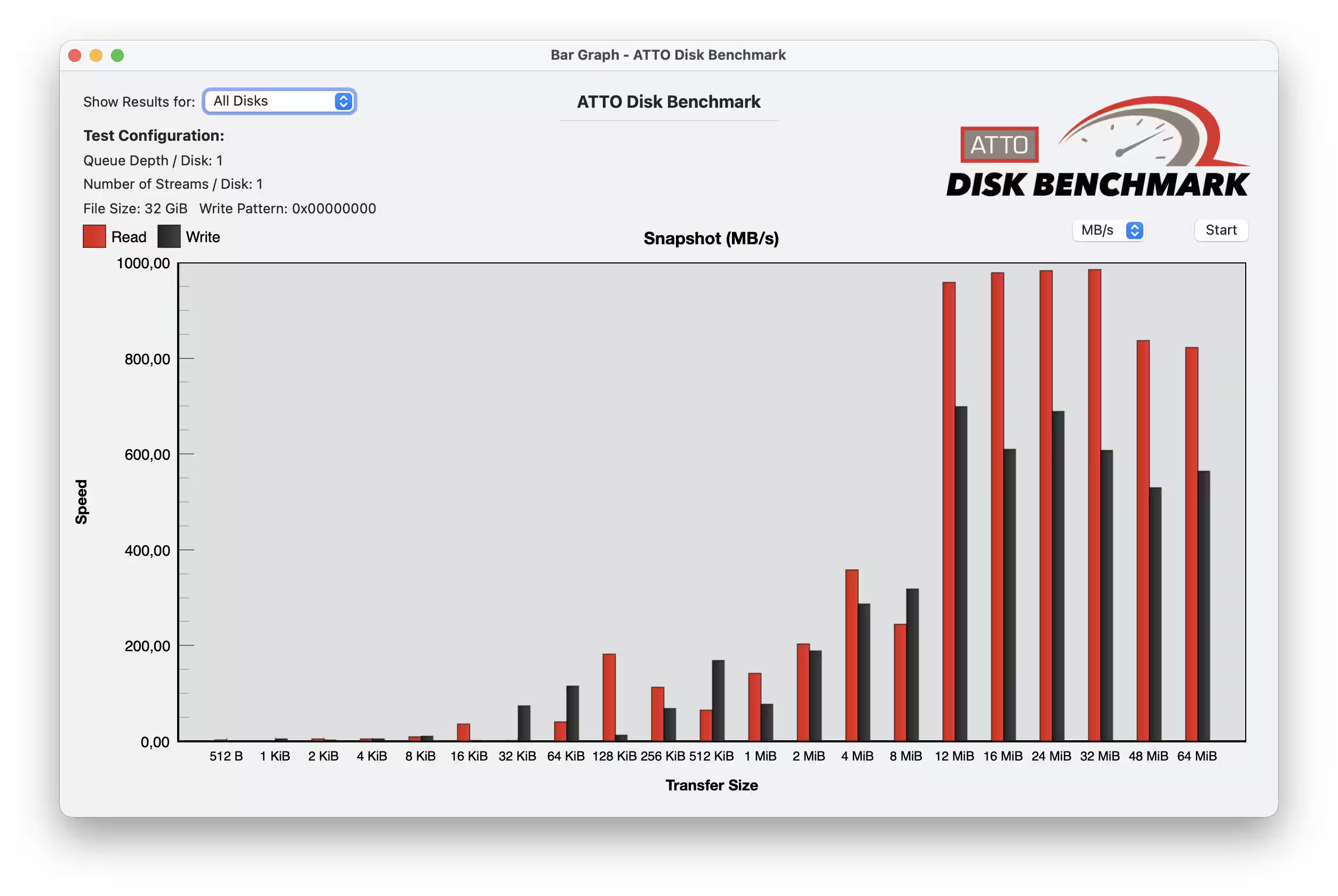
The X1 Max uses a small cache to speed up short bursts of transfers, but once that’s full, performance hits the limits of the flash memory itself. For everyday needs—copying documents, photos, or small video clips—this is barely noticeable. After all, it’s unlikely you’ll be transferring huge 20–50GB files daily on a flash drive.
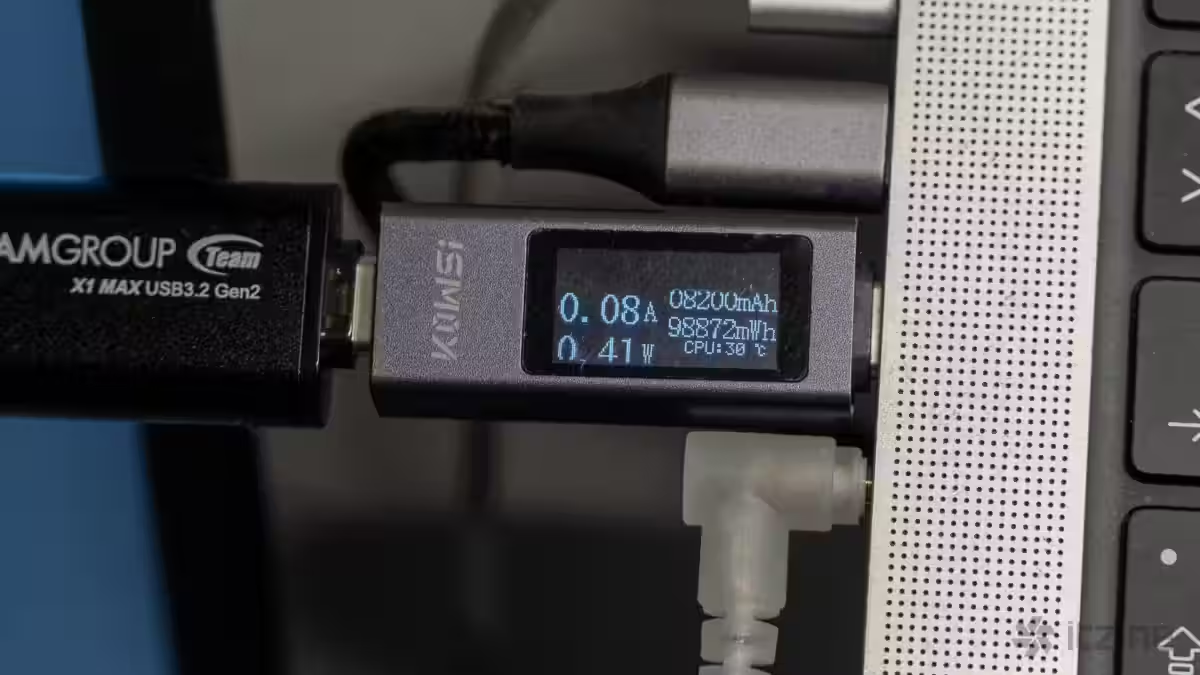
The device does get noticeably warm during extended transfers, despite the aluminum body helping with heat dissipation. This is typical for compact SSDs but worth considering if you plan intense, long sessions. However, few users will rely on this as a permanent drive—if you just transfer files once a day or so, the heat won’t be an issue.
Connectivity and interfaces
The X1 Max runs on USB 3.2 Gen 2 x1, supporting a max bandwidth of 10Gbps or around 1250MB/s theoretical maximum. Real-world speeds are limited by the controller and memory. Both Type-A and Type-C connectors offer full-speed transfers with no compromises. The drive supports OTG on Android devices. TeamGroup recommends formatting the drive in exFAT to ensure compatibility across smartphones and tablets—this makes transferring files directly between phone and PC straightforward, without relying on cloud services.
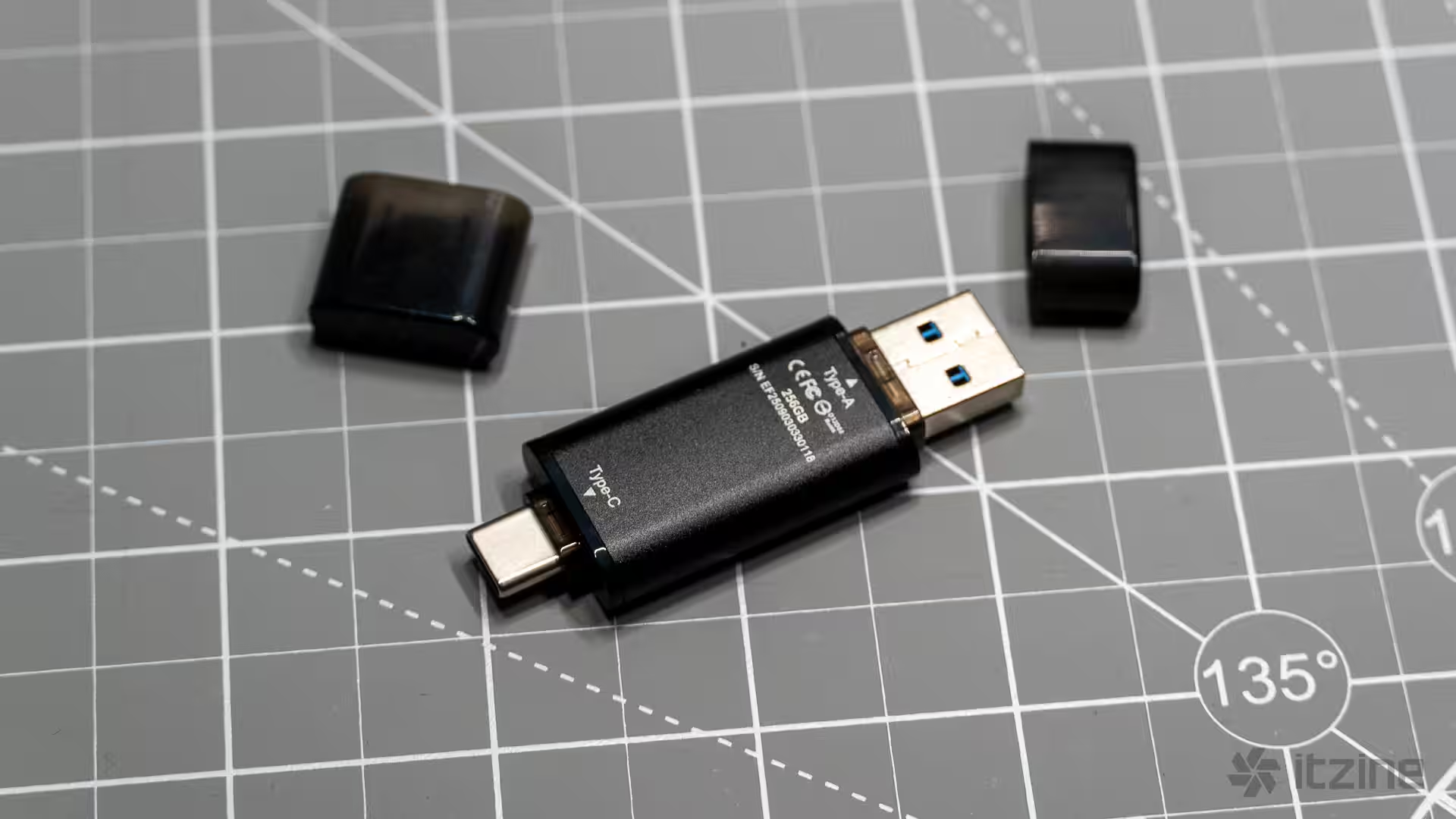
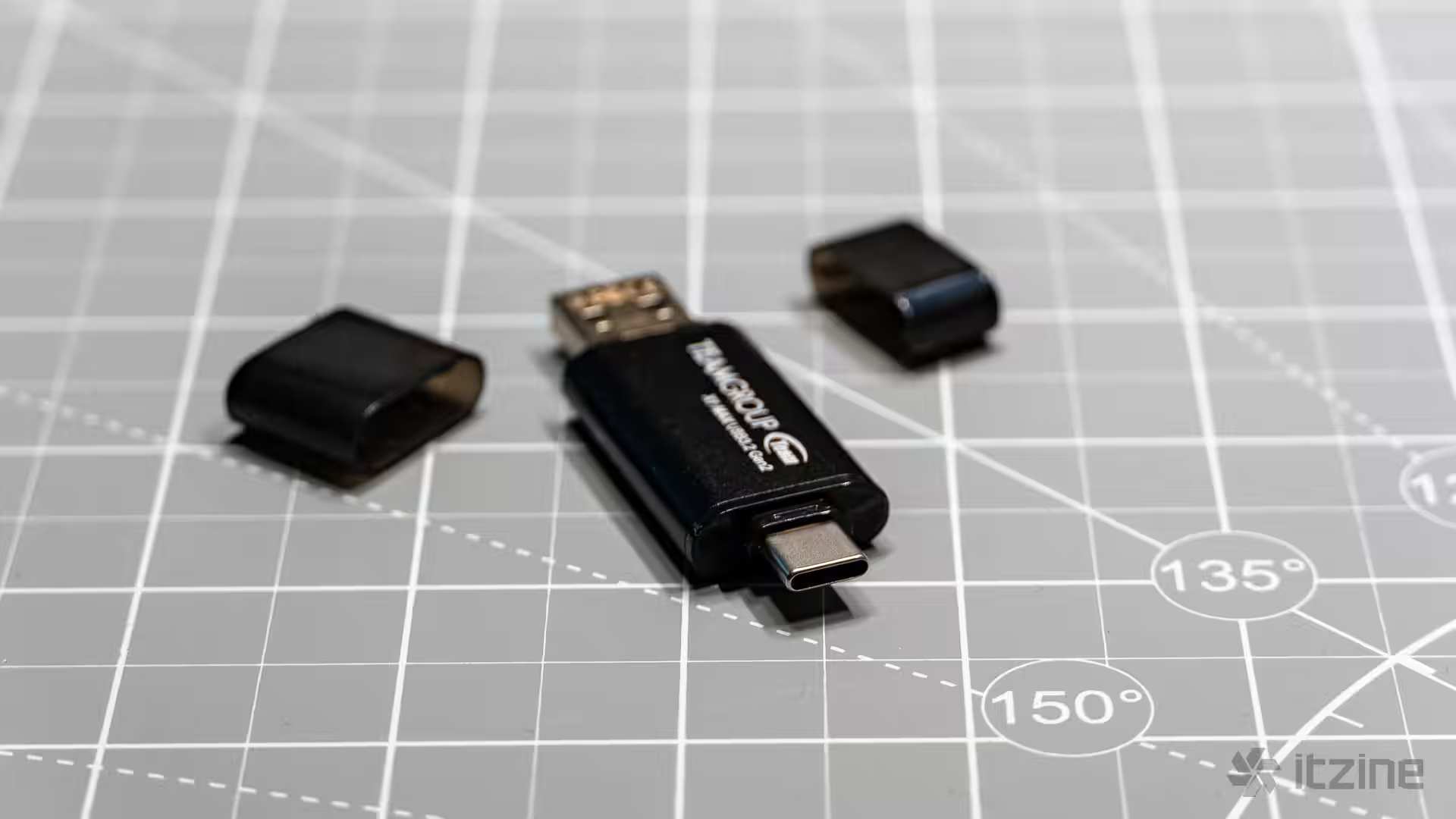
No extra software comes bundled with the X1 Max, simplifying use but sacrificing features like hardware encryption or drive health monitoring. However, software encryption is supported—you can use BitLocker, VeraCrypt, or built-in OS encryption tools as needed.