TeamGroup X1 Max review: a 256GB flash drive with dual ports and SSD-level speeds
 By Arthur Berg
Back in school, I got my first 256MB flash drive and thought it could hold half the internet. Now, holding the TeamGroup X1 Max in my hand—smaller in size but packing 1,024 times more storage—I realize just how far we’ve come. The X1 Max isn’t your ordinary USB stick; it’s a compact SSD with both USB-A and USB-C ports, boasting read speeds up to 1000MB/s and write speeds up to 900MB/s. Available in 128GB, 256GB, 512GB, and 1TB variants, priced roughly between 2,000 and 8,000 rubles, it works seamlessly with everything from smartphones to PCs. The X1 Max makes perfect sense if you’re after a portable, versatile everyday drive—not for constant heavy-duty file transfers, though.
Design and ergonomics of TeamGroup X1 Max
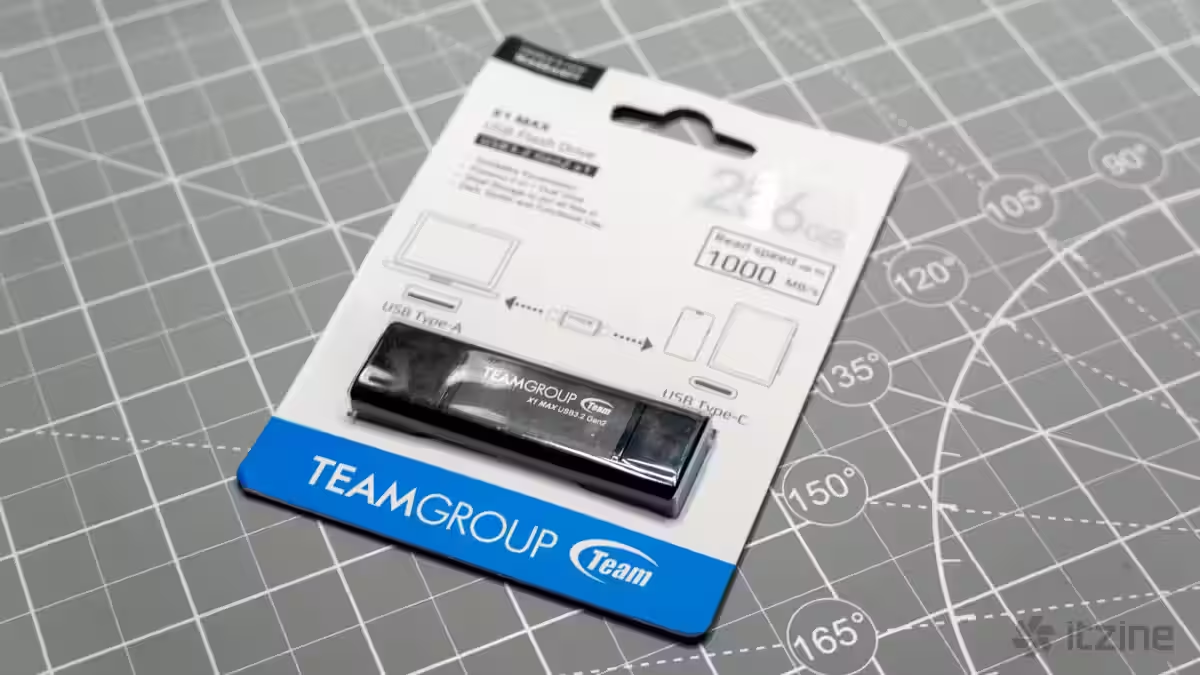
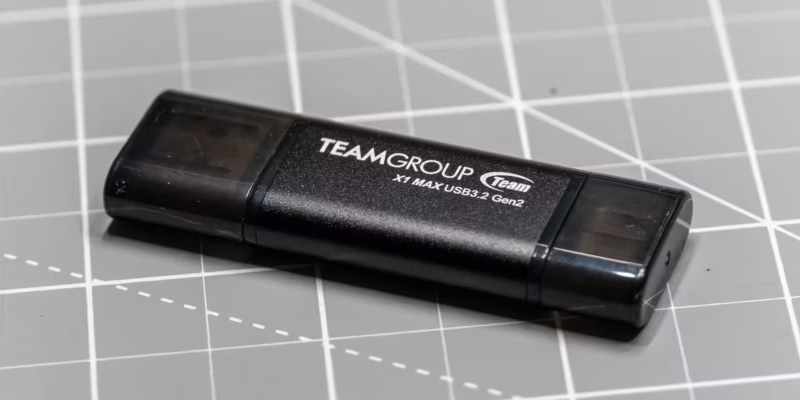
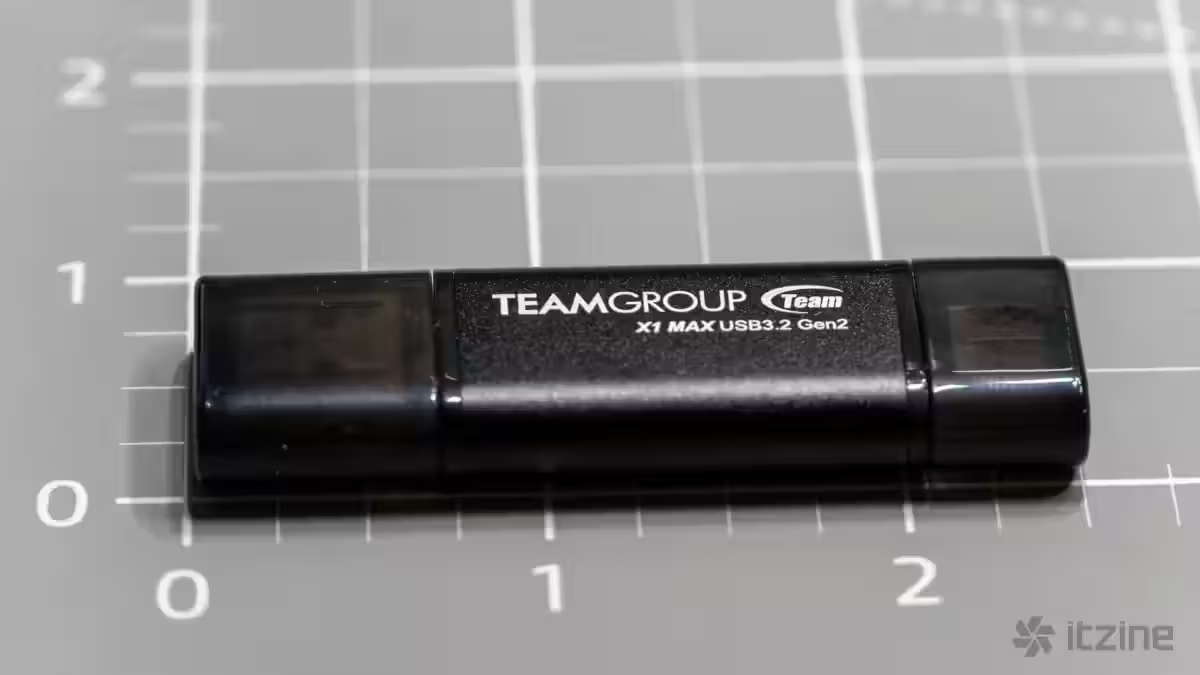
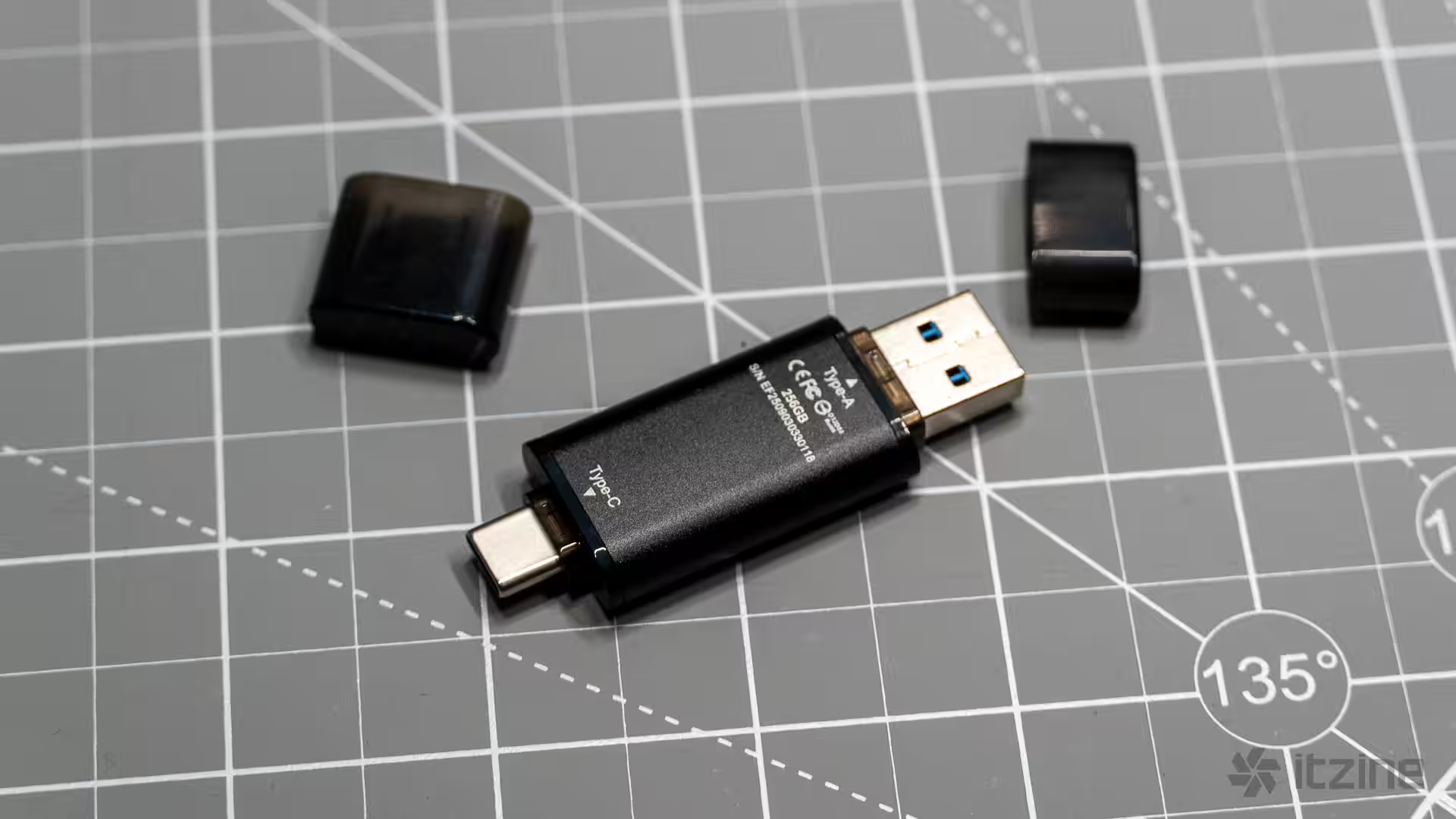
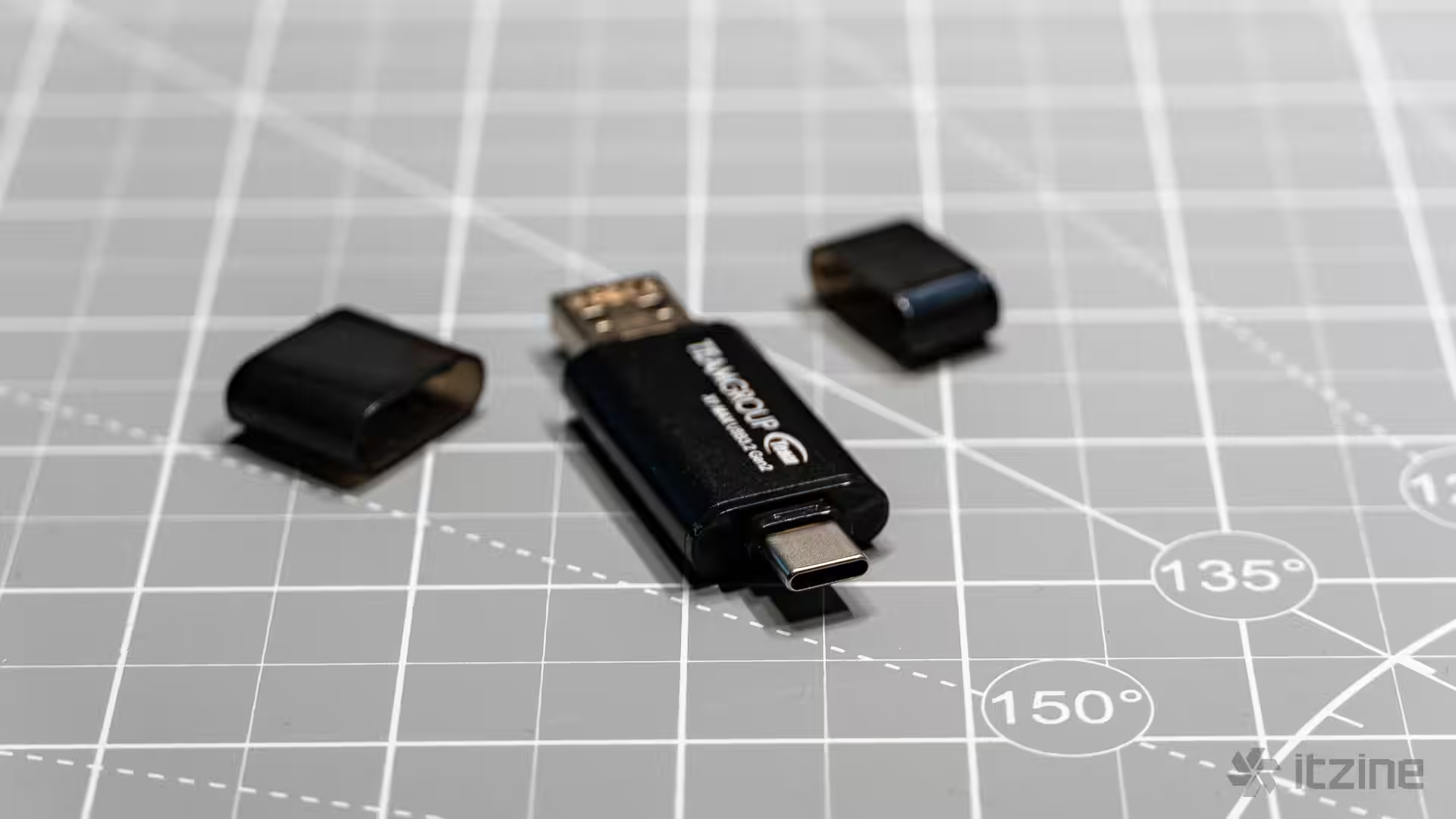
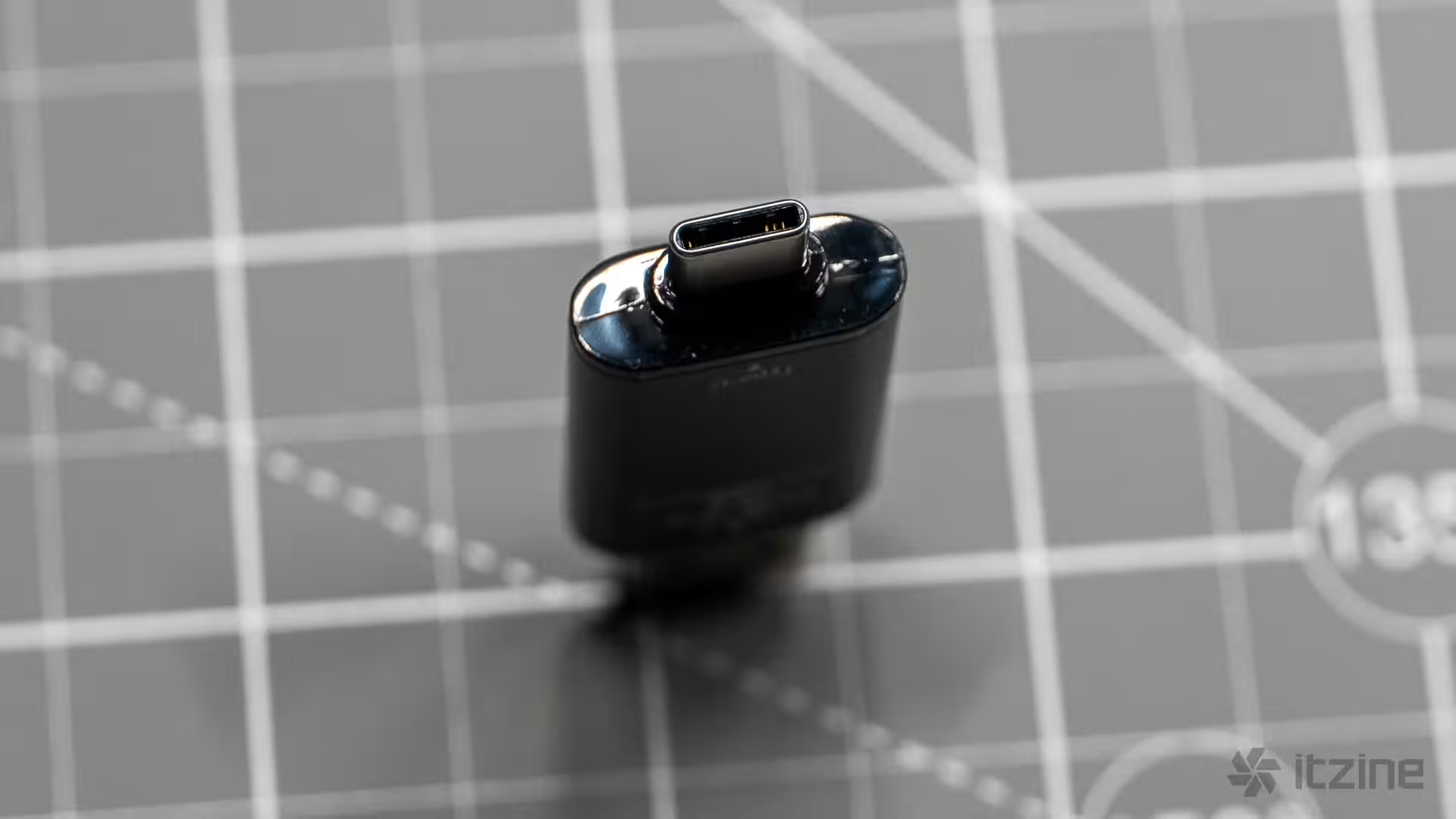
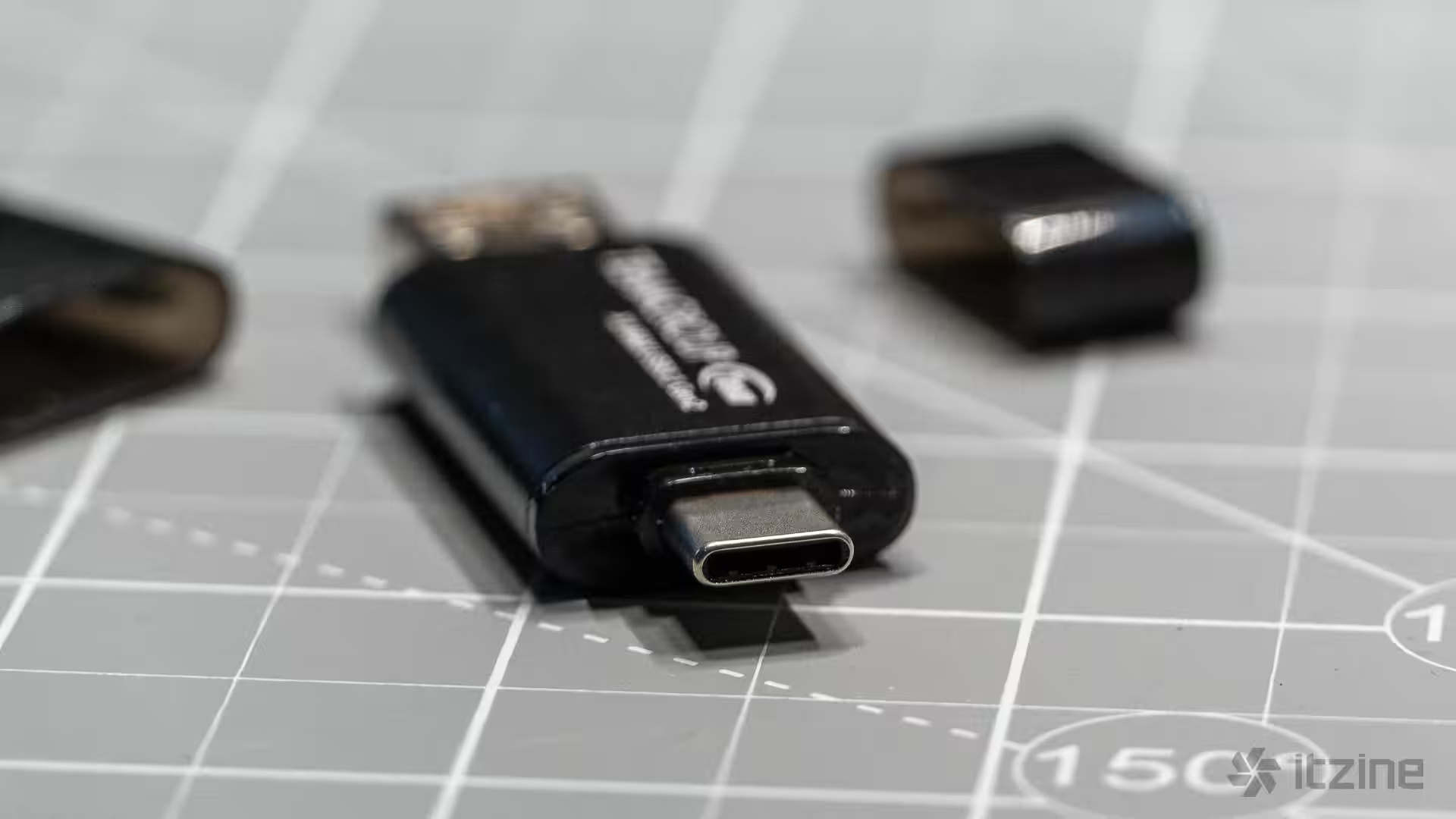
The TeamGroup X1 Max looks like a standard flash drive but packs the internals of an SSD. Inside is an NVMe controller and flash memory operating over USB 3.2 Gen 2, pushing speeds up to 10Gbps. Its standout feature? Two ports in one device—Type-A on one end, Type-C on the other—each protected by removable plastic caps that are easy to lose (a strange omission is any tether or attachment for these). The drive measures 6.3cm long, weighs 12 grams, and sports a sandblasted aluminum alloy shell that resists scratches and feels premium. Its compact dimensions—around 6.3cm by 2cm by less than 1cm thick—make it comparable to classic USB sticks.
Compatibility is broad. The X1 Max works with Windows XP and above, macOS 10.6+, Linux 2.6+, and modern iOS/iPadOS devices with USB-C ports. No drivers required—plug and play. It’s ideal for users needing a fast, versatile drive to shuttle files between different devices without cables or adapters. Think journalists, photographers, videographers with small projects, and office workers frequently switching files between laptops, tablets, and phones.
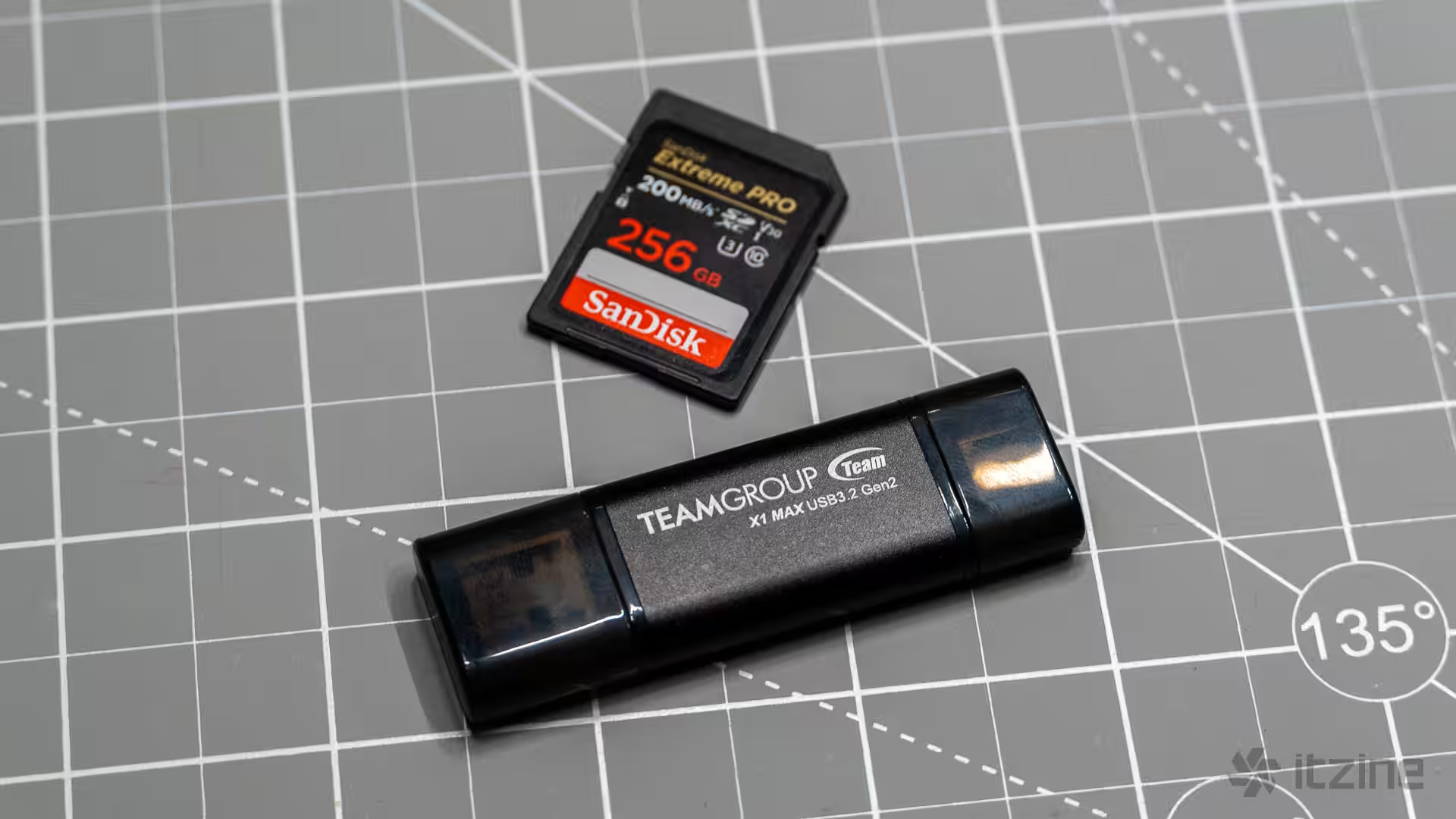
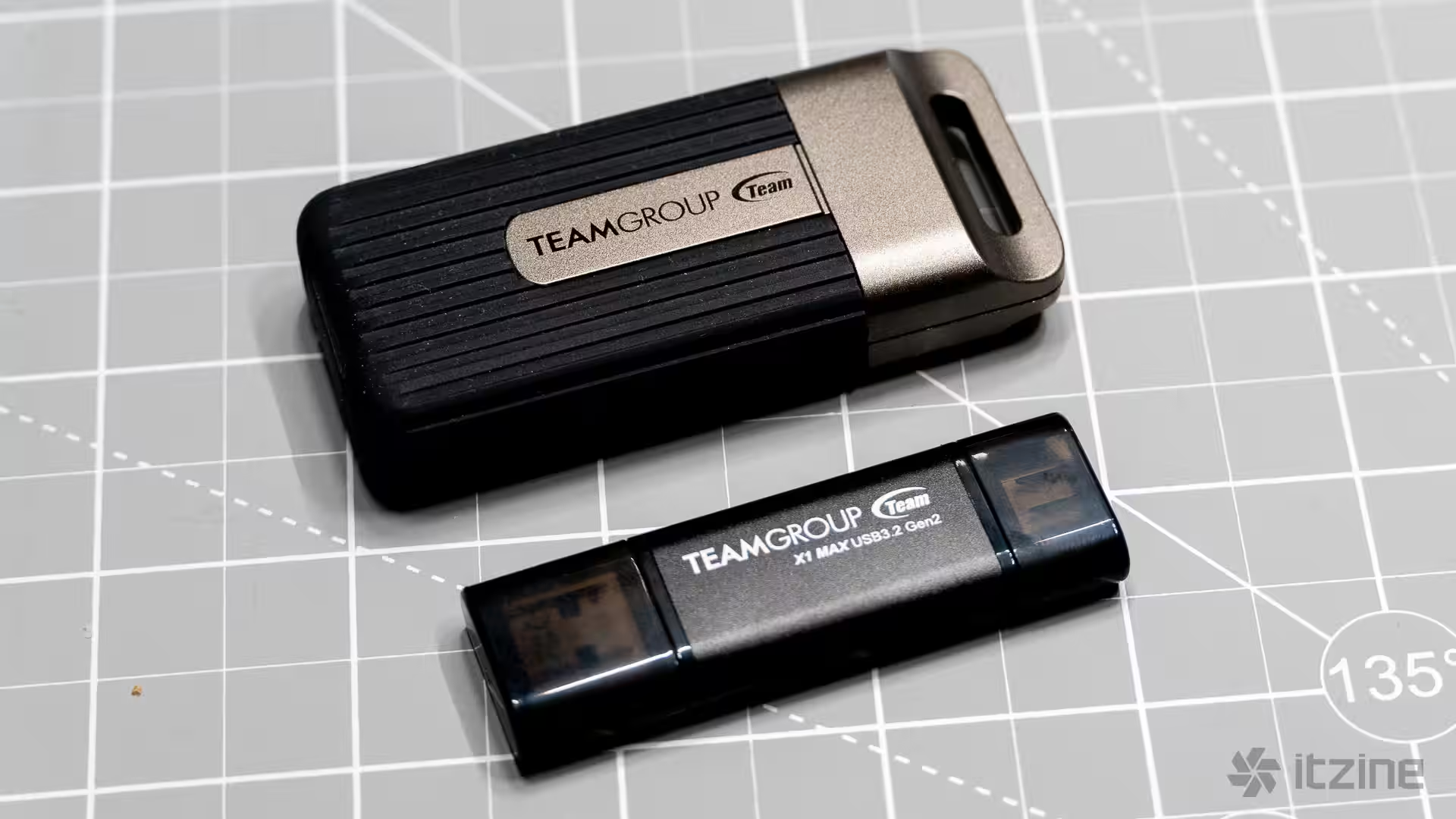
At first glance, the X1 Max looks like any typical black aluminum flash drive—clean and minimalist. That said, its form factor presents a risk: it sticks out from USB ports, making it vulnerable to getting bumped or broken, especially on laptops. One careless move could damage both the drive and the port. Plus, on some MacBooks, port spacing is so tight that the stick’s width blocks other cables. Still, the compactness is a definite plus—it fits in any pocket, needs no case or wires, and is perfect for travelers who want to quickly move files between a smartphone and a laptop or vice versa.
Performance and endurance
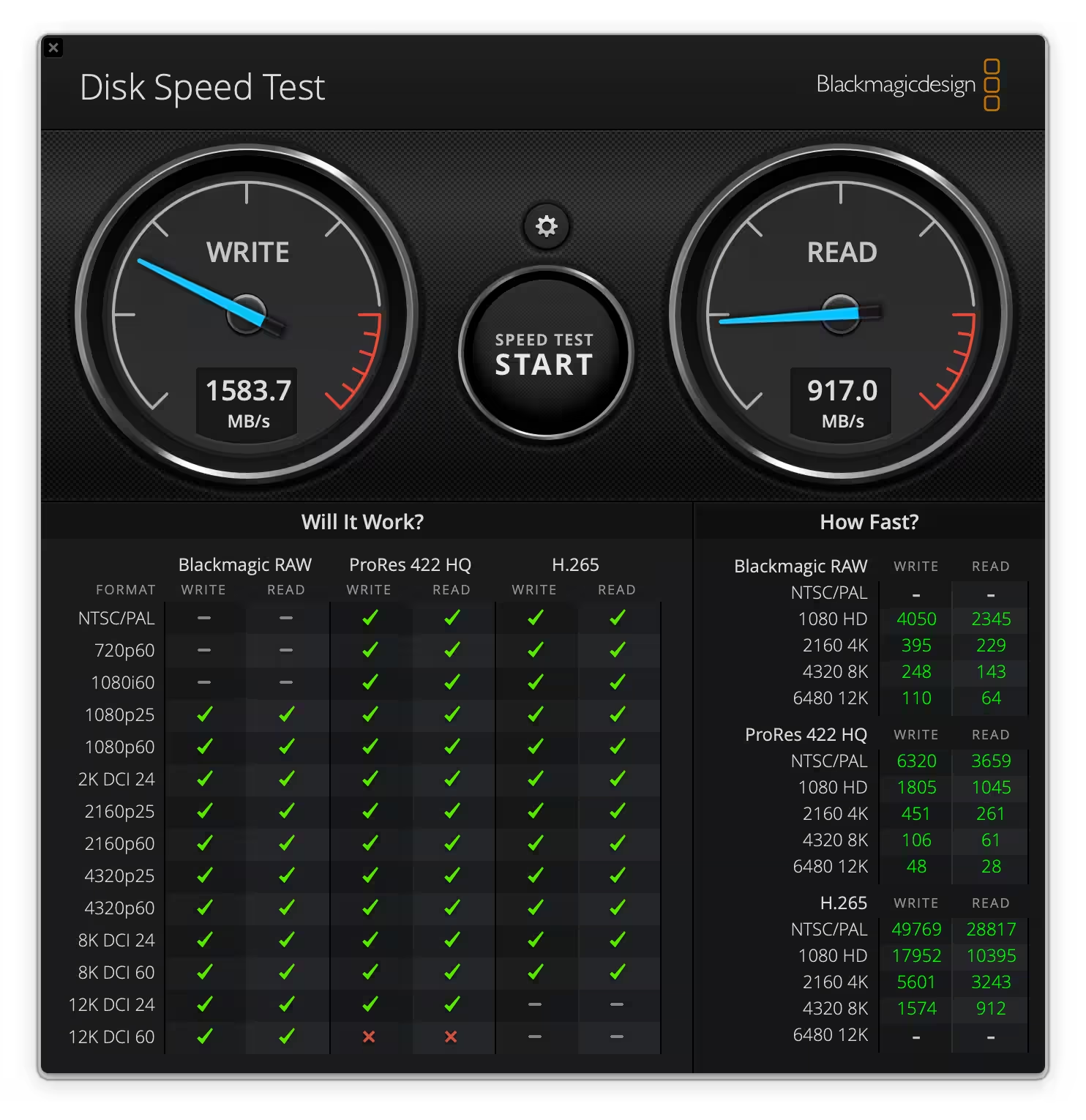
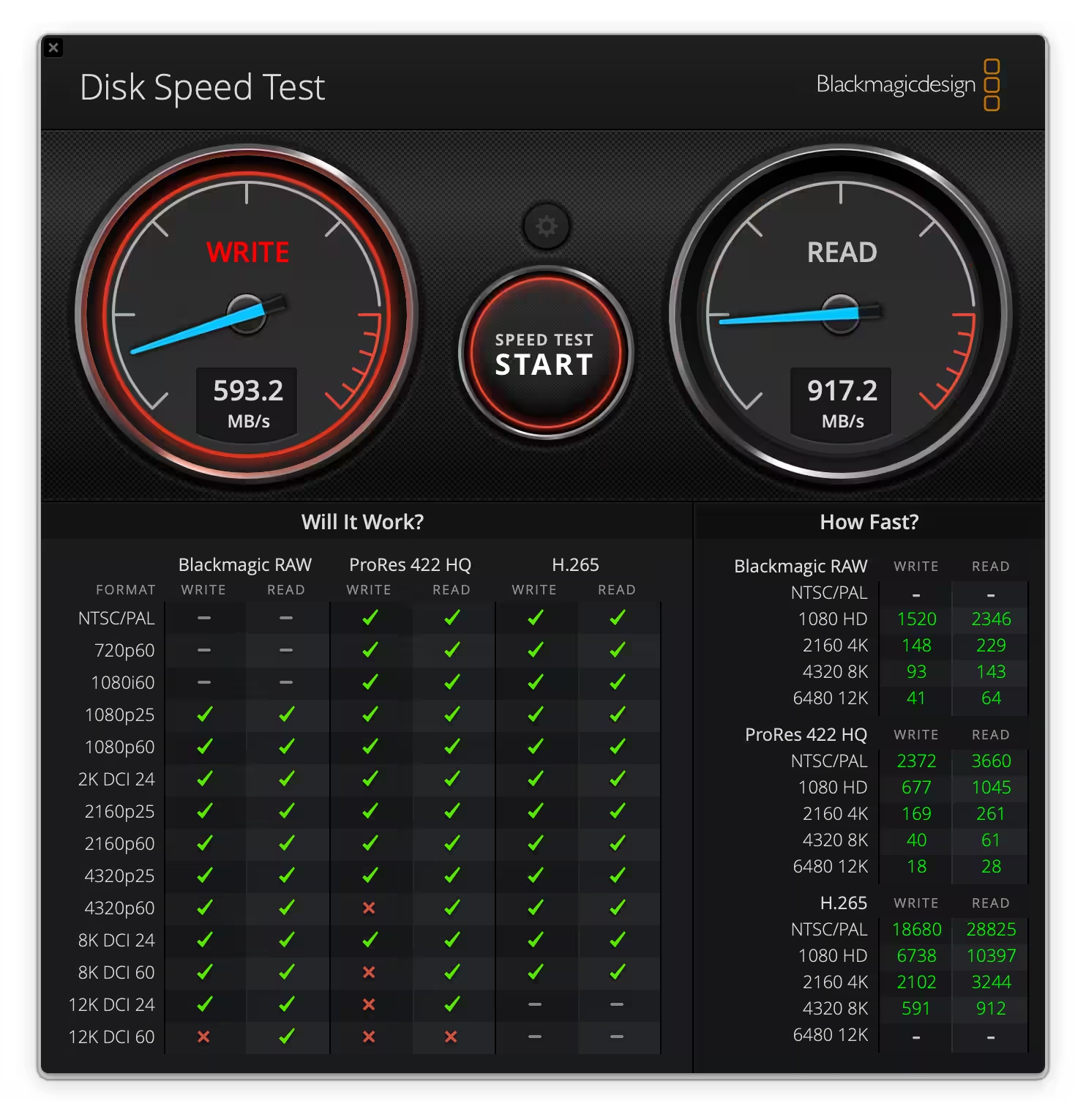
In synthetic benchmarks with small files, the X1 Max impresses. Testing a 1GB file in BlackMagic Disk Speed Test showed read speeds hitting the promised 1000MB/s, and write speeds soaring even beyond 1500MB/s. Both USB-A and USB-C ports delivered comparable results, a testament to solid implementation on both ends. When testing with a larger 5GB file, speeds dipped a bit: reading stayed strong around 917MB/s, while writing slowed to about 500MB/s—not ideal but still respectable.
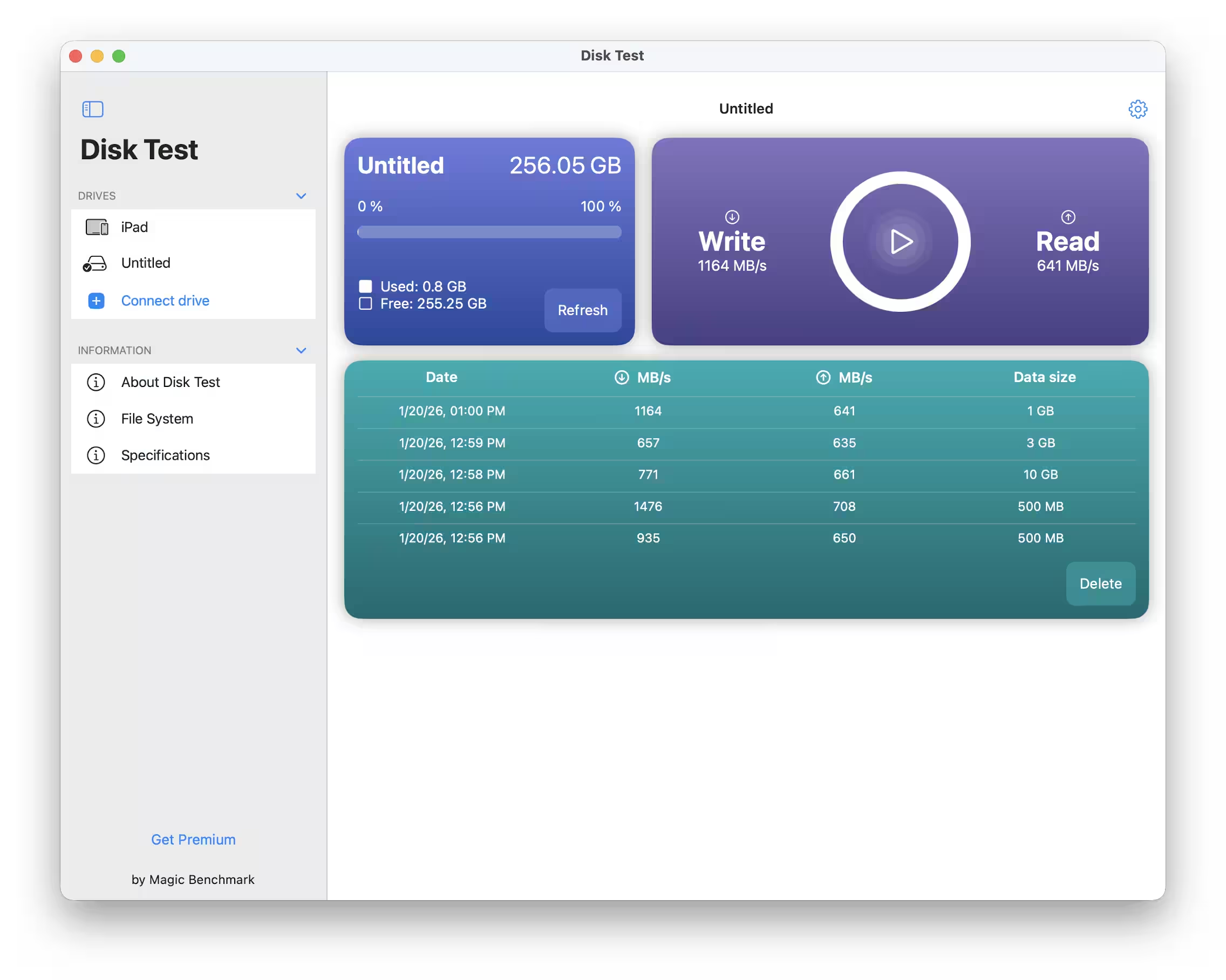
Magic BenchMark Disk Test results aligned pretty closely with those figures, showing expected speeds. When pushing a 10GB file, the speed drops further as the cache fills up and the drive has to write directly to flash memory. Dropping to around 700MB/s isn’t a dealbreaker though — it’s still within USB 3.2 Gen 2 specs.
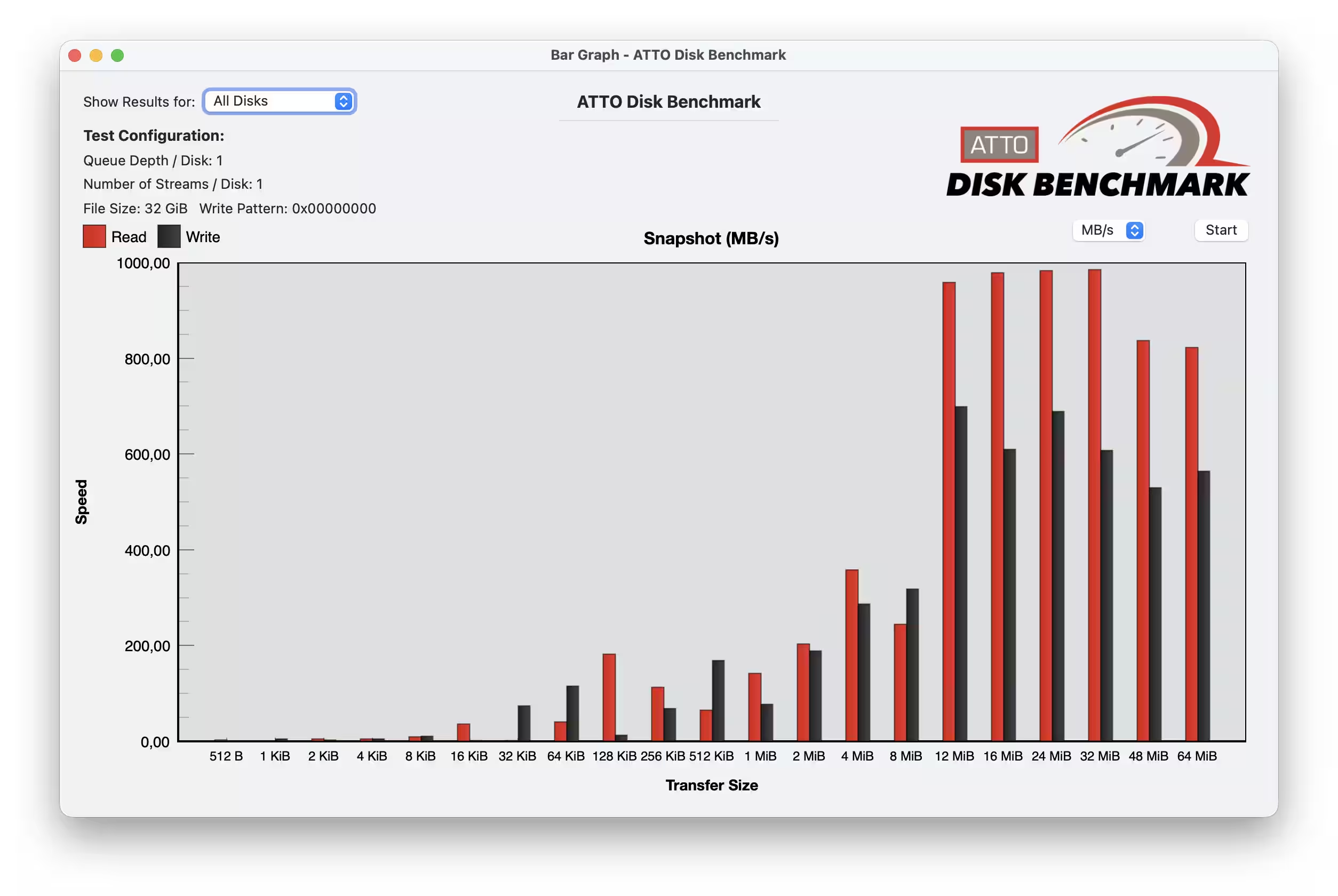
The X1 Max uses a small cache to speed up short file operations, but once that’s full, performance depends on the raw flash memory speeds. For everyday activities like transferring documents, photos, or short videos, you won’t notice. After all, how often are you dumping 20-50GB files onto a flash drive daily?
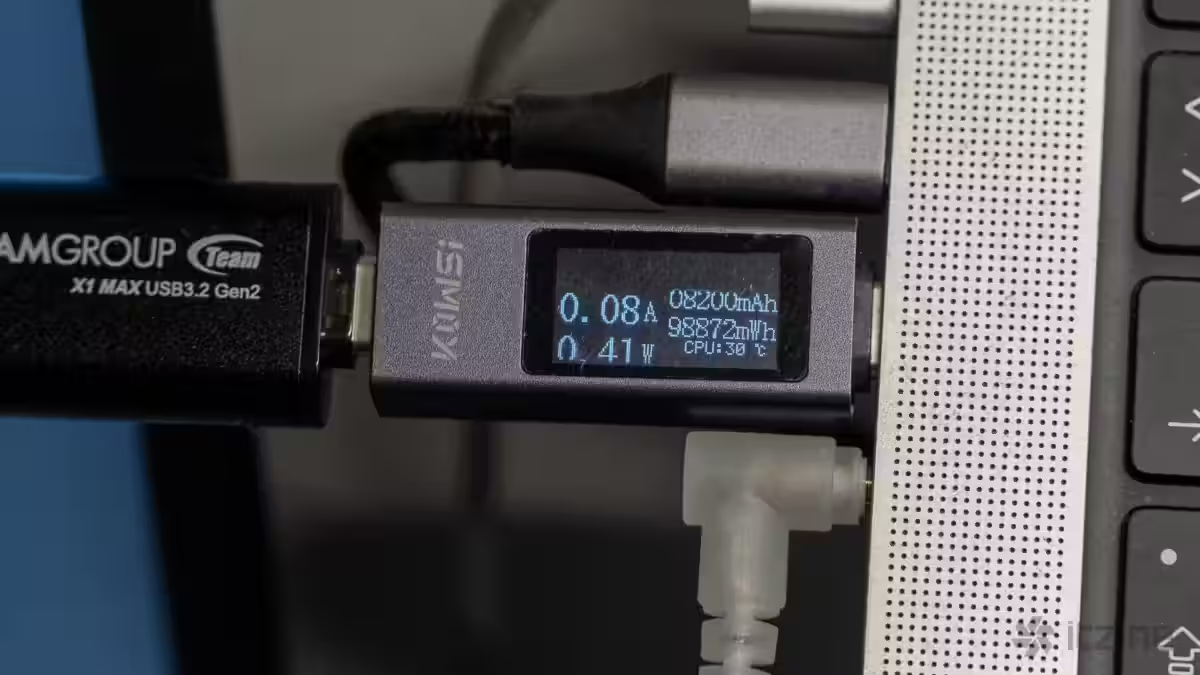
Heat buildup is noticeable. During extended transfers, the aluminum body gets hot despite acting as a heatsink. This is pretty typical for compact SSDs and something to consider if you plan heavy, nonstop use. Still, it’s unlikely anyone will rely on this drive as their daily storage. For occasional daily file transfers, a bit of warmth is no big deal.
Connectivity and interfaces
The X1 Max runs on USB 3.2 Gen 2 x1, offering a theoretical max bandwidth of about 1250MB/s, though actual speeds are limited by the controller and memory. Both Type-A and Type-C connectors support full speeds without compromise. The drive supports OTG on Android devices, and TeamGroup recommends formatting it as exFAT to ensure smooth compatibility with smartphones and tablets. This setup lets you transfer files directly between phone and PC without relying on cloud services.
No additional software comes with the X1 Max. This keeps things simple but means no hardware encryption or health monitoring out of the box. You can still use software encryption tools like BitLocker, VeraCrypt, or built-in OS utilities for protecting your data.