Opera for Android has received new updates with artificial intelligence
 By ForGeeks
Opera has unveiled new artificial intelligence features for its Opera for Android browser. The update brings the mobile version closer in features to the company’s desktop flagship — the Opera One browser.
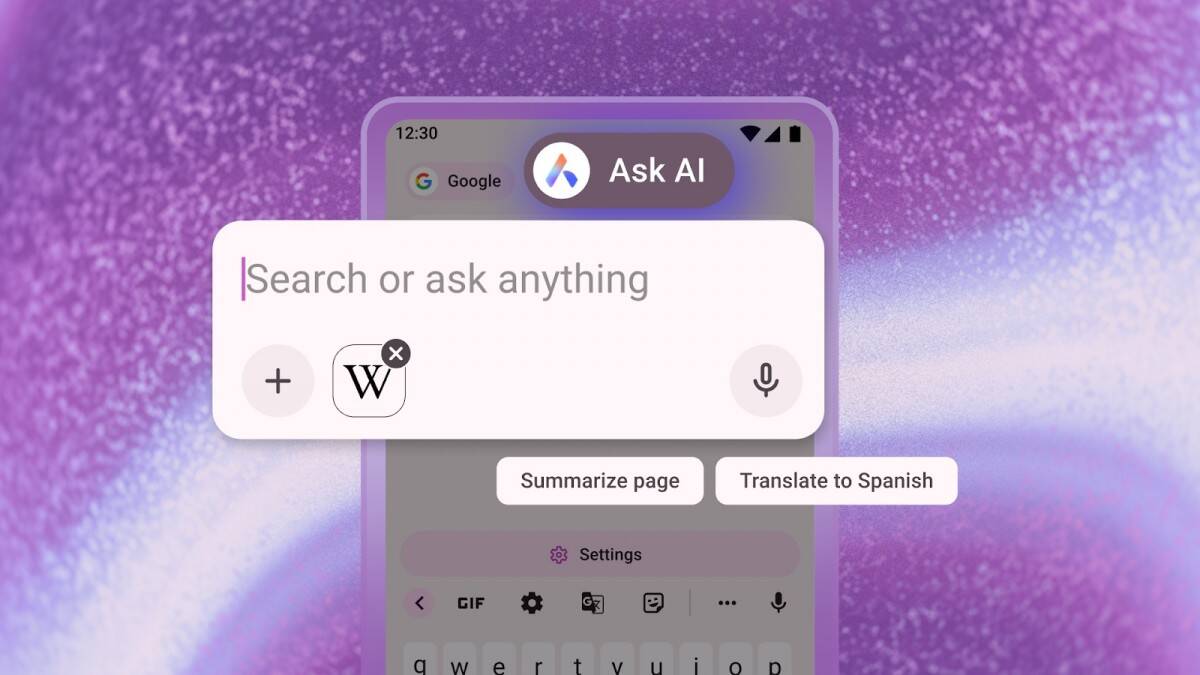
One of the key new features — the updated Ask AI tool, which has been given a convenient hotspot for all AI queries. Now all you have to do is click on the search bar in your browser and select «Ask AI» to open a separate window for the request. This makes it easy to switch between normal searches and Ask AI.
It’s also now possible to attach files for translation, summary or explanation. PDFs and images are supported. To send a document, open the Ask AI interface, tap the «+» icon, and select a file or photo on your device. You can also take a snapshot with your camera and upload it right away.
Another new feature — using the contents of the current tab as context for AI responses. This allows you to ask the AI to explain, translate or summarize the content of a web page. To do this, click on the menu in the top right corner, select «Ask AI» — and the page is automatically attached to the request. You can then ask clarifying questions directly in the search bar.
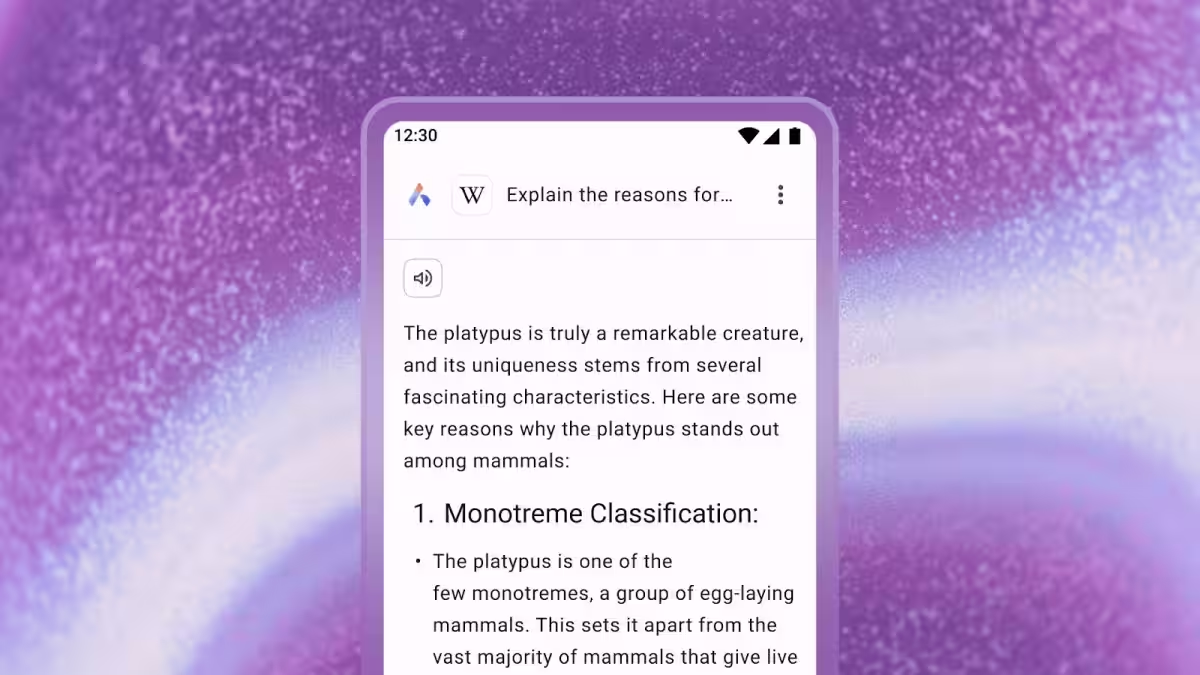
Opera emphasizes that it has implemented additional data protection measures. The AI only accesses information from the active tab and doesn’t see the rest of your browsing history.
The company says contextual data is only passed to the AI when it needs to fulfill a request. The information is encrypted and stored for up to 30 days — this is to preserve communication history and speed up the processing of repeat requests. The data is not used for model training or advertising and is automatically deleted after this period.
The update is now available to all users. If the new features are not yet available, it is recommended to update Opera for Android via Google Play.