Dreame D20 Ultra review: vacuums, mops, dries, and cleans itself
 By Maya Collins
Lately, Dreame seems bent on shaking up the vacuum cleaner world. Today, we’re taking a deep dive into the Dreame D20 Ultra. You’ve probably heard about their cordless vacuum-mop hybrids, and at IFA 2025, they even unveiled a robot vacuum that can climb stairs—and that’s not all. Meanwhile, Dyson has mostly been playing it safe, releasing only a new pet hair brush and a vacuum with the motor and dustbin in the handle—though that one raises eyebrows due to its compact size. It’s like the crown in this segment is slowly shifting to brands willing to take risks, experiment, and launch new models far more often than every few years.
I’ve had a robot vacuum in my smart home setup for quite some time, and from day one, it was a mop-vac combo. But I was always bothered by the fact that it just wets the floor without really washing it—the robot drags a damp cloth rather than properly scrubbing. Sure, it’s better than nothing. Then some friends started using separate vacuums and mops. I figured you’d need two devices for a truly clean floor—turns out, you don’t. Dreame D20 Ultra vacuums, mops, self-cleans and dries the mop pads, and even auto-empties its dustbin into a 3.2-liter bag. It uses lidar navigation combined with a 3DAdapt obstacle avoidance system, recognizes carpets via ultrasound, and lifts the mops to avoid soaking the fibers. Its Vormax suction powers up to 13,000 Pa, making carpet and crevice cleaning noticeably deeper. In Russia, the retail price is 49,990 ₽. If you want “quiet automation” for up to 200 m² without dealing with dustbins and mop pads, this is a very strong contender. And this is Dreame’s budget-friendly model—flagships can do even more. Some pricier models even record video of their cleaning runs, and at IFA, Dreame showcased a vacuum that swaps brushes for different floor types. But today, we’re focusing on the “simple” D20 Ultra.
What is it and who is it for
The Dreame D20 Ultra is a mopping robot vacuum with a multifunctional PowerDock station. This isn’t just a charger—the dock handles all the “dirty” tasks: it blows dust from the vacuum’s container into a 3.2-liter bag, washes the mop pads, and dries them with warm air. Unlike robots that simply drip water onto a cloth, this system is different. The base fills a special compartment with water, where the robot spins its mops; dirty water is sucked into a separate tank. The manufacturer claims up to 100 days without touching dust—which is achievable if you run scheduled cleanings without excessive debris. Still, you’ll want to change the clean water at least once a week. After a month and a half of testing, our dust bag hadn’t filled yet. In essence, this vacuum is made for those who want a clean home on “set it and forget it” mode. Of course, the vacuum occasionally needs attention, but that’s way easier than doing the cleaning yourself.
Dreame D20 Ultra design and ergonomics
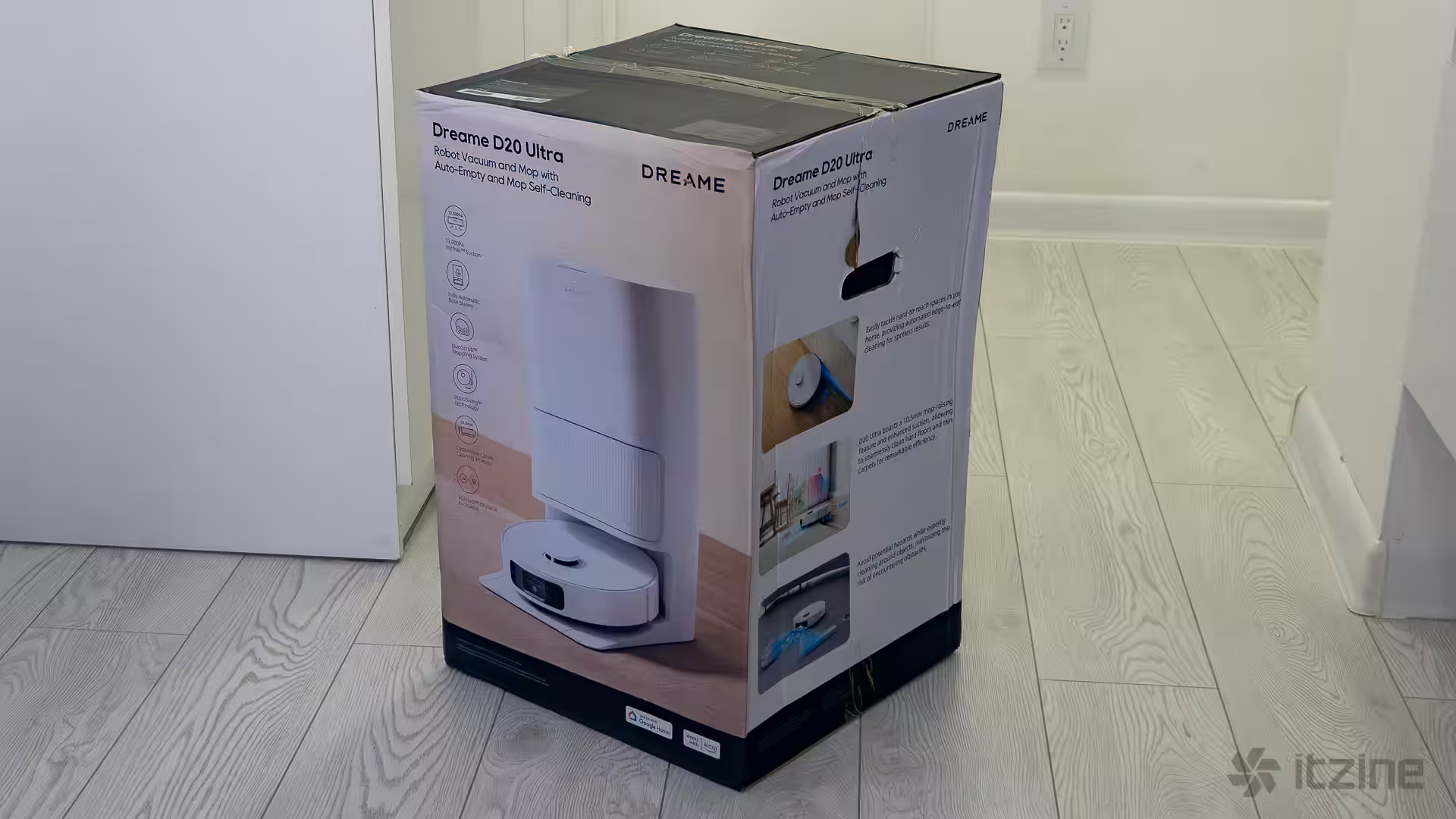
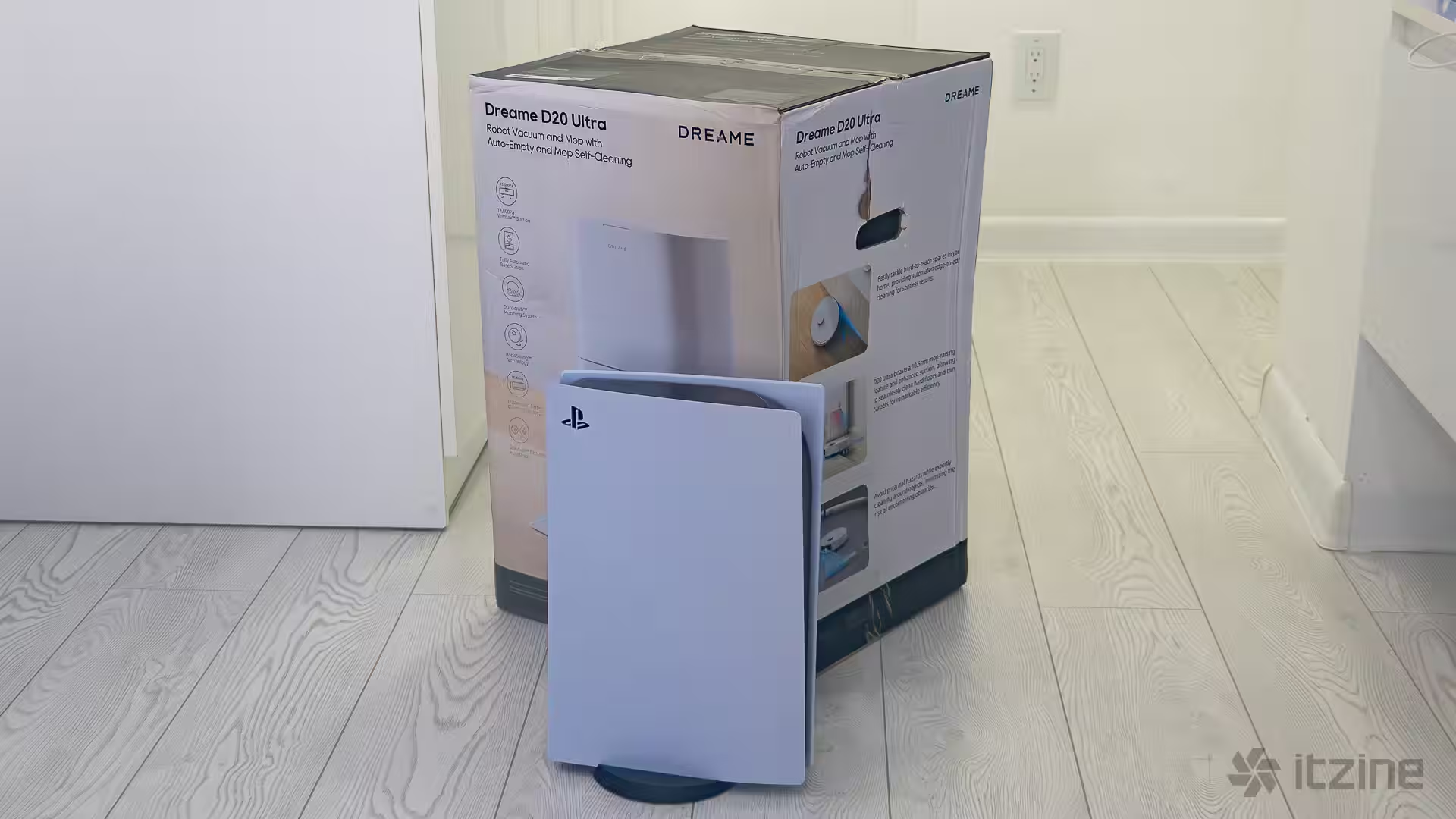
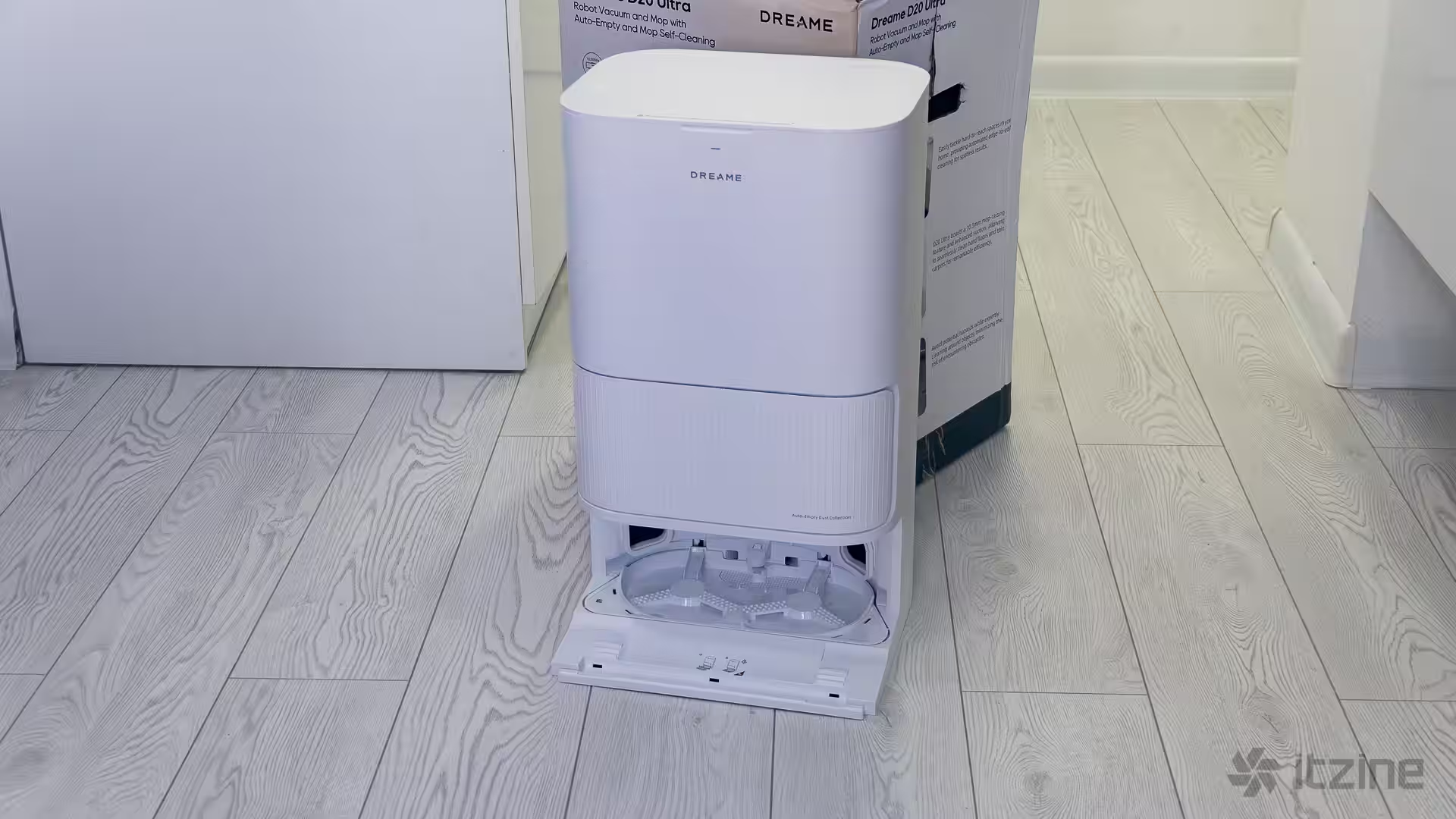
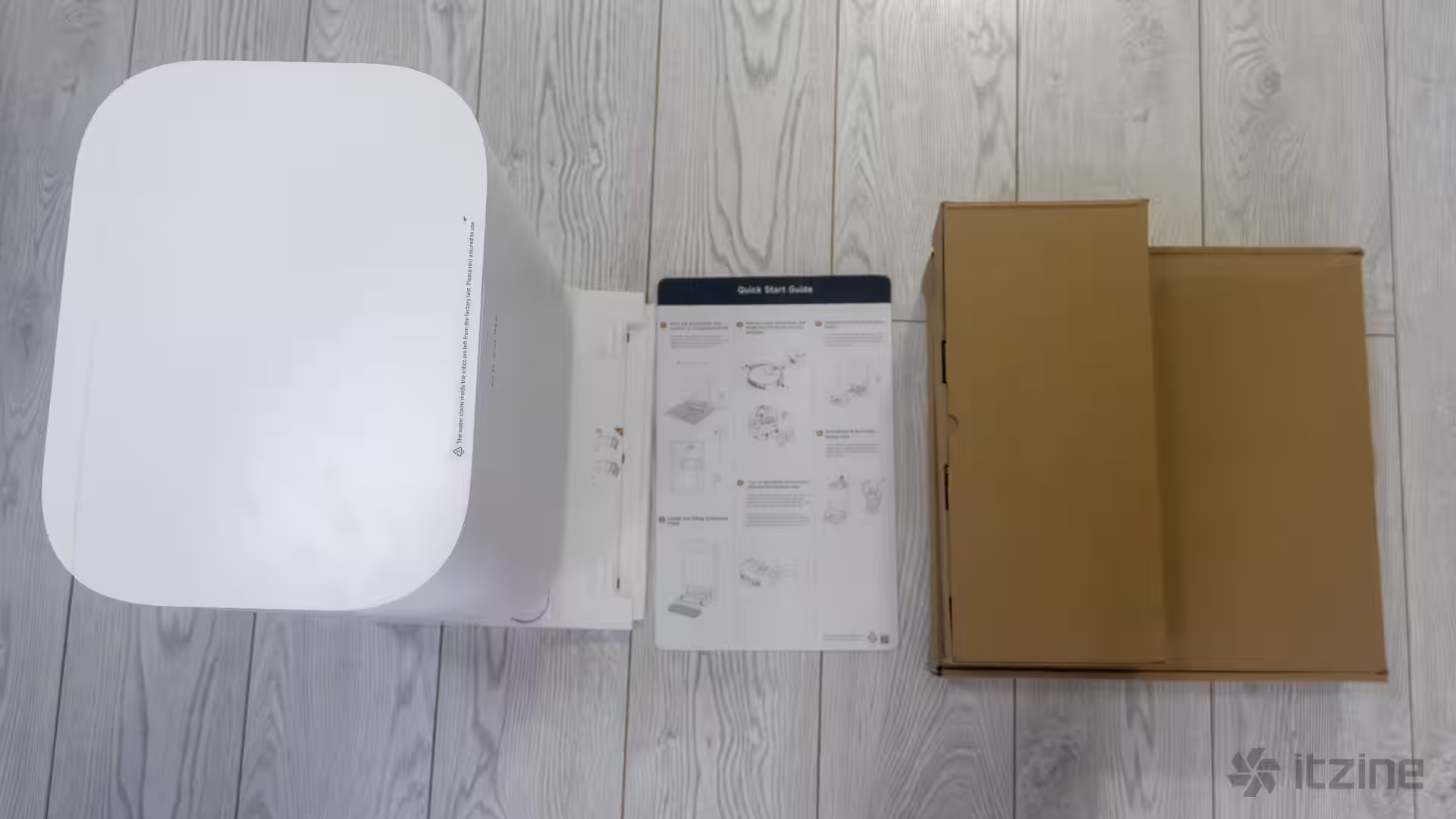
The vacuum arrives in a fairly large box with everything you need to get started: a spare dust bag (one is already installed in the dock), two mop pads, and a sweeping brush. The only thing missing is extra accessories. As the old 90s ads said, “Just add water.” In reality, assembly takes a couple of minutes—fill the clean water tank, plug in the dock, and you’re ready to launch your first cleaning cycle.
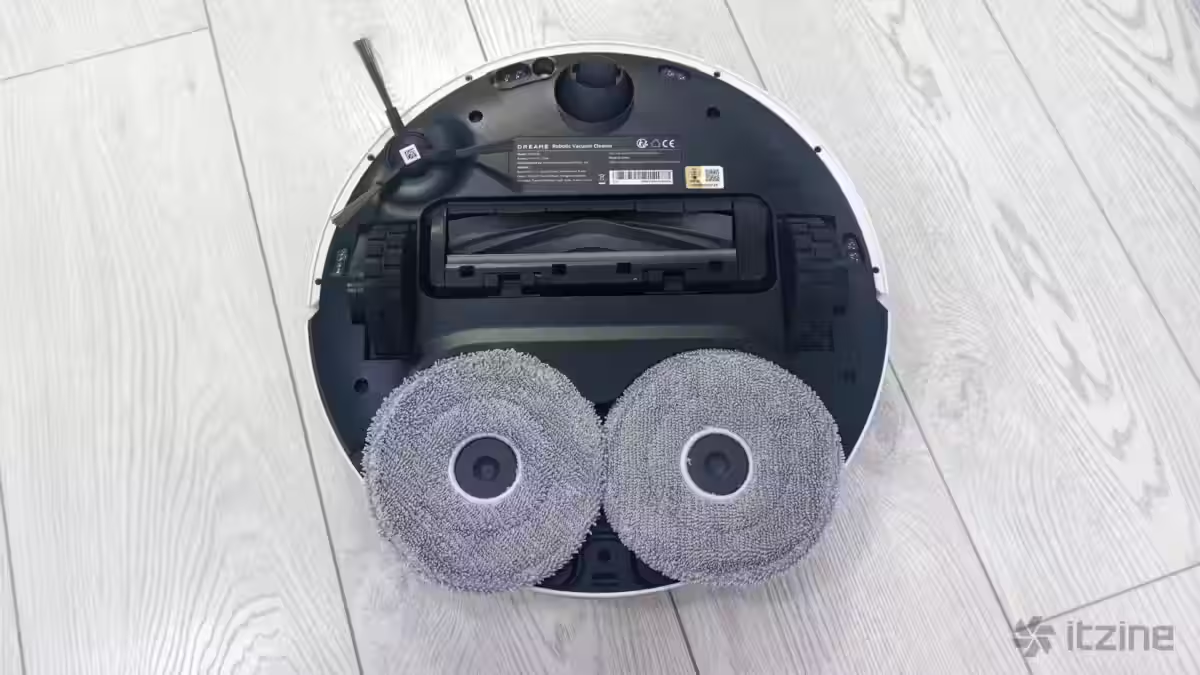
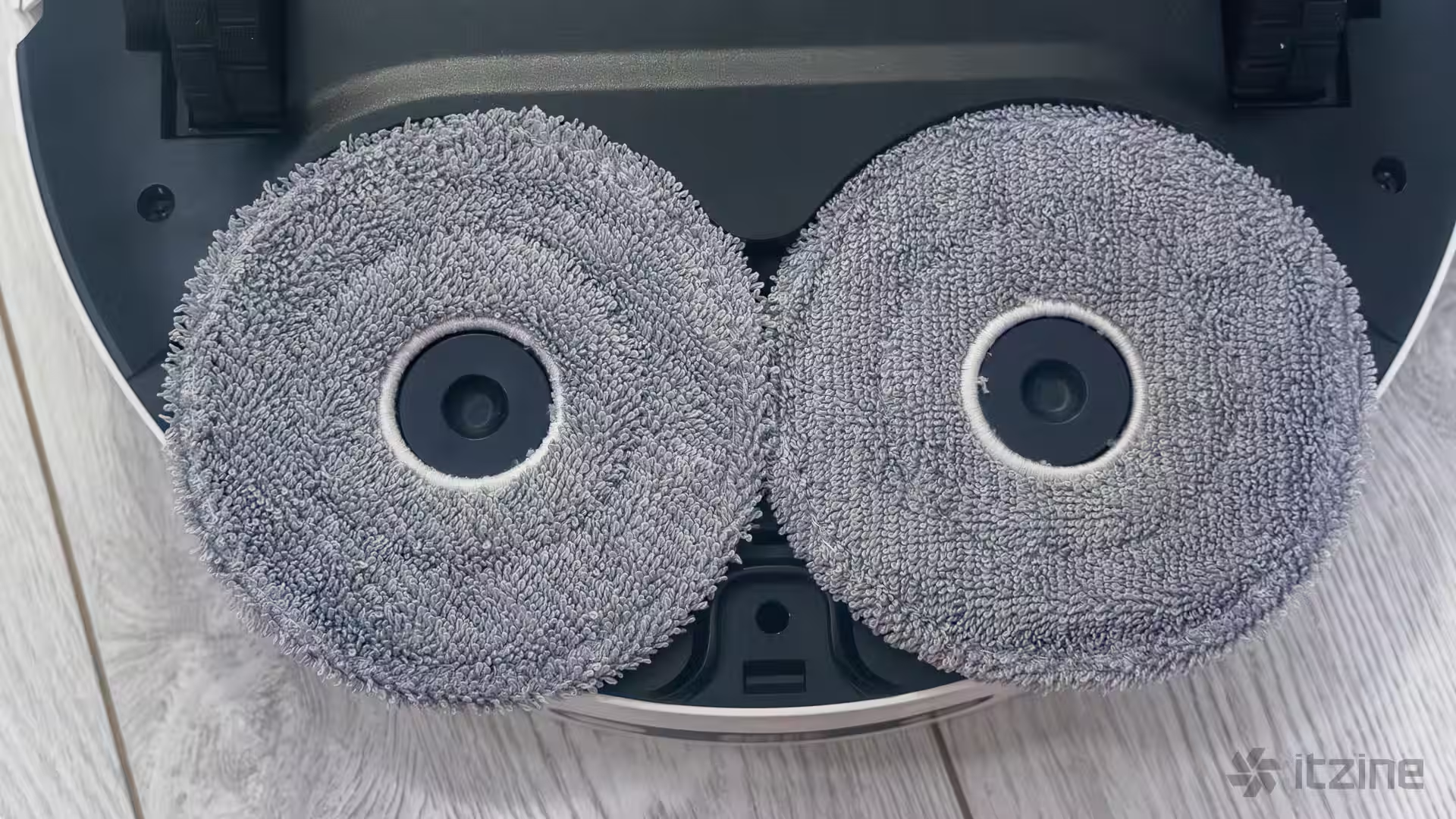
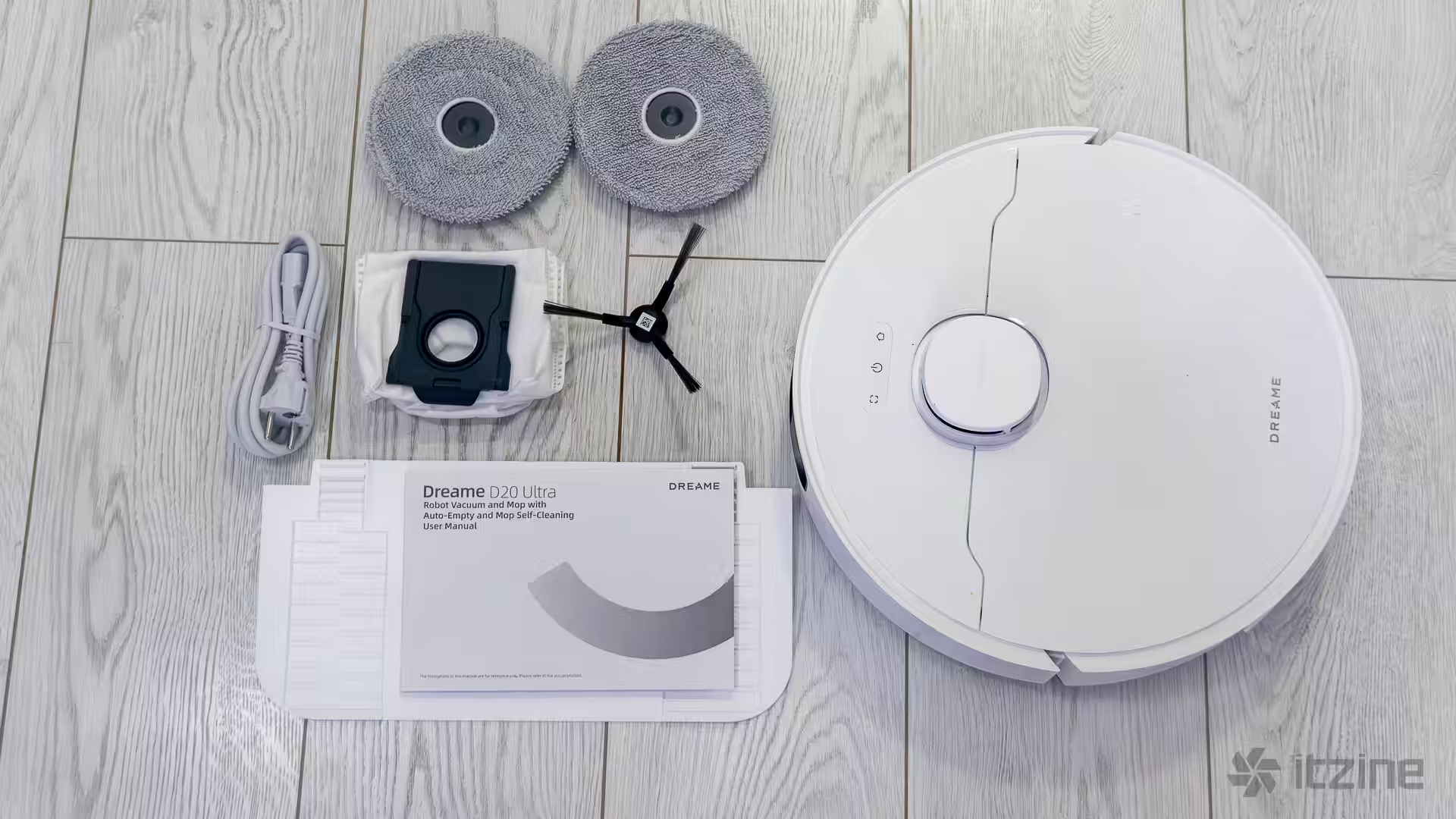
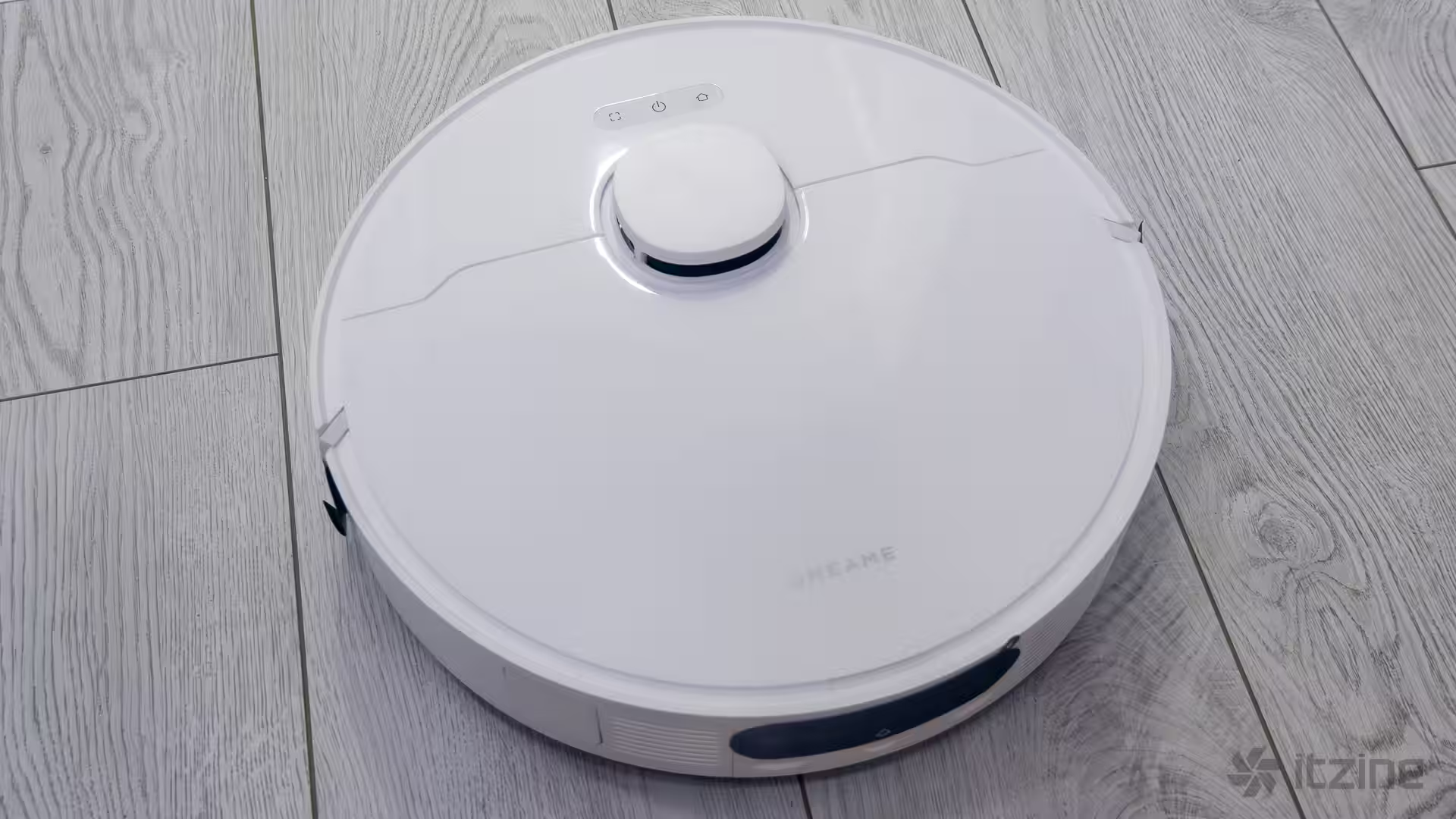
The dock’s body is made from matte white plastic. It doesn’t show smudges easily and handles daily touch well (although you probably won’t be touching it more than once a week anyway). The vacuum itself has a glossy finish, so dust and fingerprints are visible.
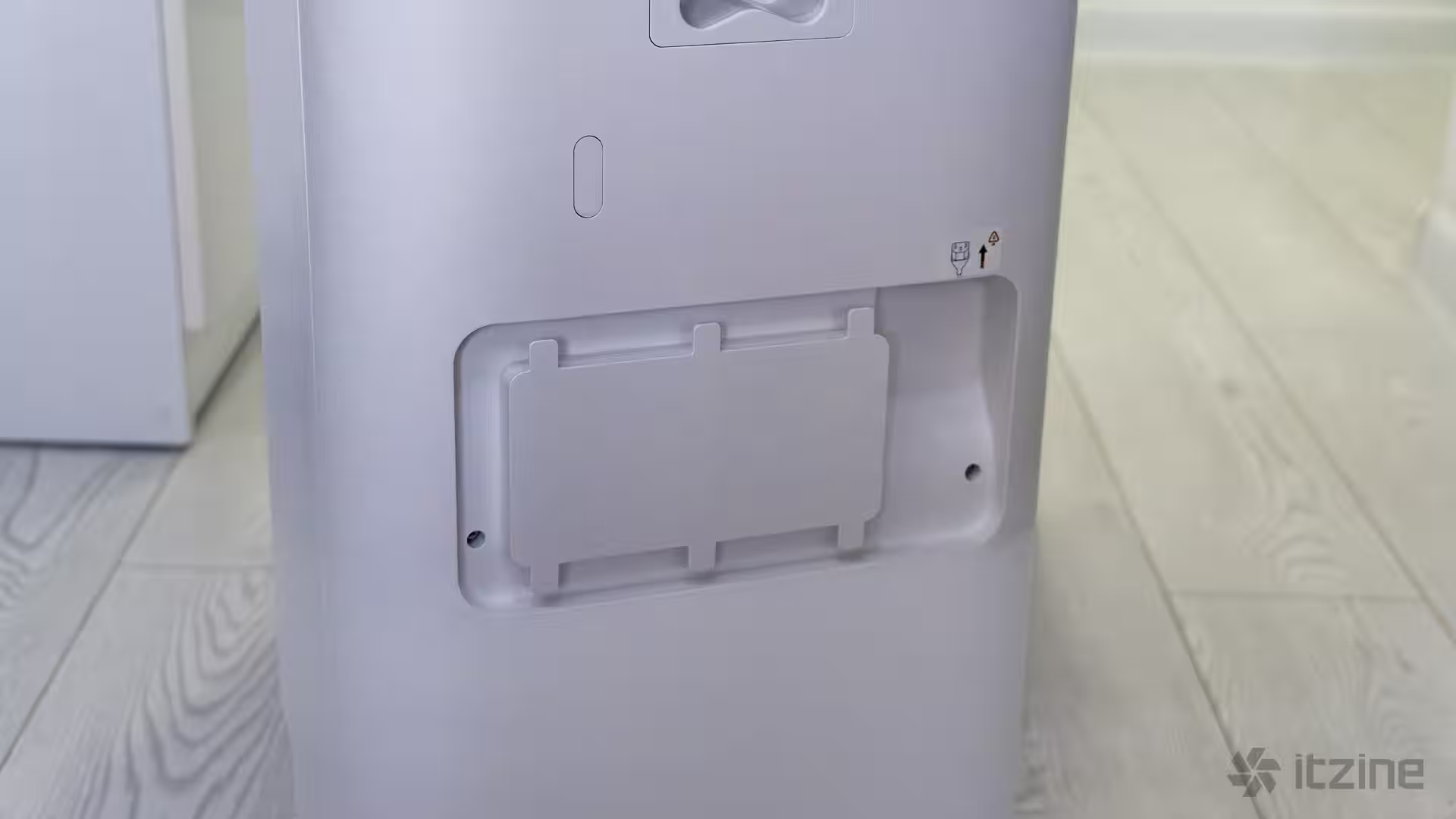
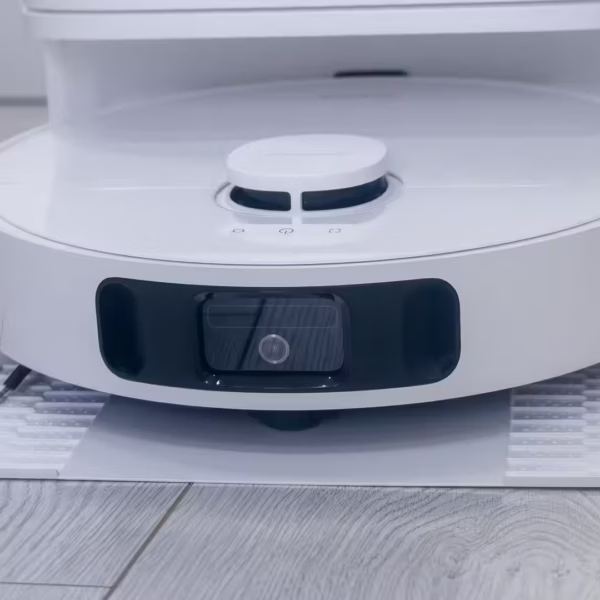
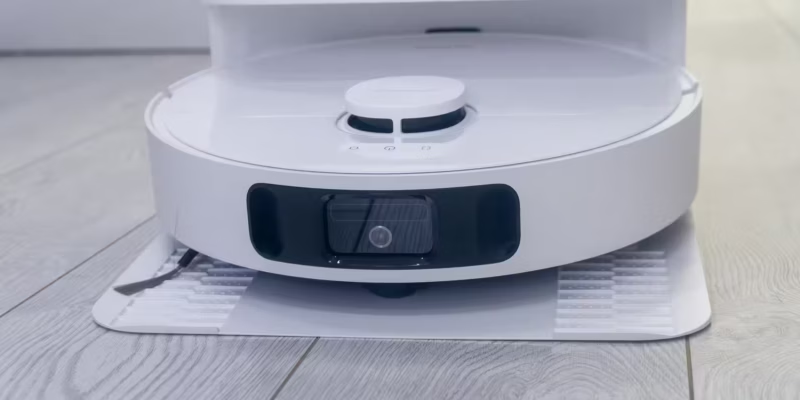
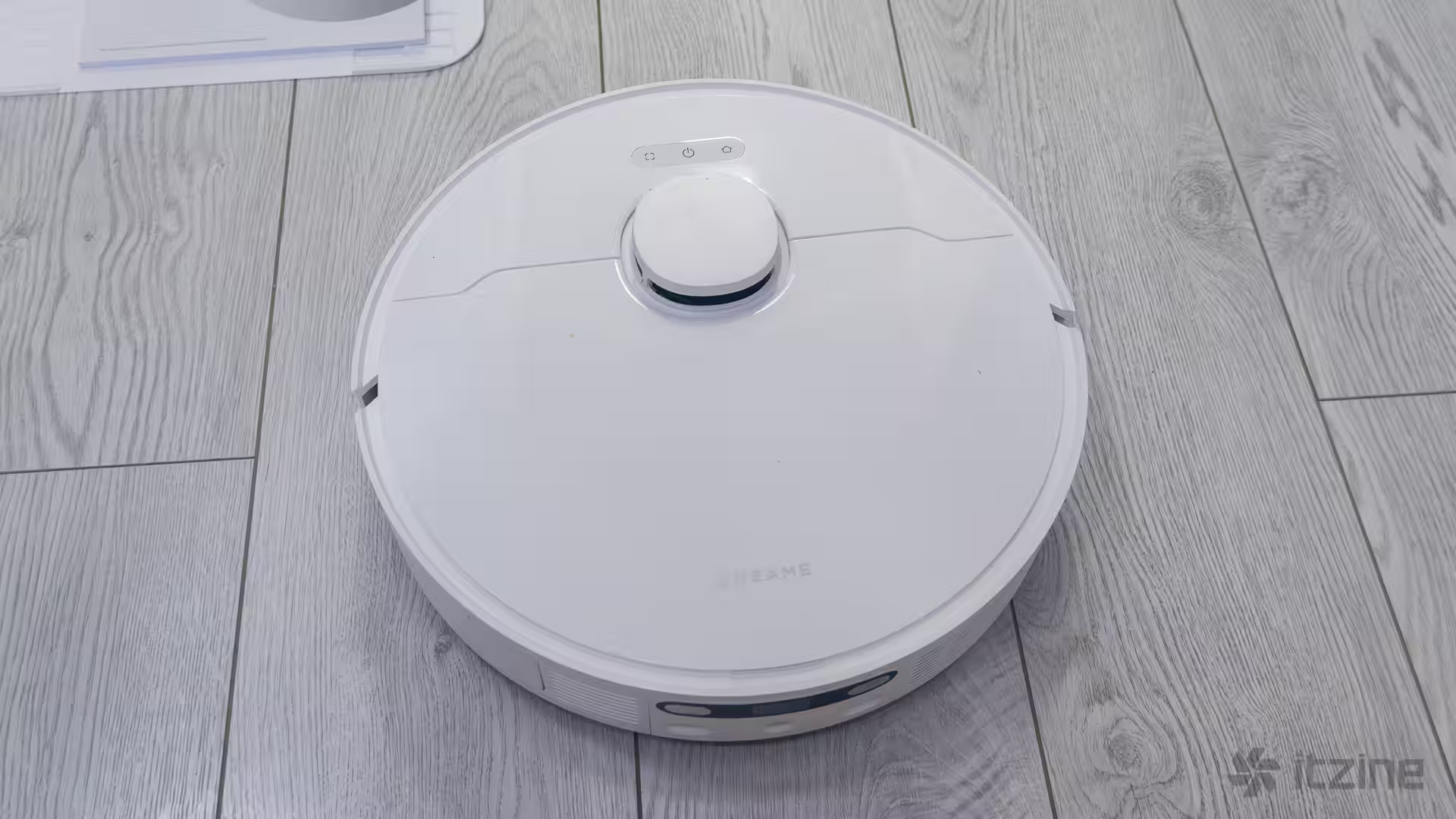
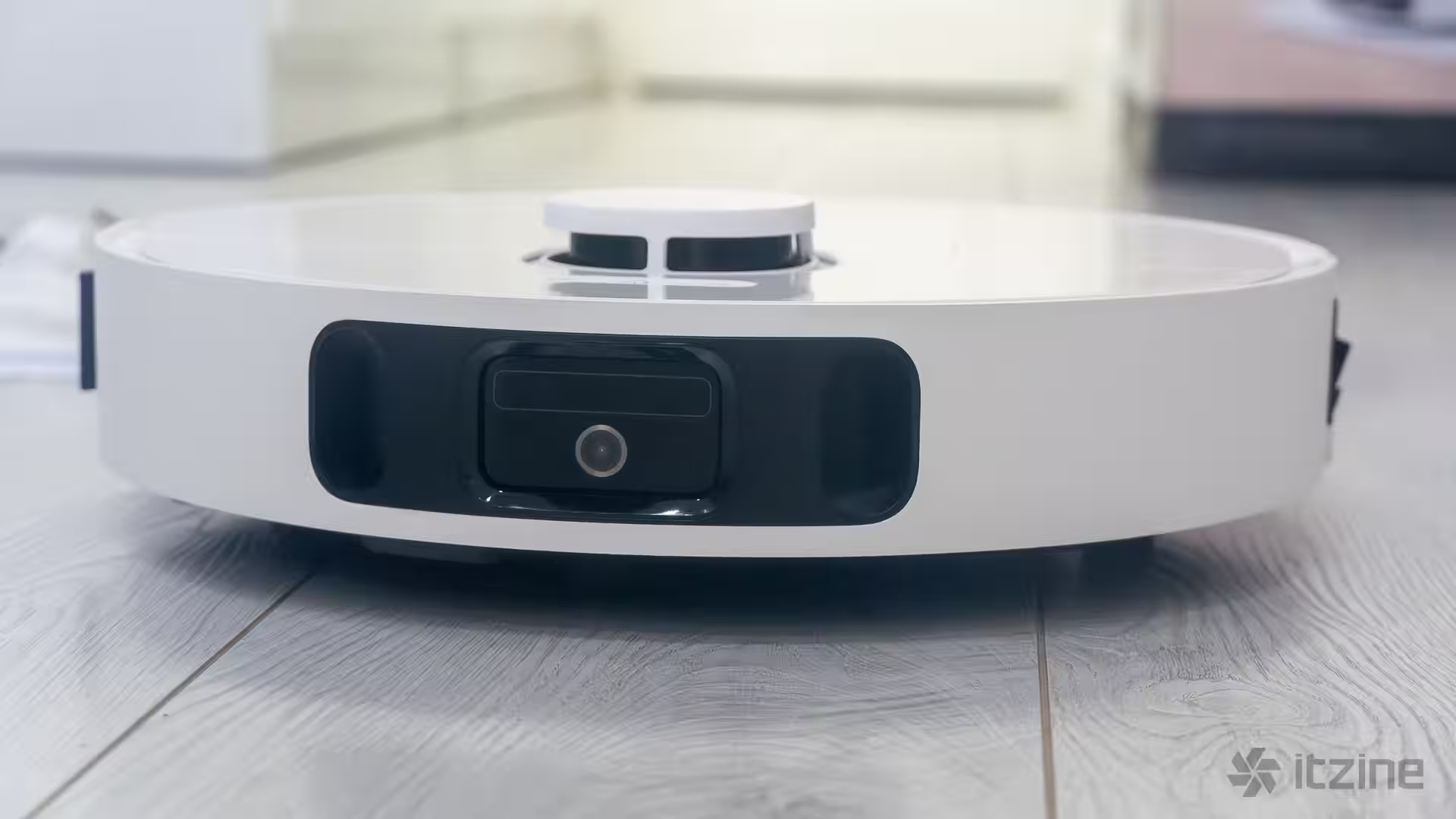
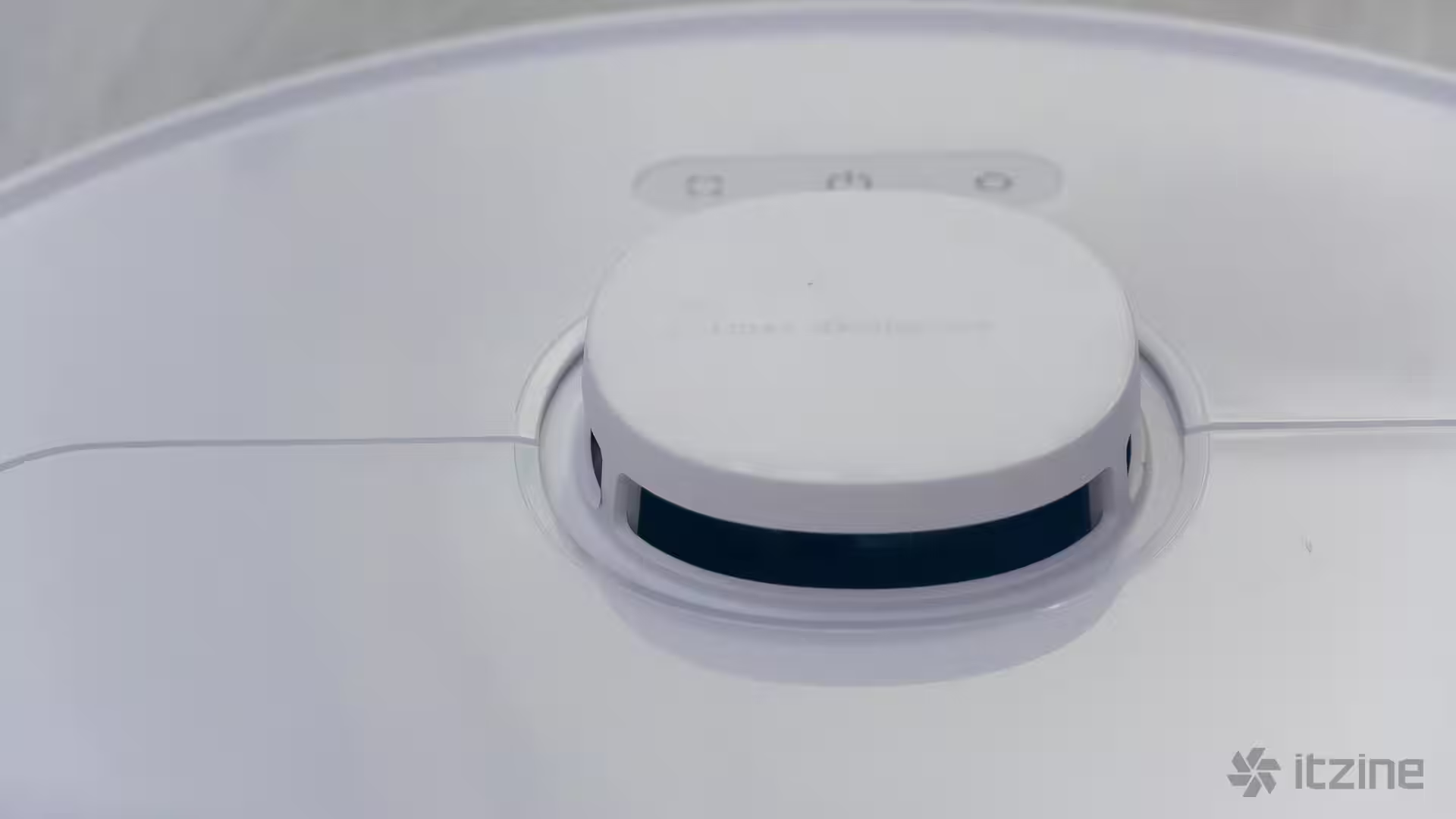
The robot has a classic round form factor, about 35 cm in diameter and just under 10 cm tall. On top is a lidar “tower” for precise scanning, which also limits how low the vacuum can get under furniture. If your couch clearance is around 9–10 cm, the robot probably won’t fit underneath. Still, it’s safer to turn around at edges than get stuck inside.
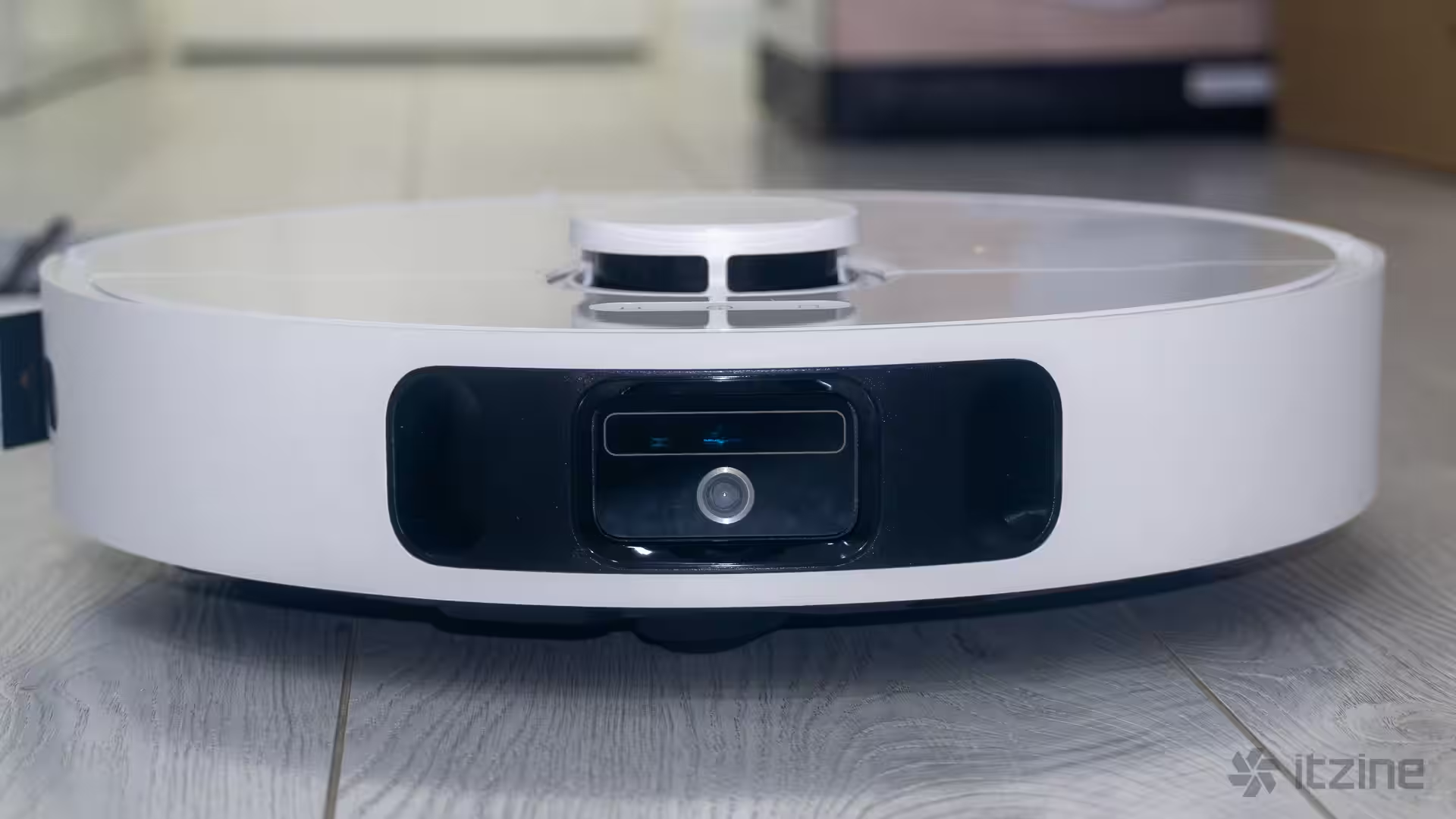
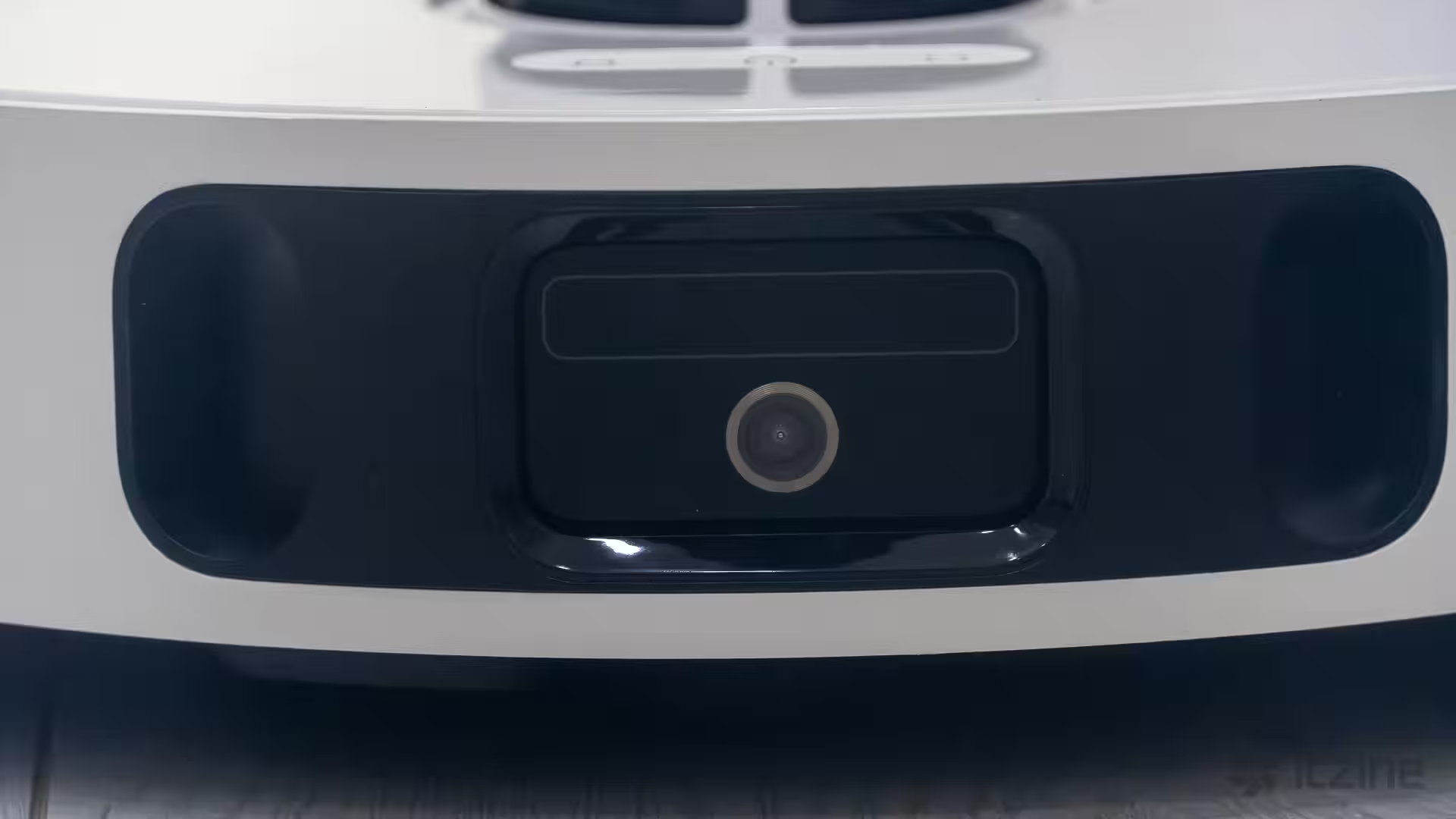
Up front, there’s a movable bumper that protects against accidental bumps and helps gently “feel” the environment. There’s a mode where the robot “sees” obstacles early and avoids them completely—but that means the corners might be a little dustier.
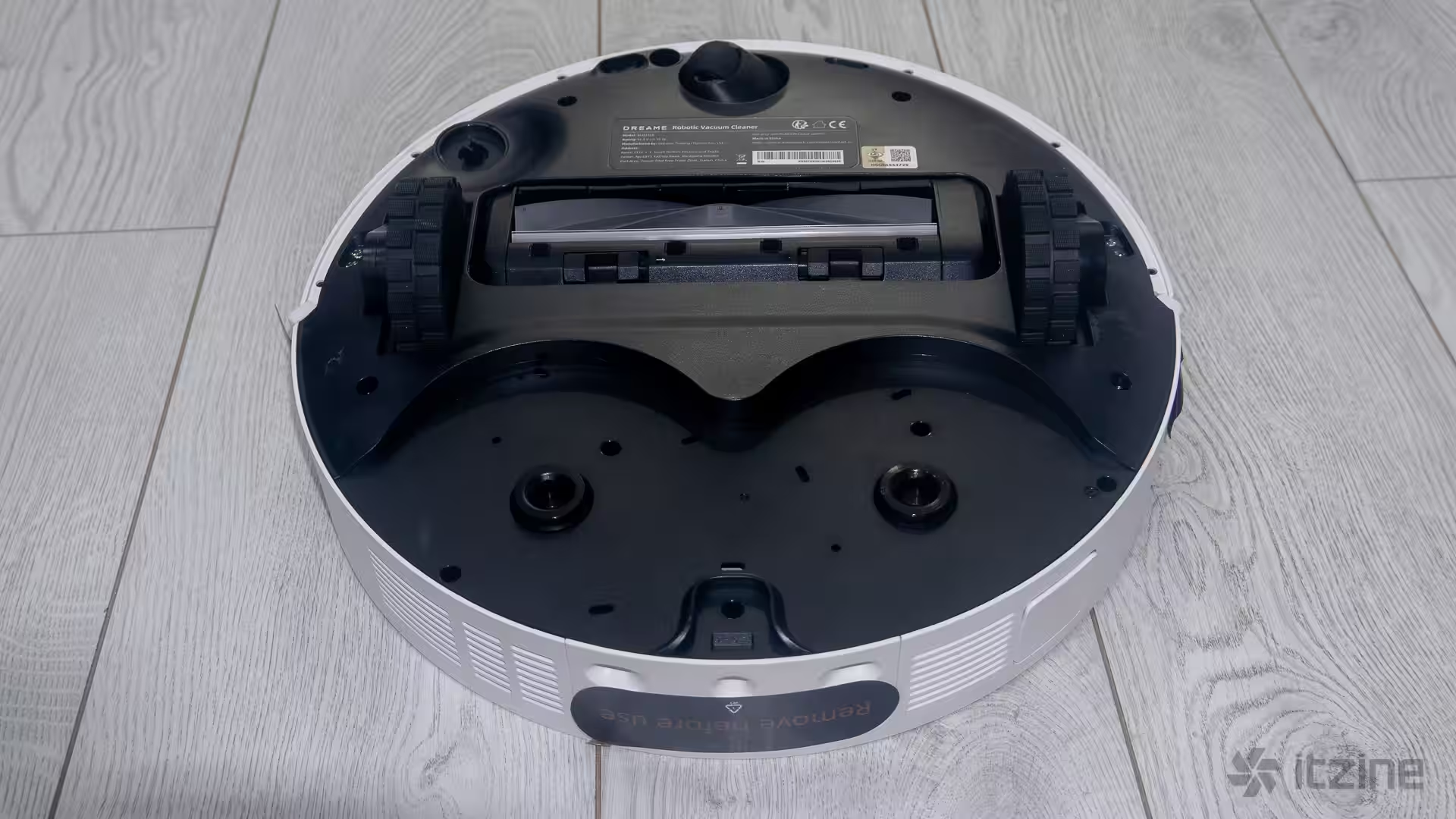
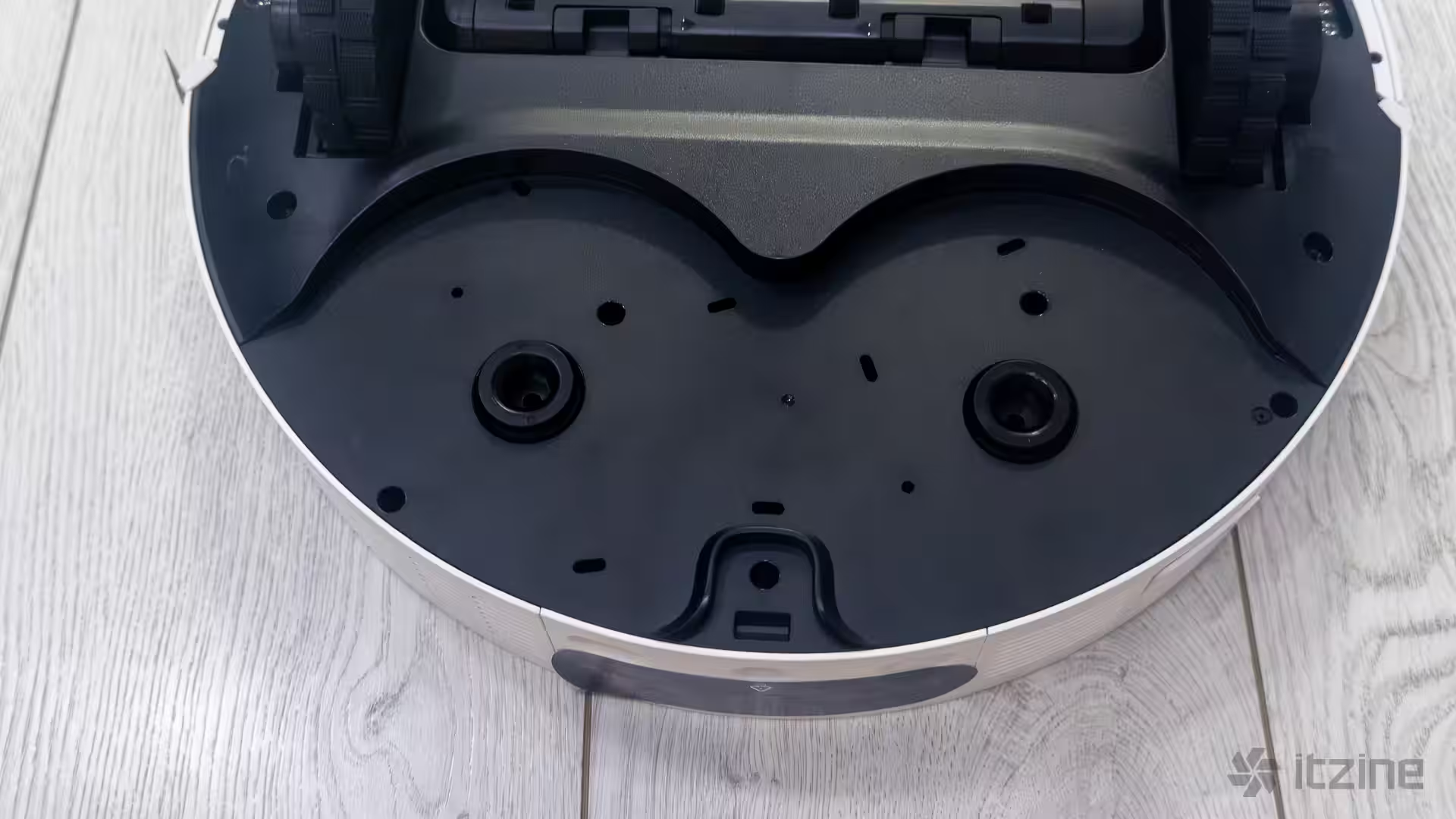
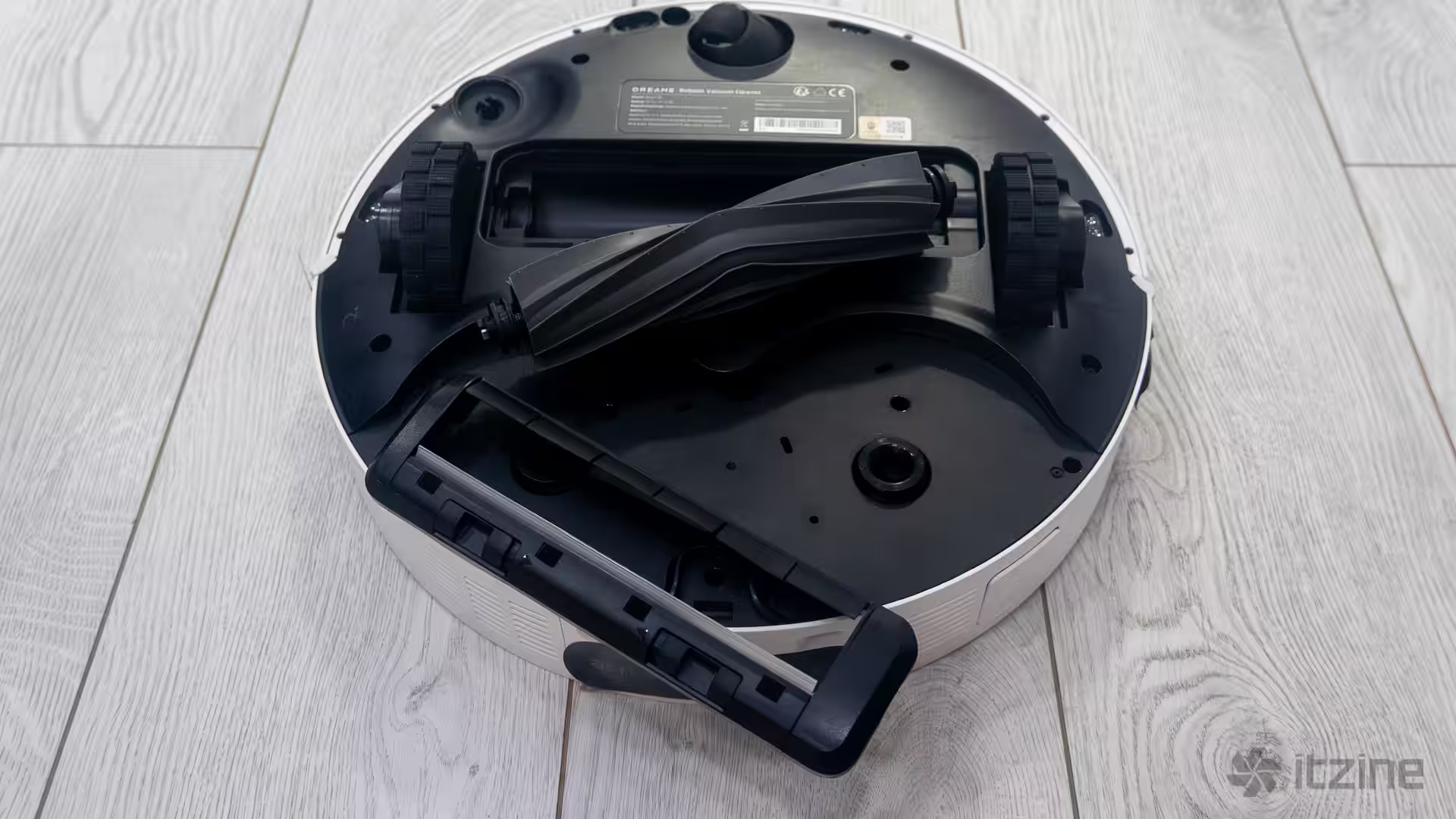
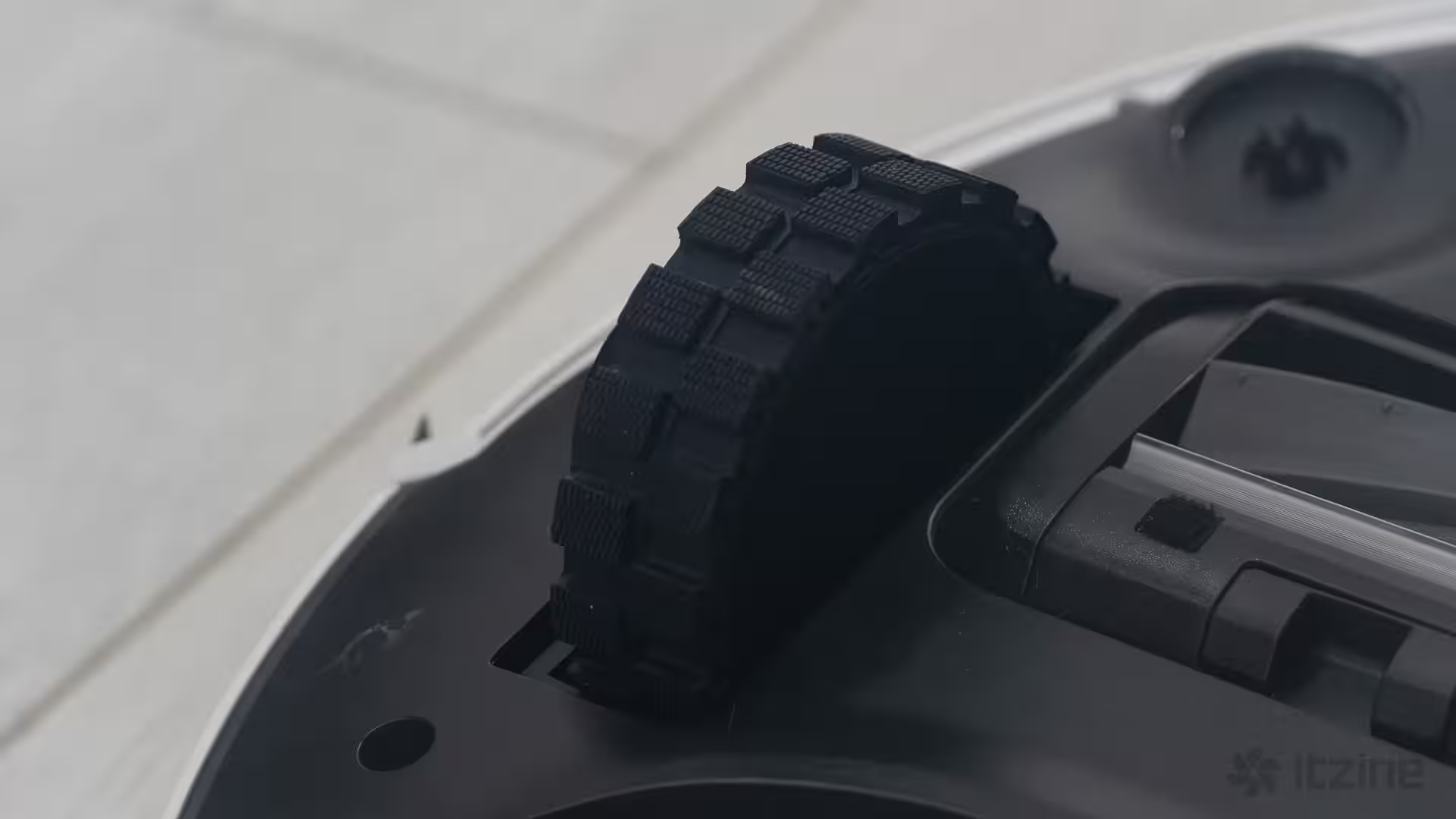
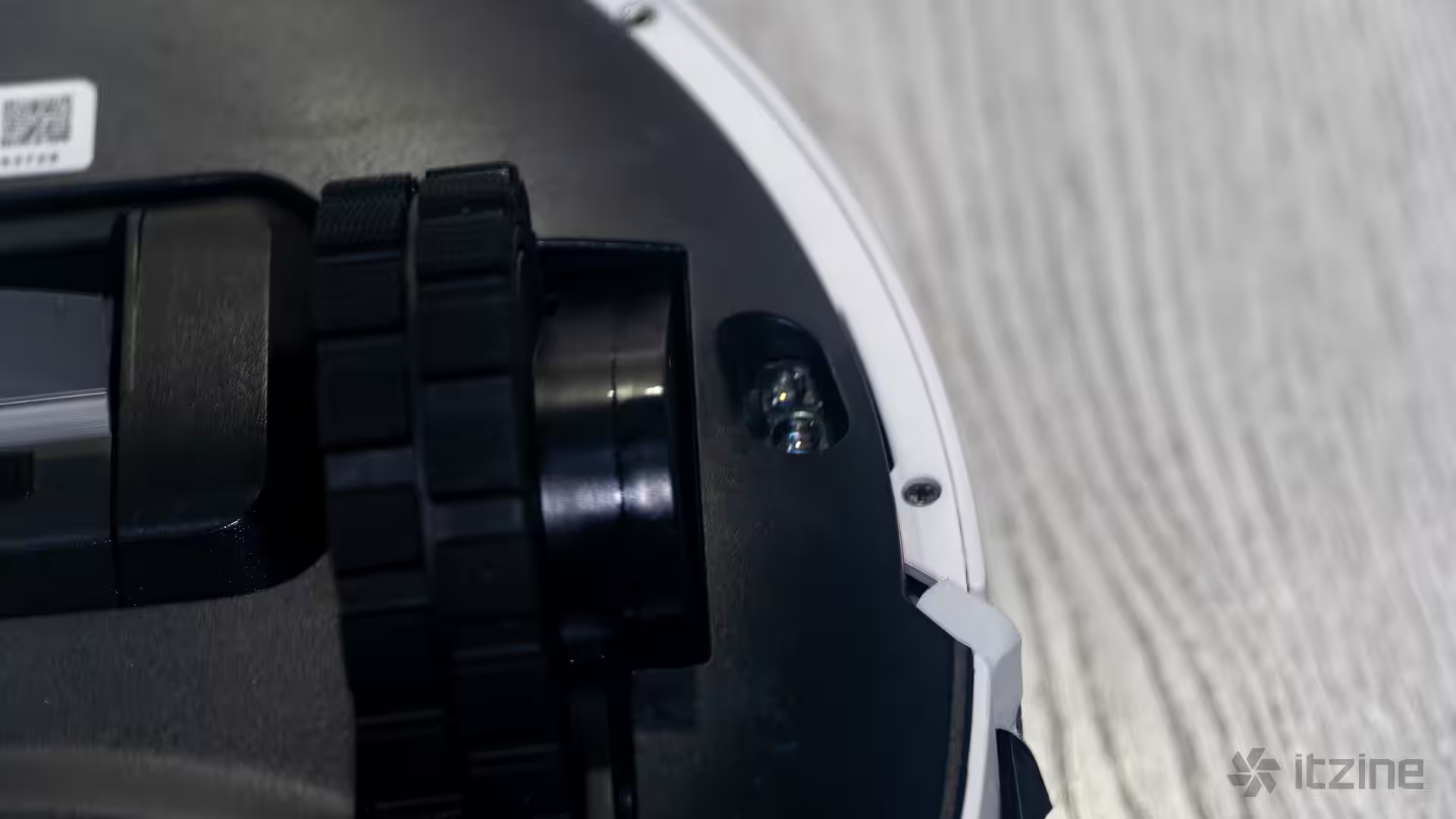
Underneath, Dreame implements a rubber turbo brush with no bristles – a brilliant choice. In my older robot vacuums, hair would constantly get wrapped around the bristled brush, which was a pain to clean. Here, dust is lifted from the floor by friction, but hair doesn’t get tangled at all. There’s a sweeping side brush that’s pretty standard across models, plus two spinning mop pads that wash the floor, either during or after vacuuming.
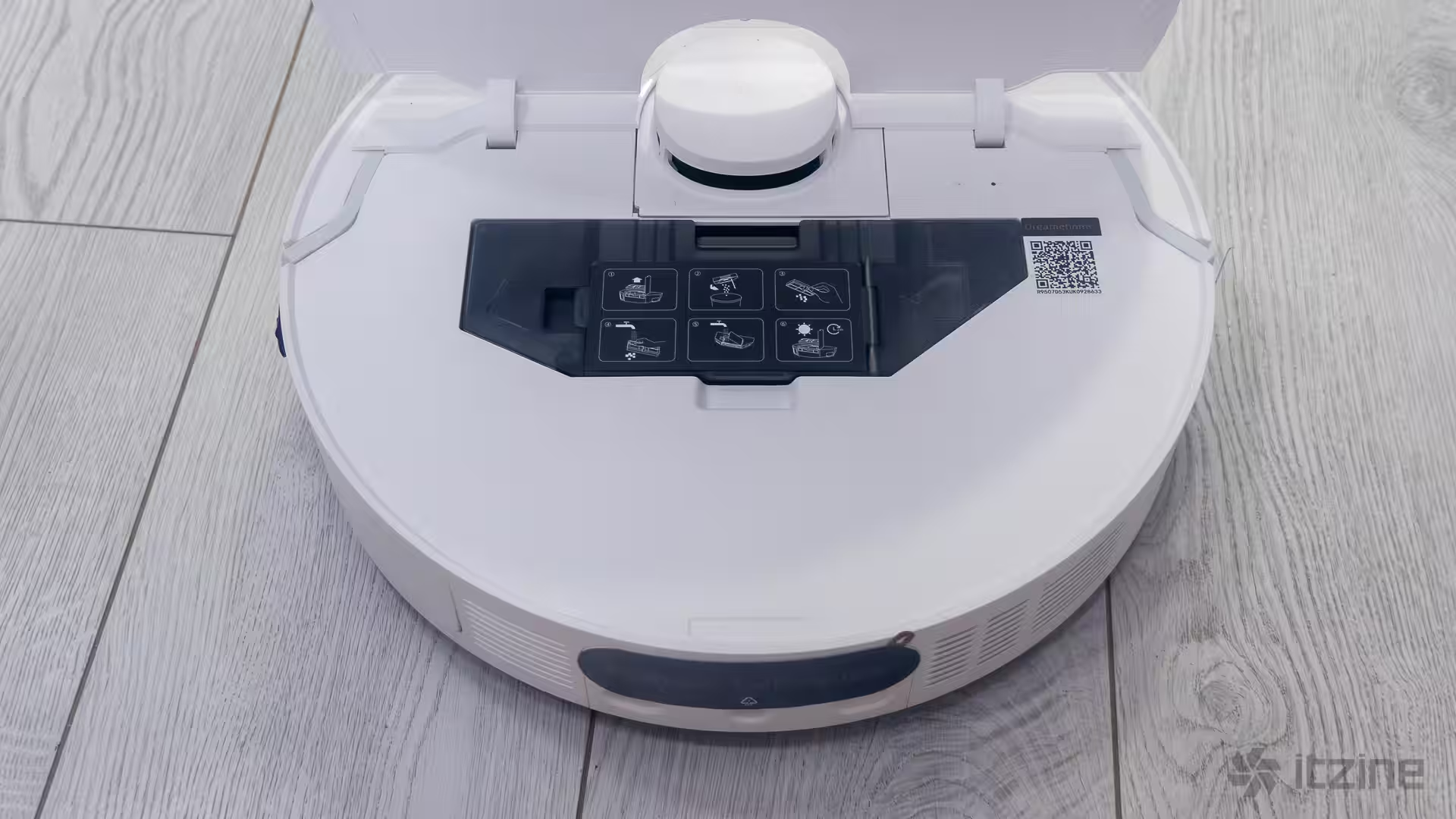
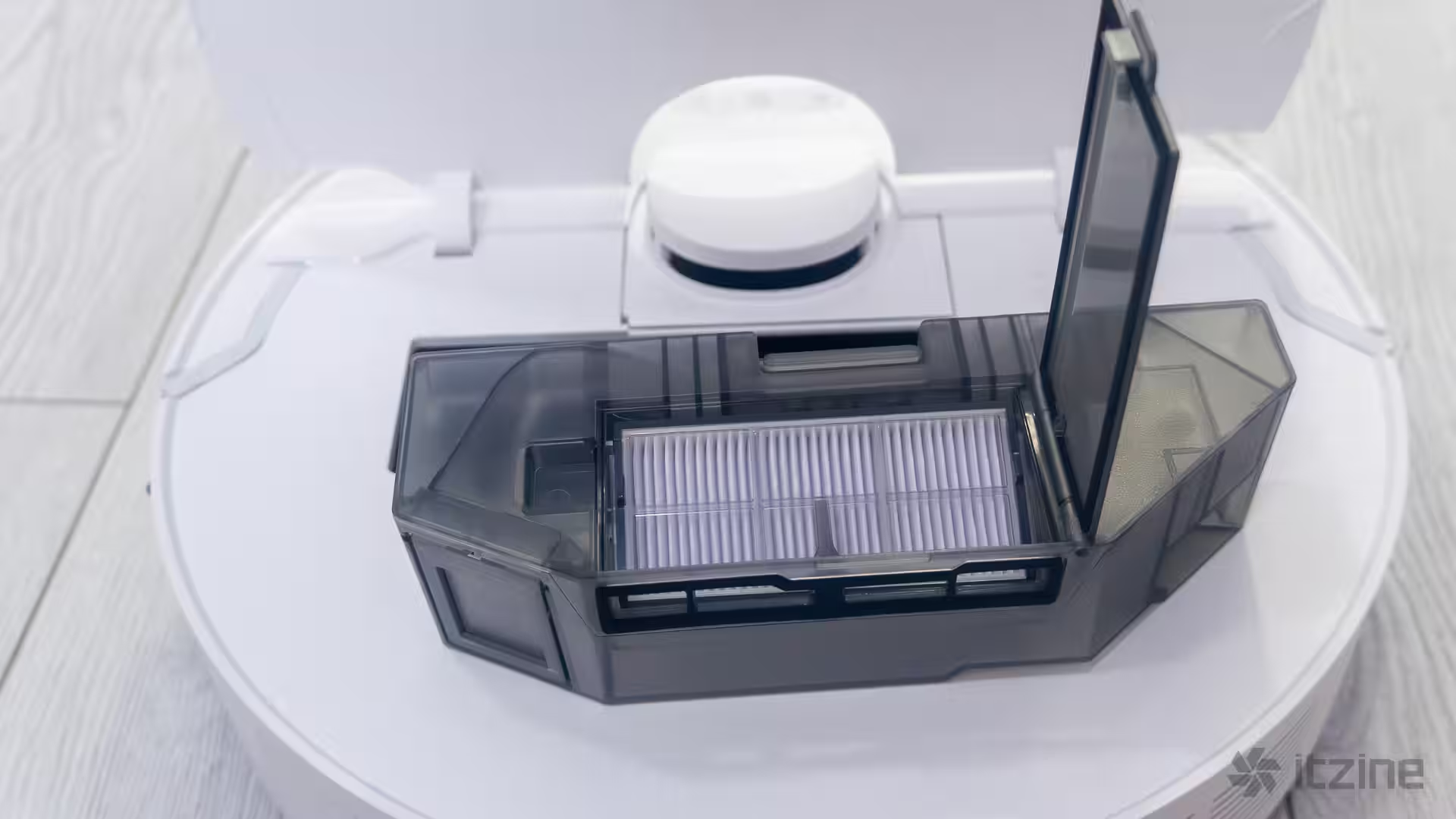
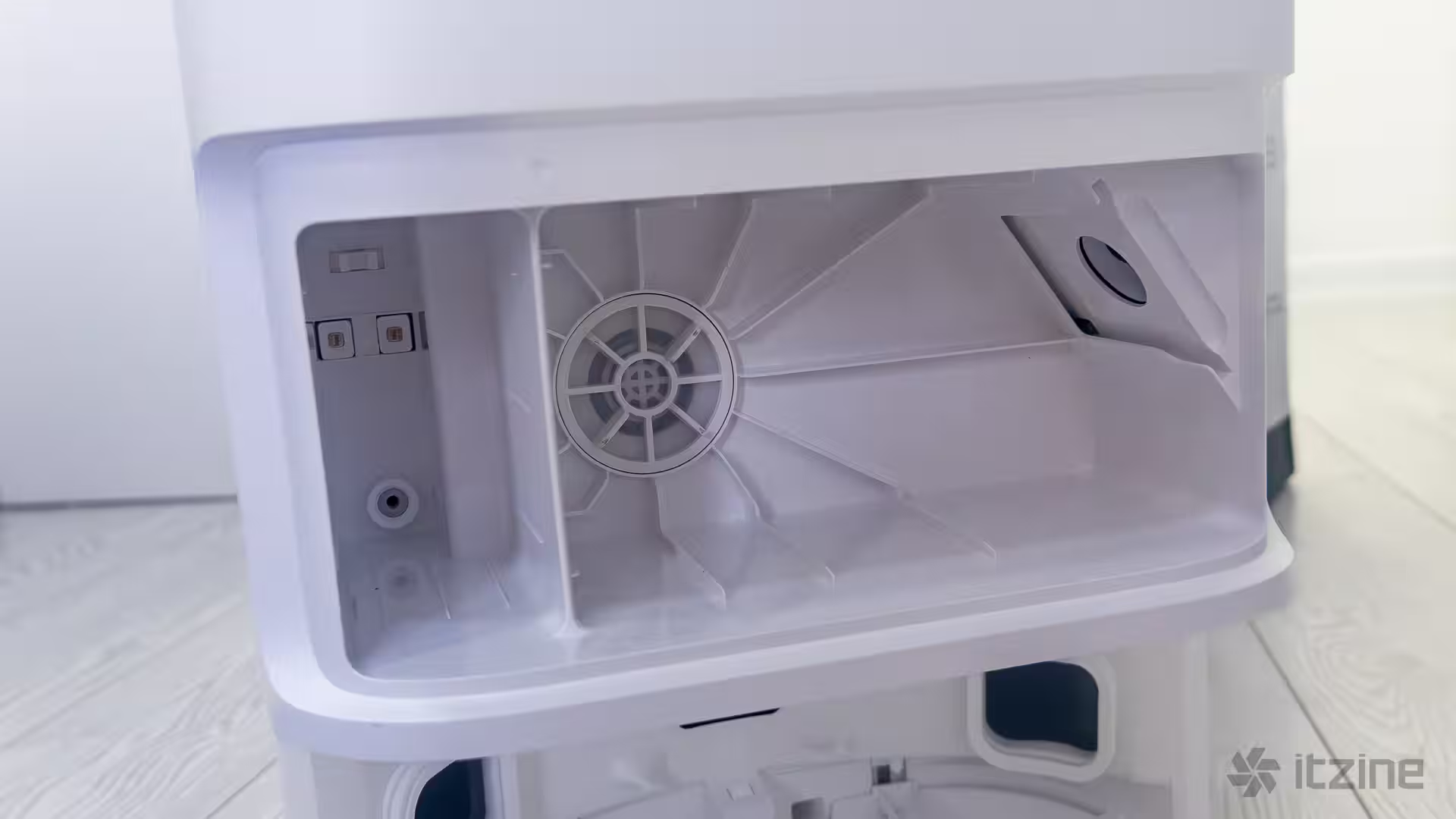
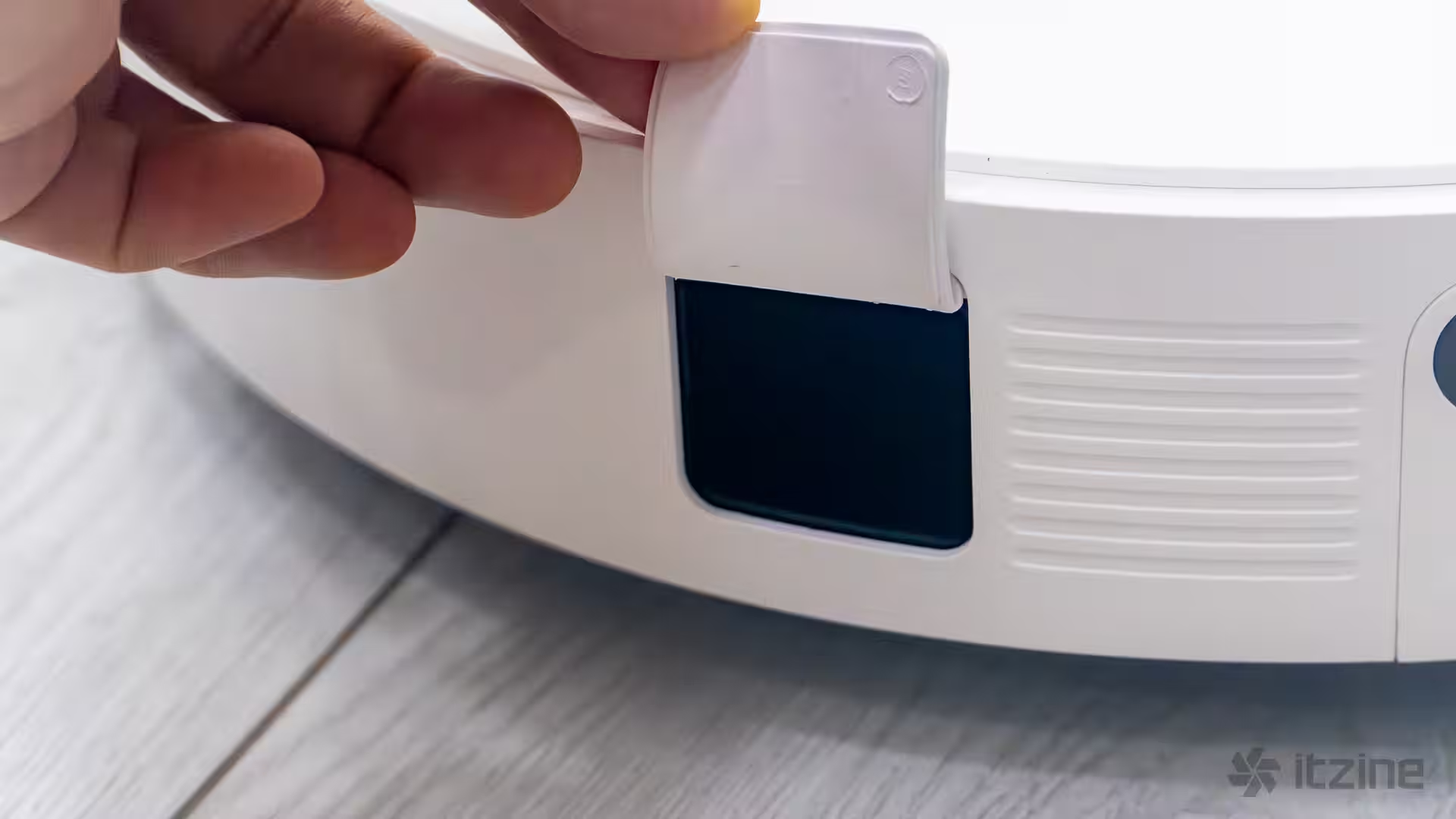
The vacuum has its own dust collection container, though I almost missed it without photos—there’s a rubber-sealed hole on the side where dust is sucked into the base when it docks. You can still remove and clean the bin occasionally, and replace the filter periodically.
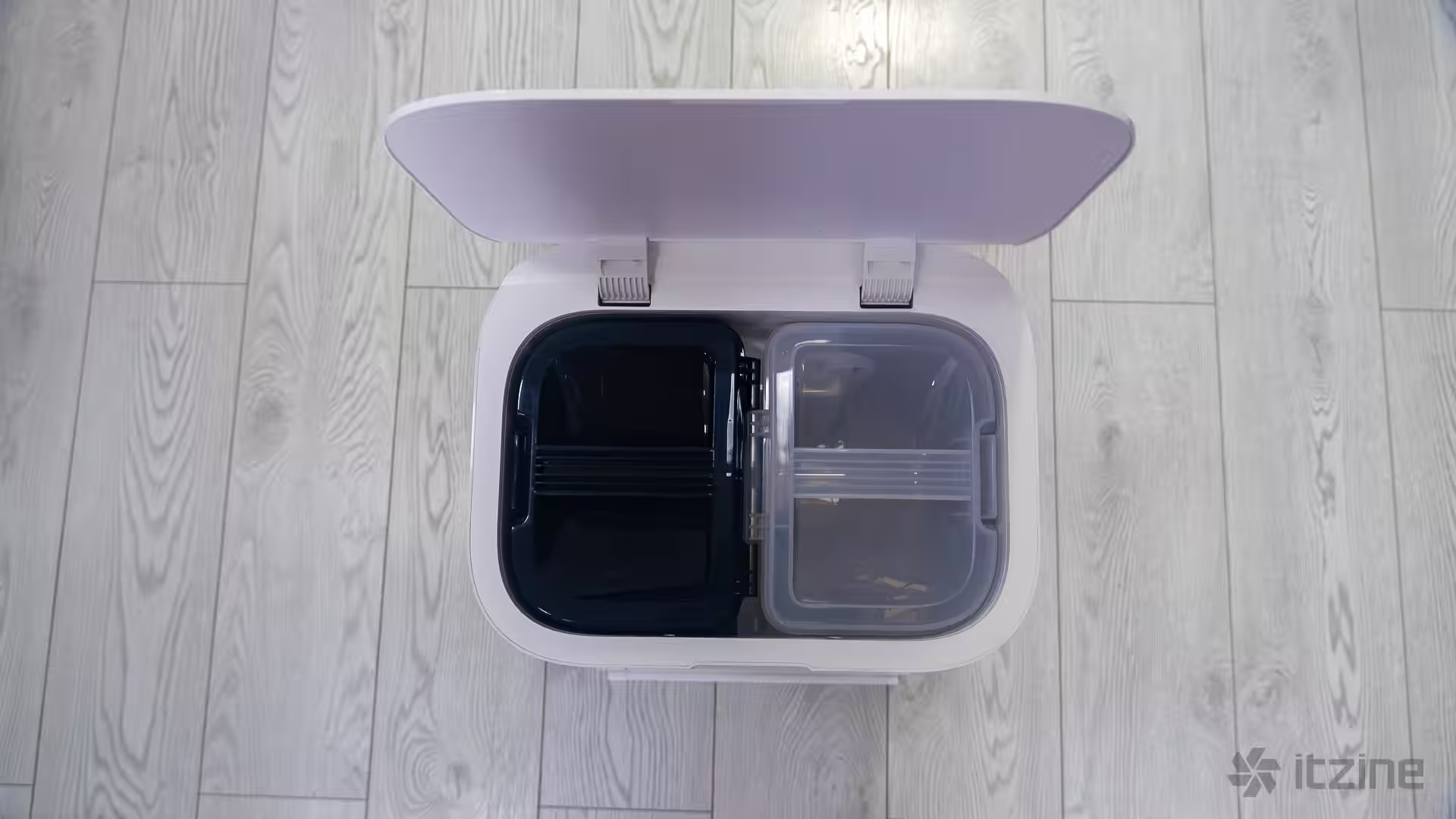
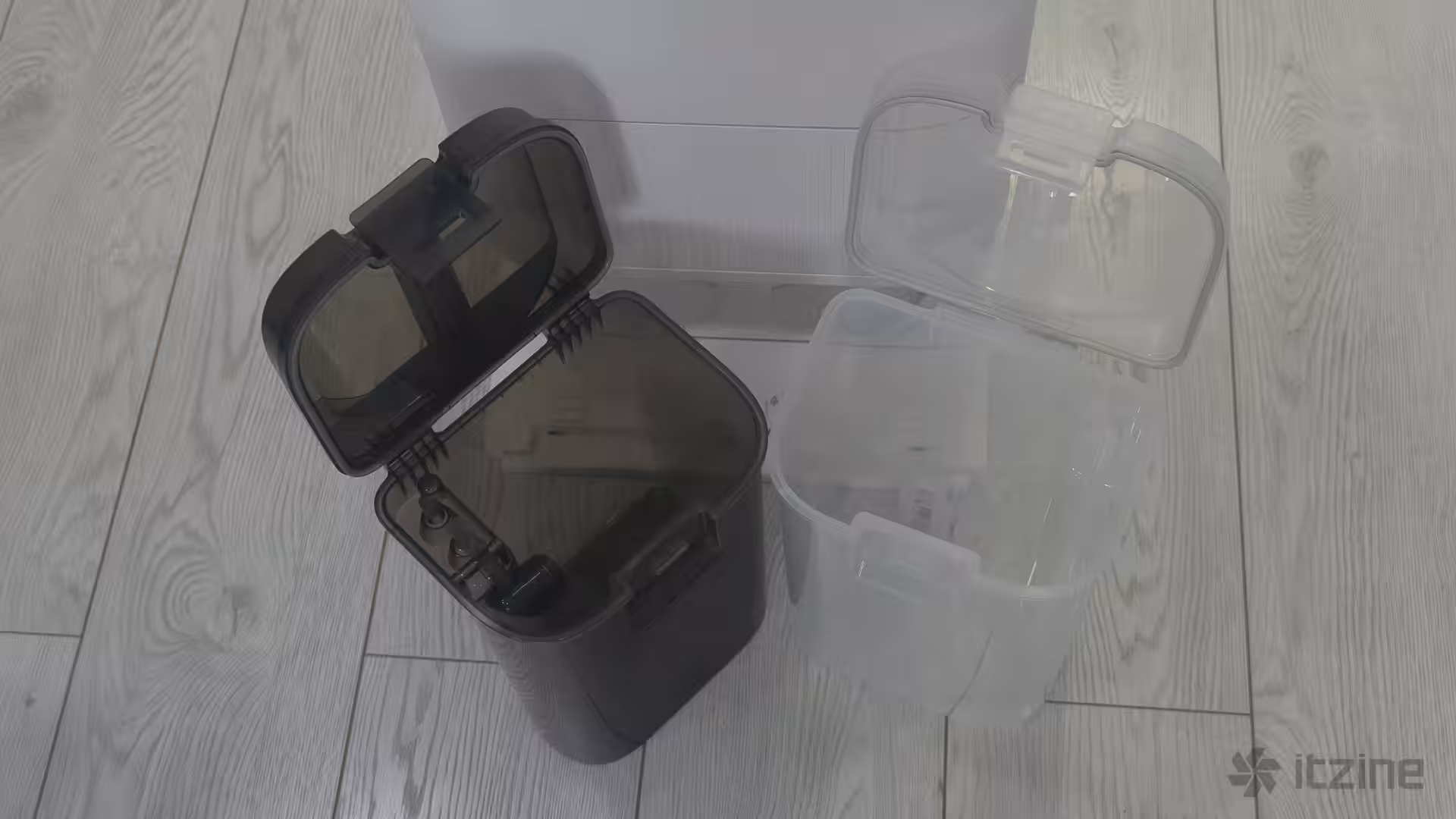
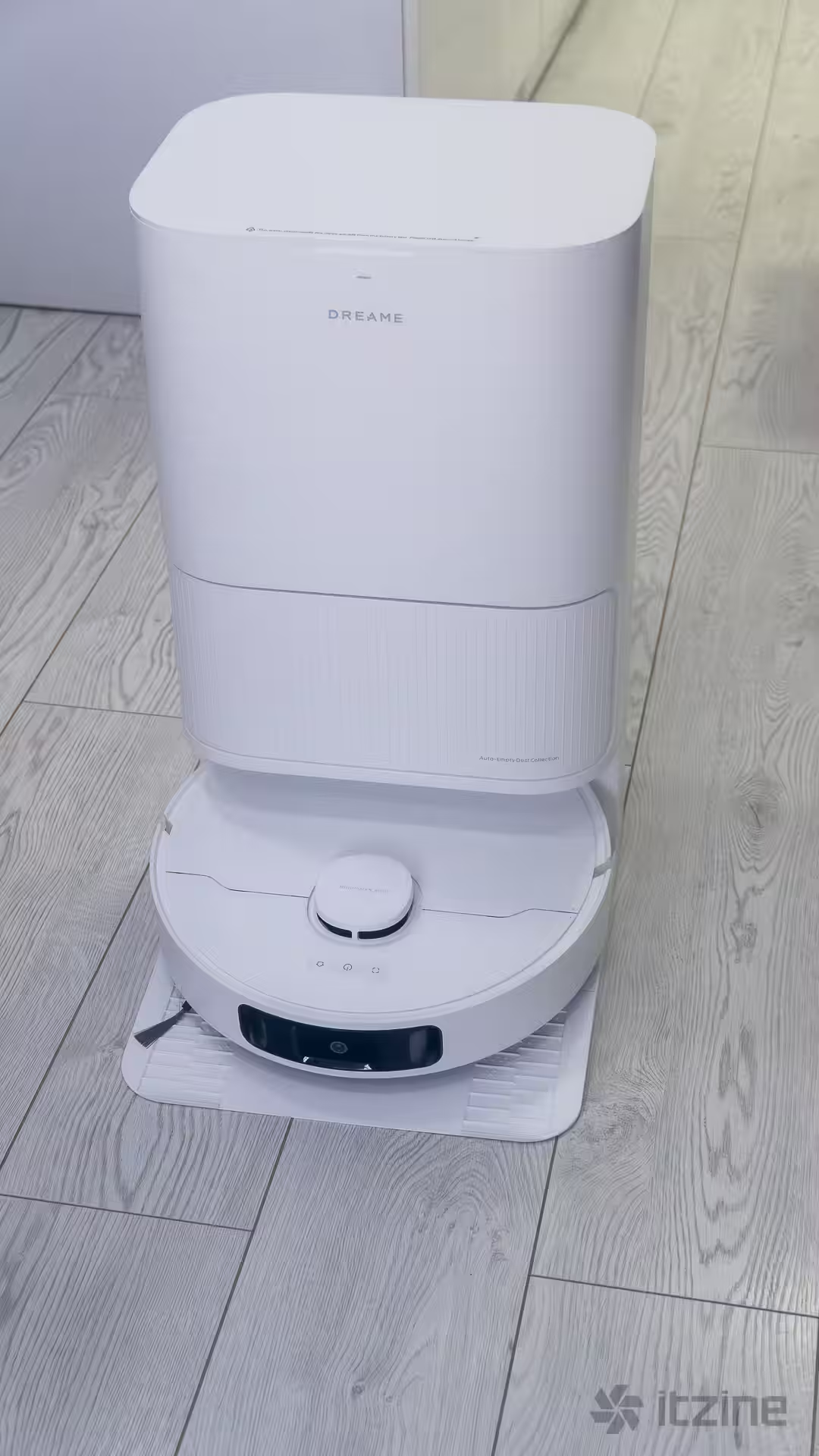
The base is quite large, so you’ll need to find a spot for it in your apartment. It’s about 59 cm tall, with width and depth enough to house two big tanks and the dust bag compartment. Leave some clearance above so you can lift the cover and grab the tanks by their handles. This isn’t just a charging station—it’s a servicing hub best placed in an entryway or kitchen corner.
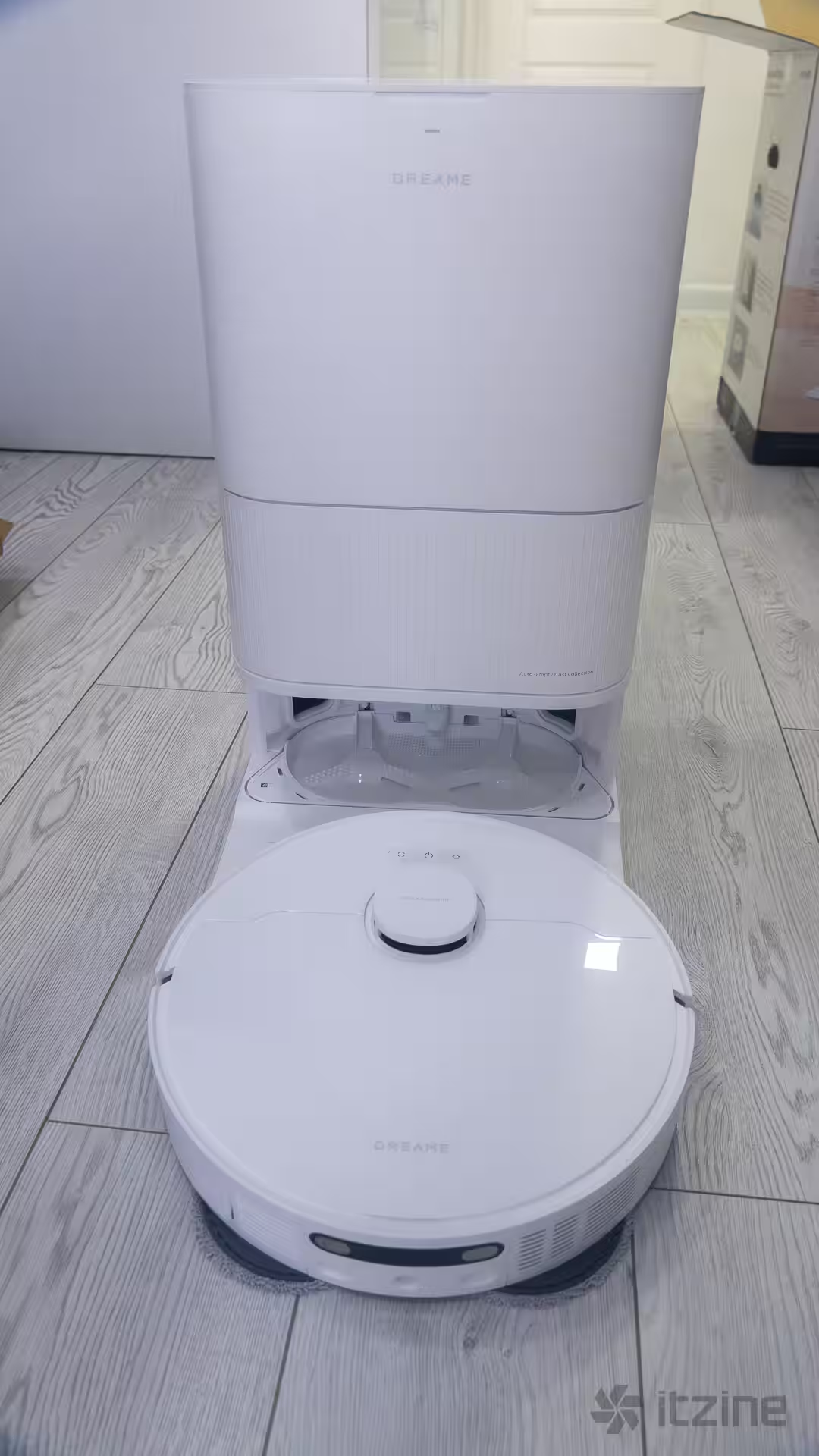
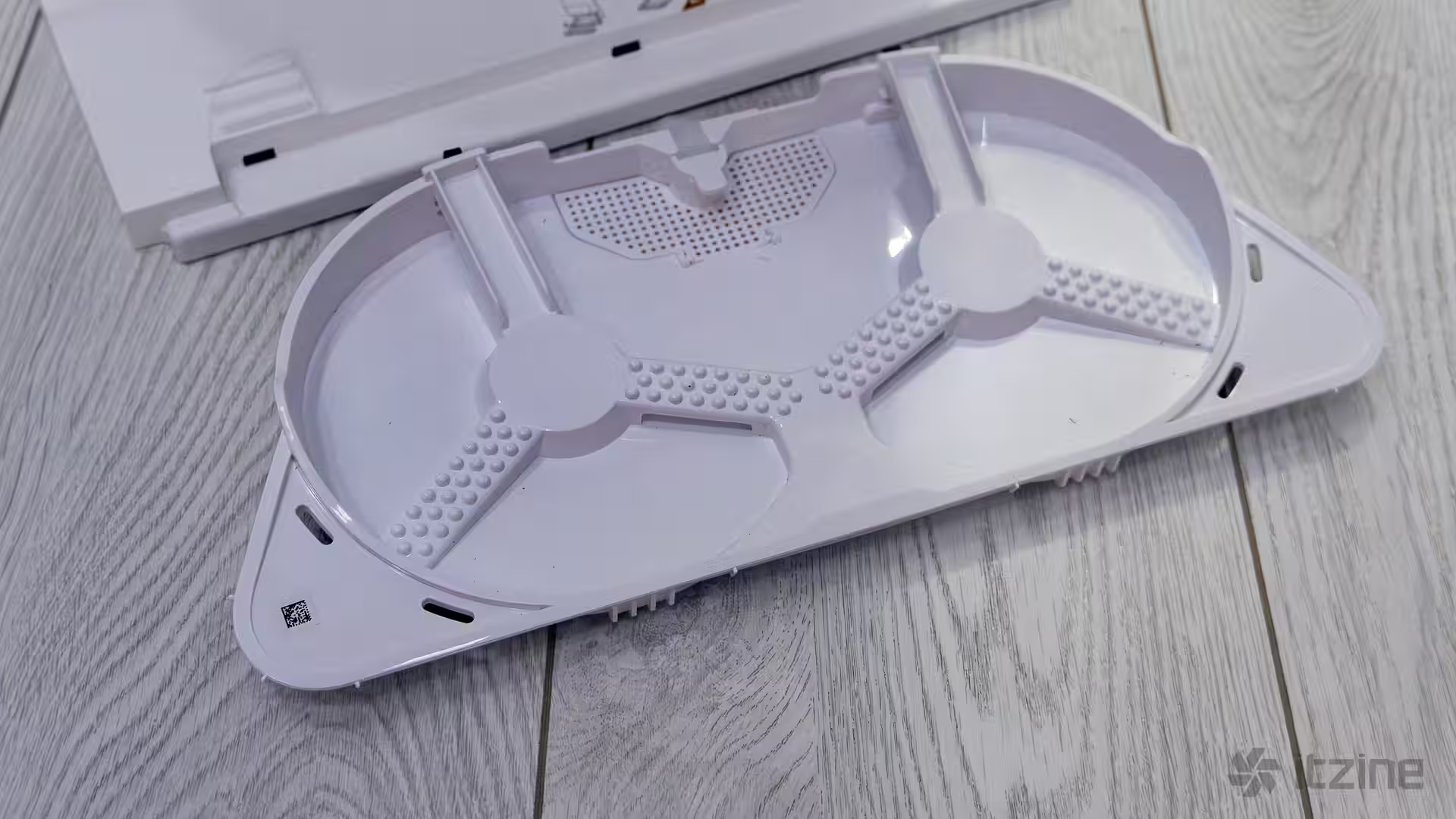
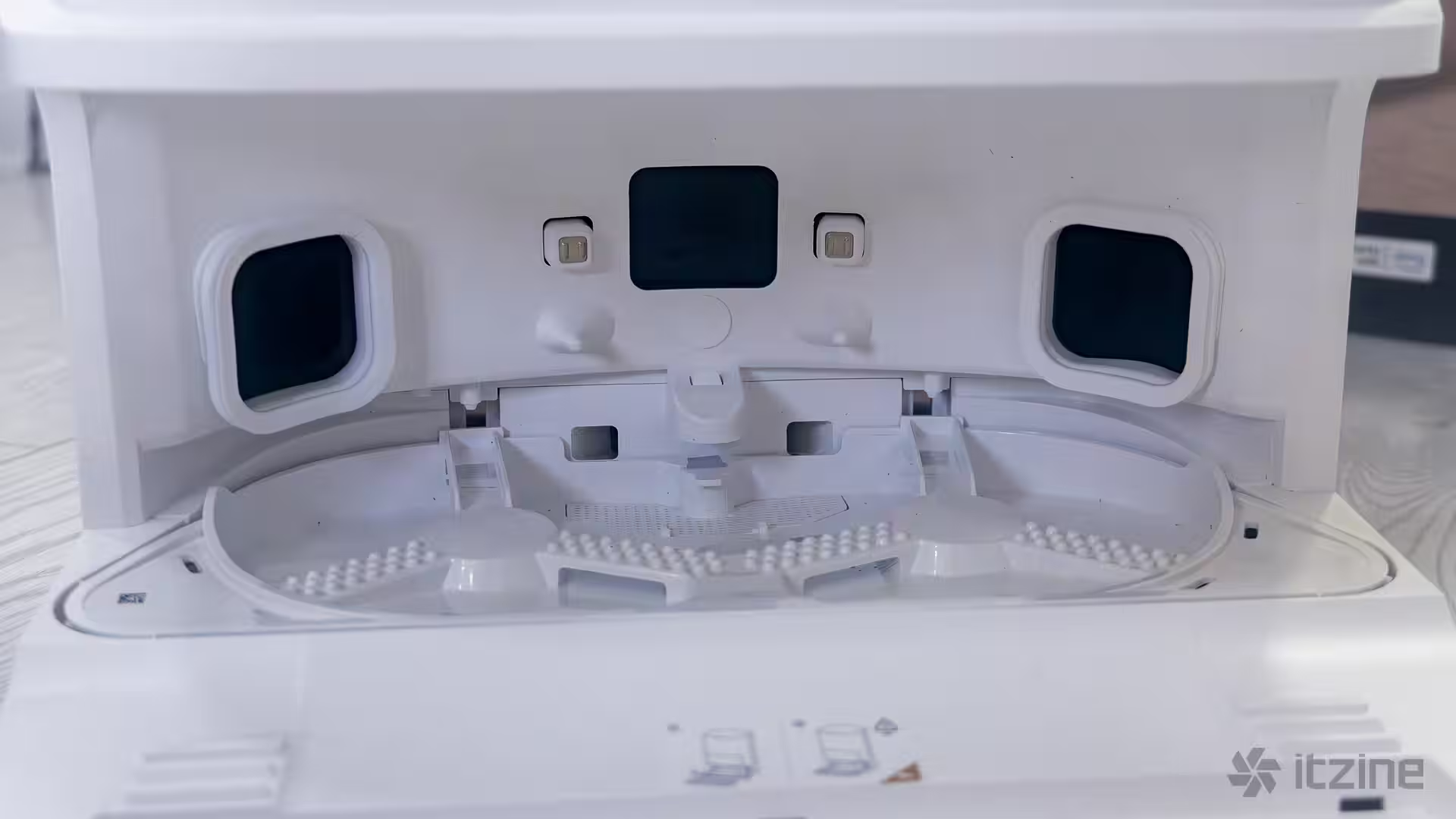
Inside the dock are two water tanks—for clean and dirty water. One needs regular filling; the other needs emptying, usually about once a week. The dust bag lasts 2–3 months before a replacement is needed. The mop cleaning system is cleverly designed: the robot climbs a ribbed ramp to clean its wheels, then spins the mop pads on a special ribbed platform while the base pours clean water to rinse and soak them. After that, it heads out to mop the floor. Dirty water is sucked from the tray into the dirty tank.
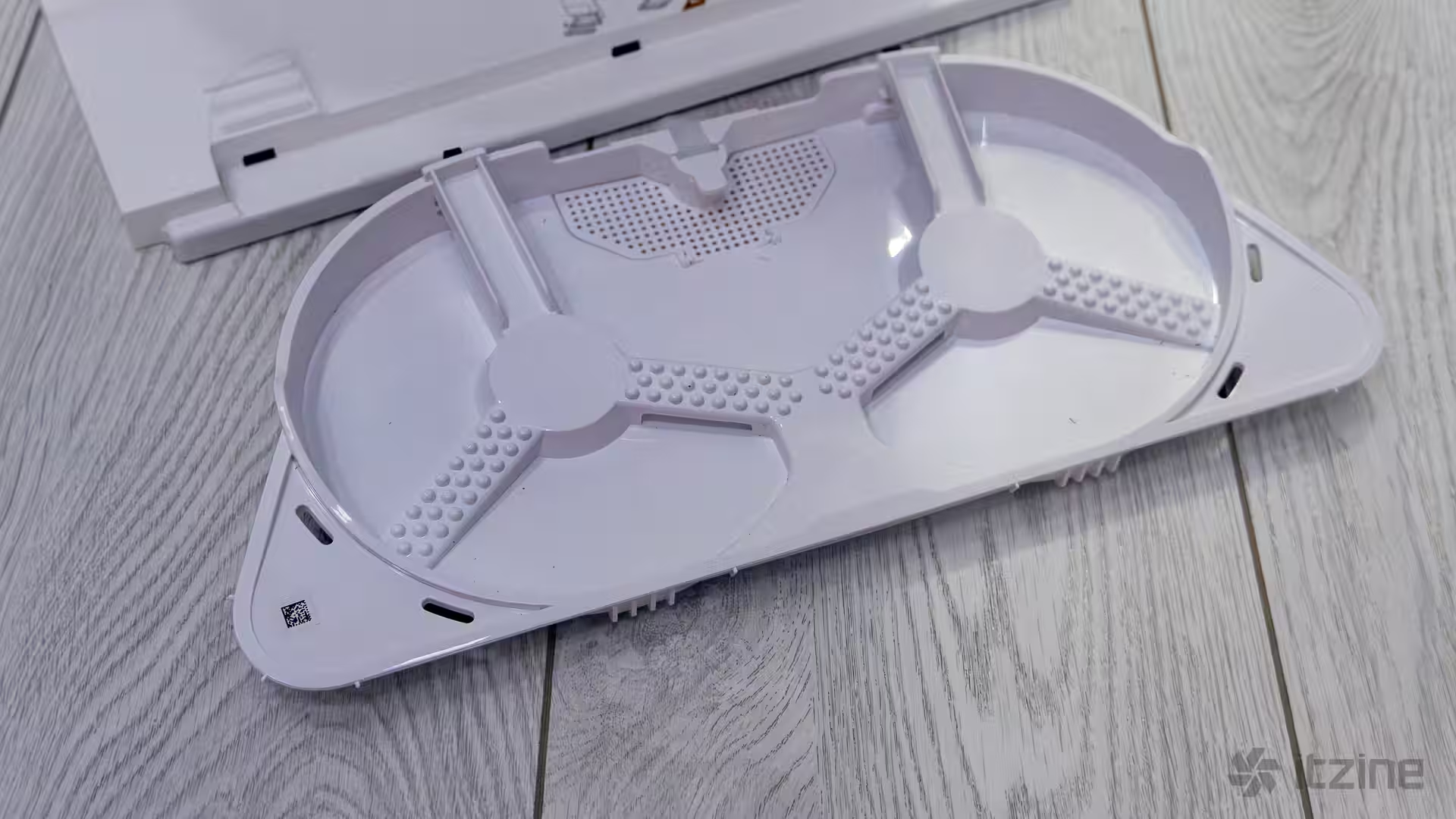
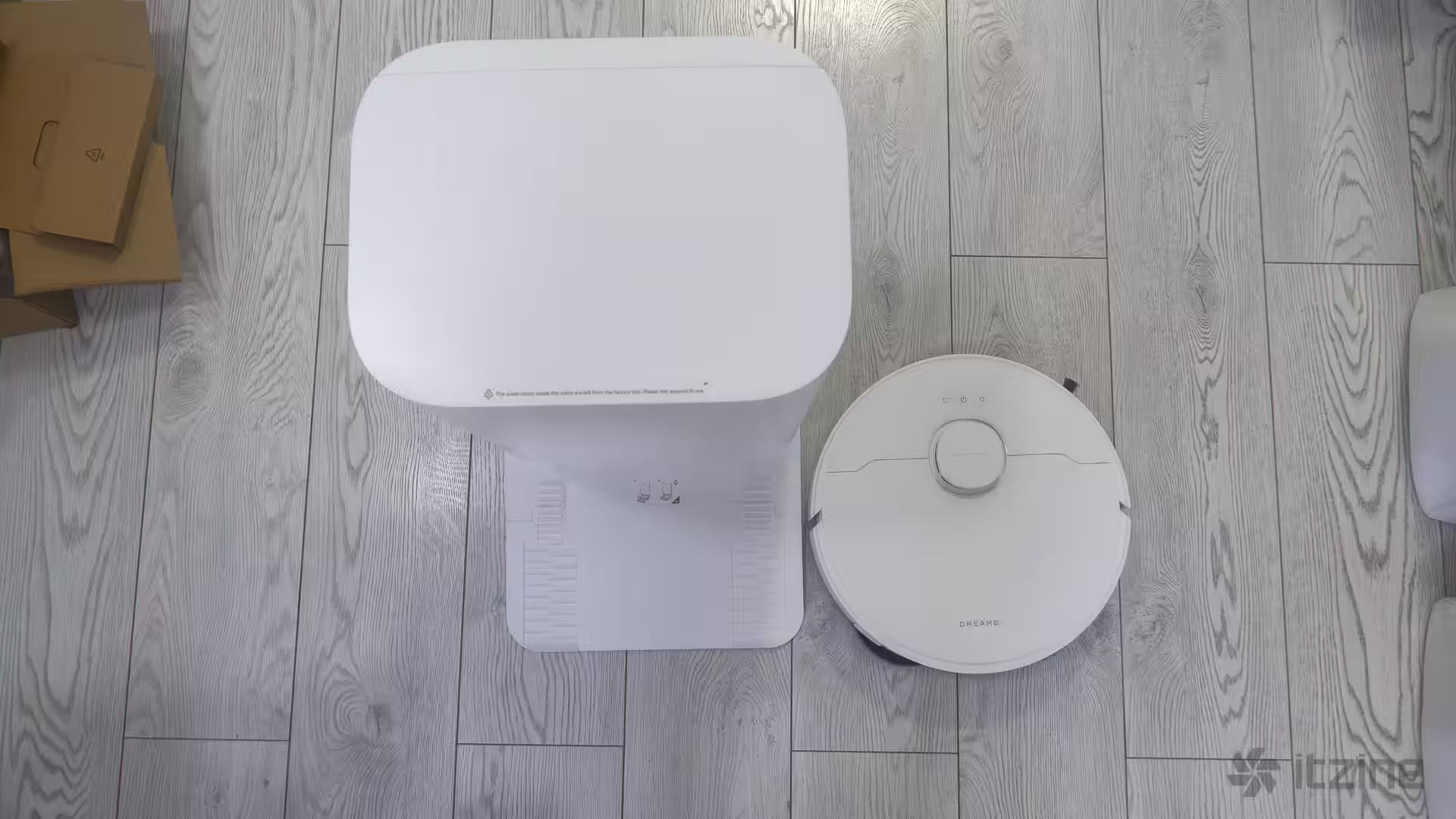
Yes, you need to clean the tray inside the dock now and then. The robot can fill it with water and prompt you to brush it off. Overall, it’s simple—no need to lug anything to the sink. Just occasionally wipe the ramp with a damp cloth.
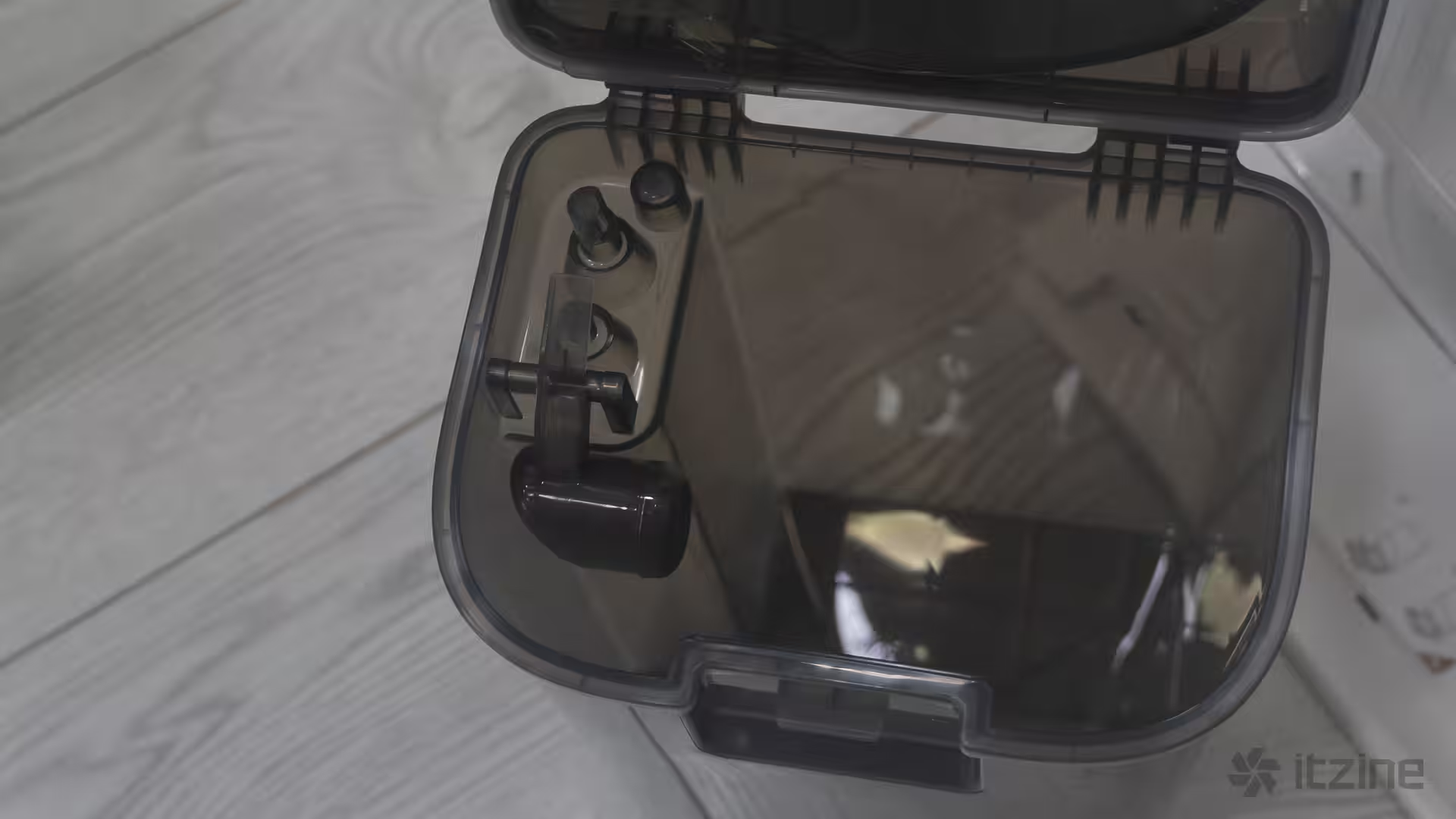
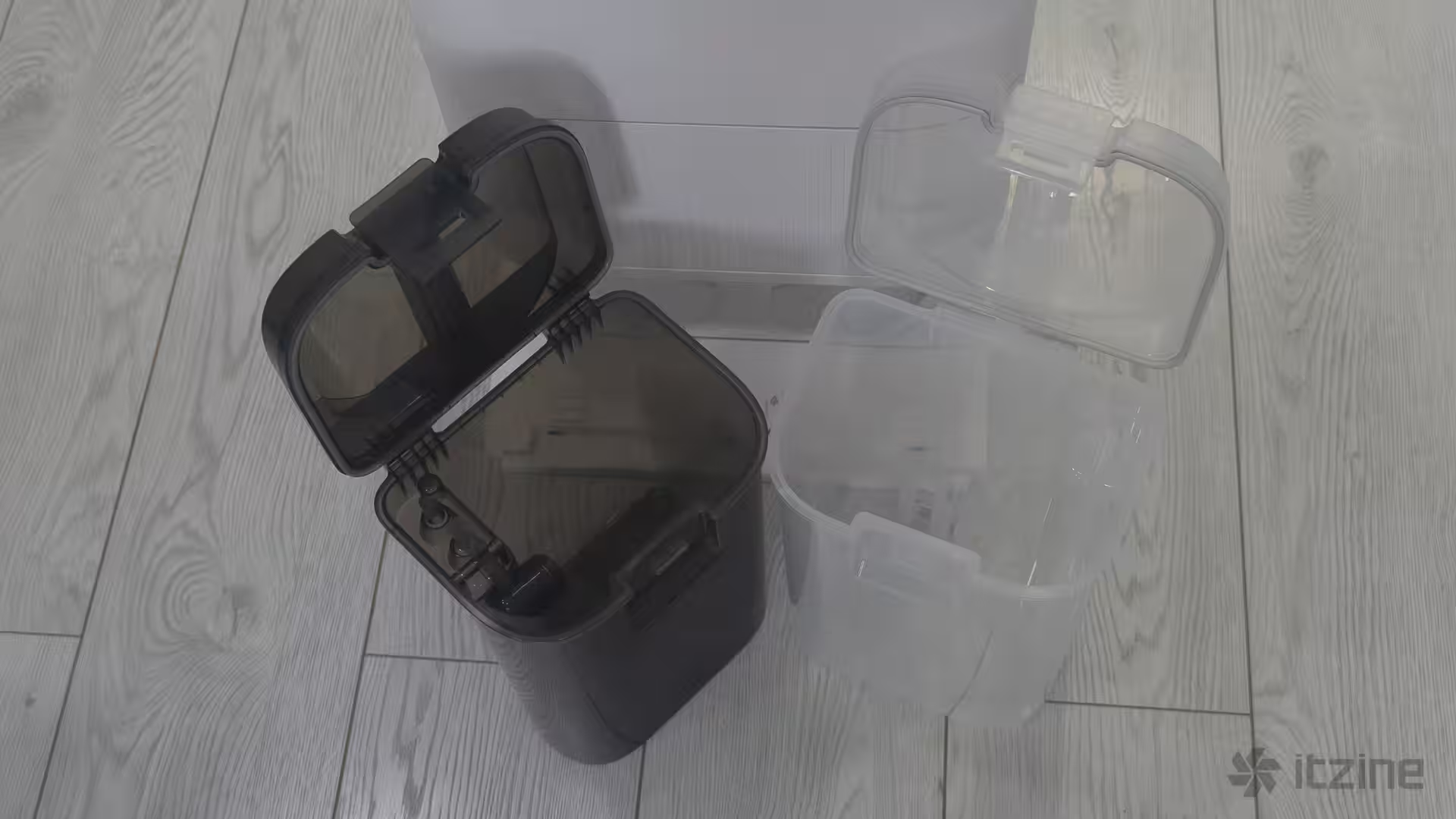
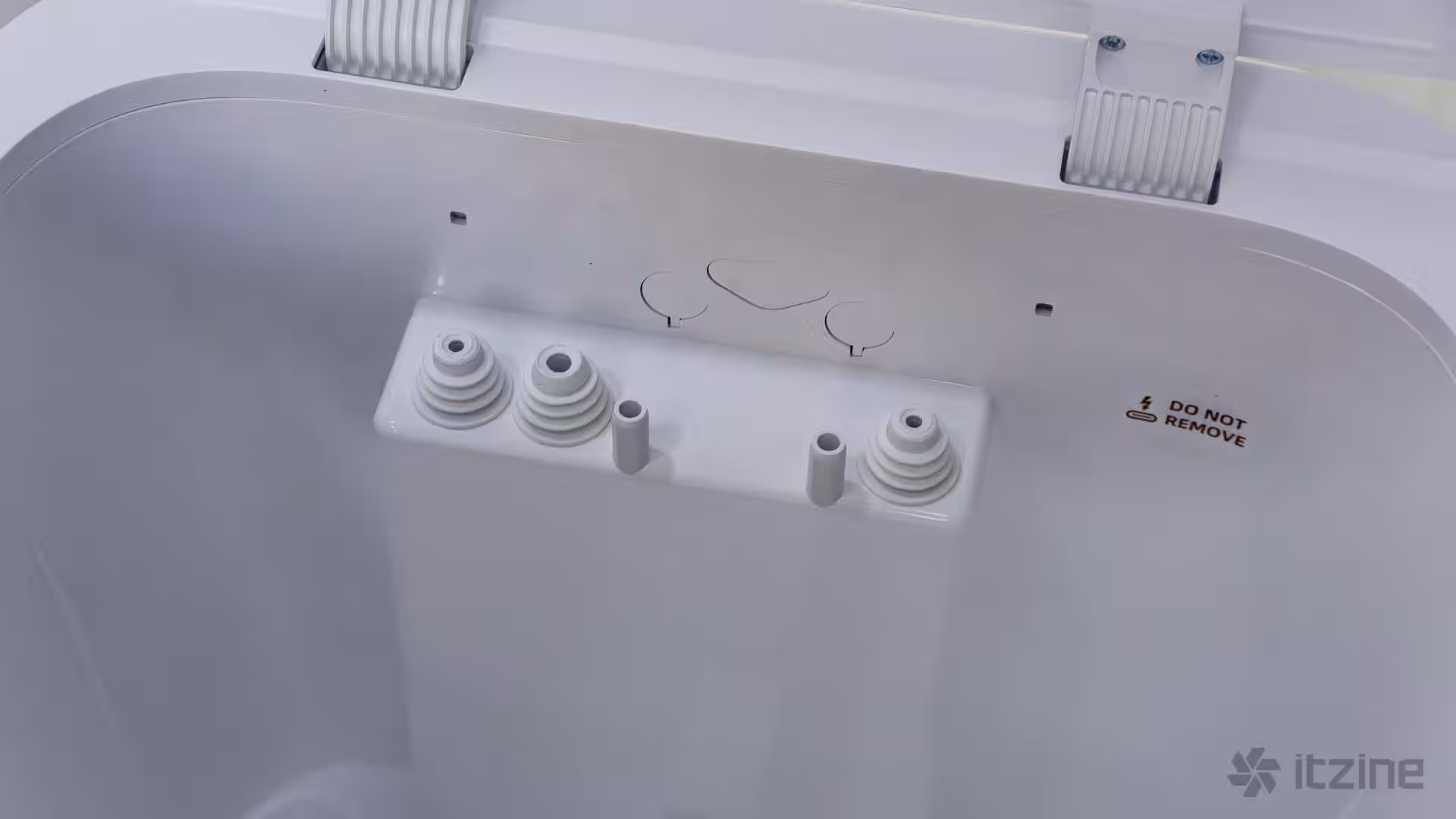
Everything looks and works as it should. Dreame offers a black model too, if that fits your interior better, but I think white is more universal and fits the idea of cleanliness. But to each their own.
Navigation and obstacle avoidance in Dreame D20 Ultra
The Dreame D20 Ultra uses lidar for navigation: it scans the room with a rotating laser beam, quickly builds a map, and keeps track of its location with precision. Its movement algorithm is smart—first, it traces the perimeter, then cleans the room in a neat zig-zag pattern with slight overlap. You can also set it to follow the direction of your floor layout to avoid missing spots or doing weird loops. If you rearrange furniture, the map updates smoothly; local changes are incorporated on the fly.
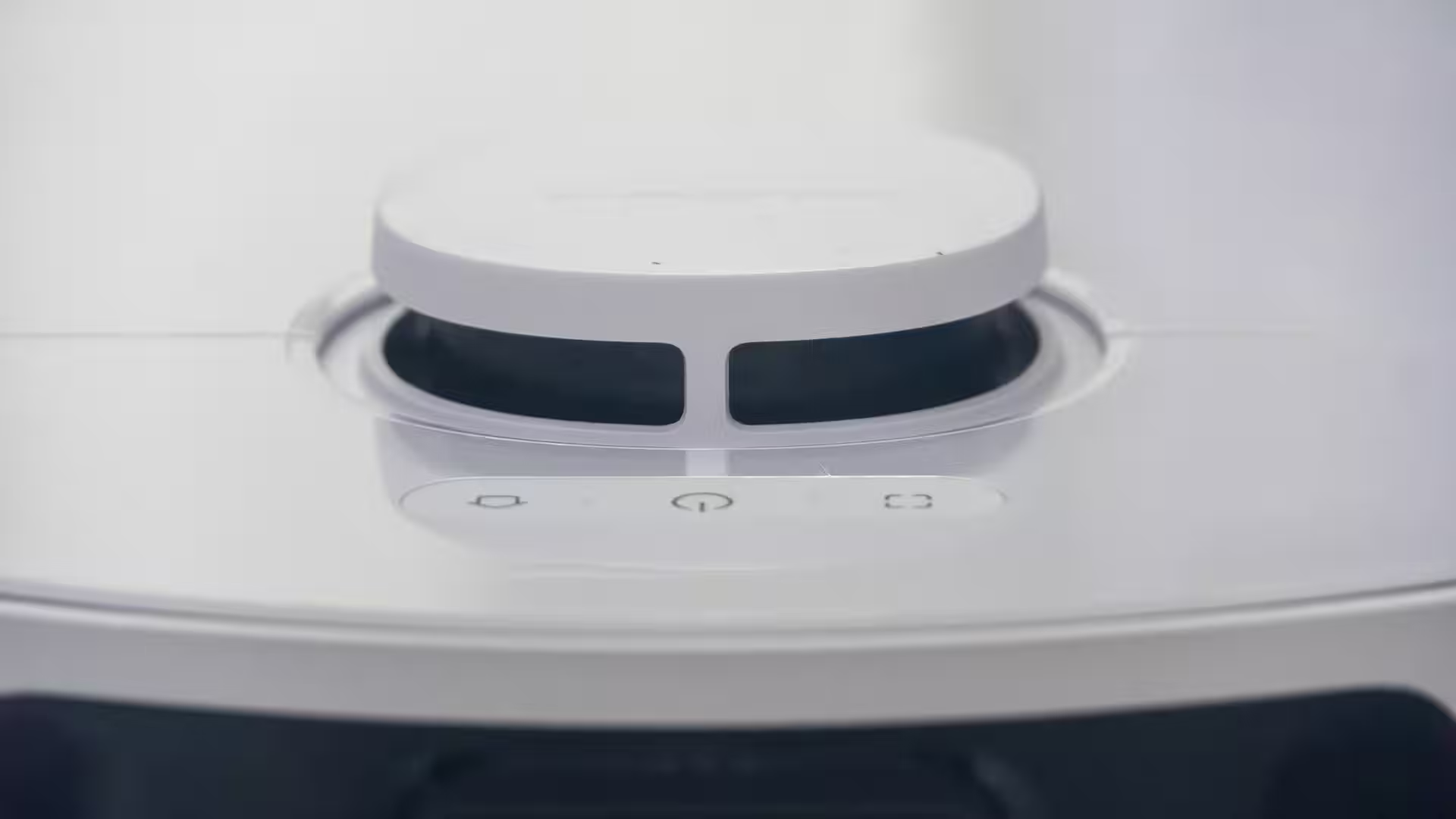
Its 3DAdapt system helps with precise obstacle avoidance—chair legs, drying racks, boxes, packages—D20 Ultra tries to go around without bumping. If you want spotless corners, you can force the vacuum to get closer to obstacles, but that increases the chance of missing some dust. Black carpets aren’t mistaken for drop-offs, and thresholds up to 20 mm are manageable. Of course, it doesn’t climb stairs, but that’s fine for typical door sills.
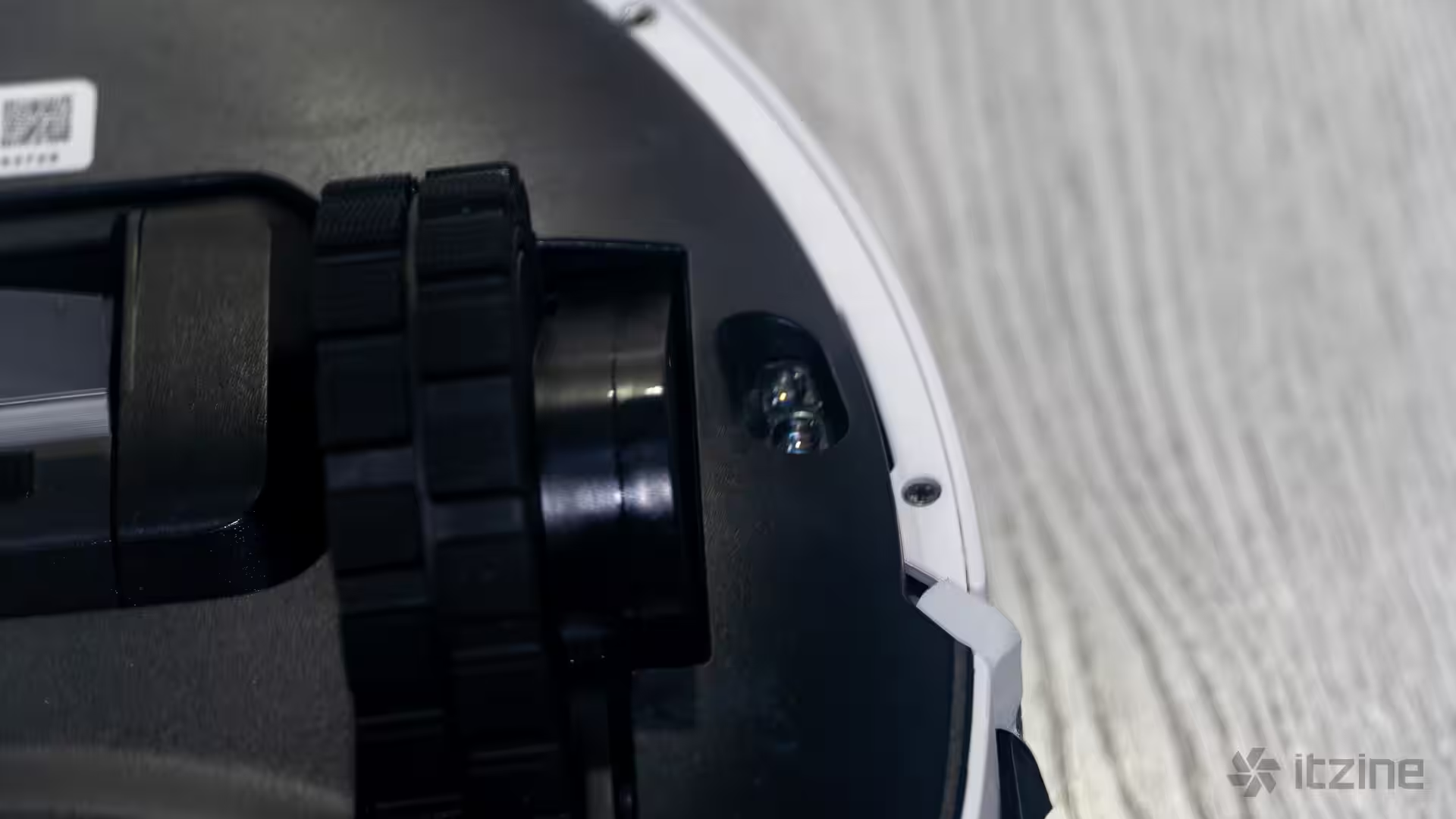
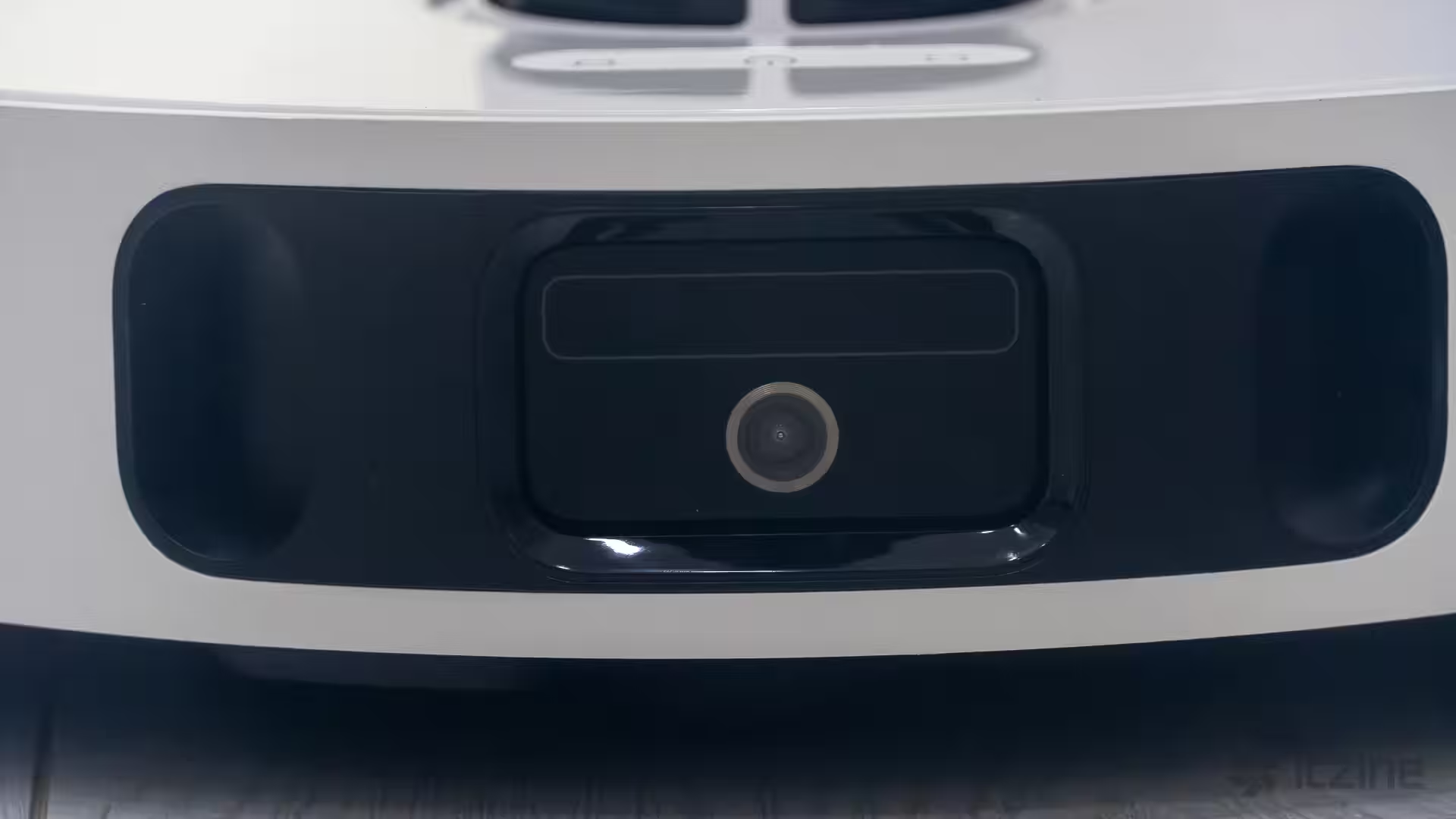
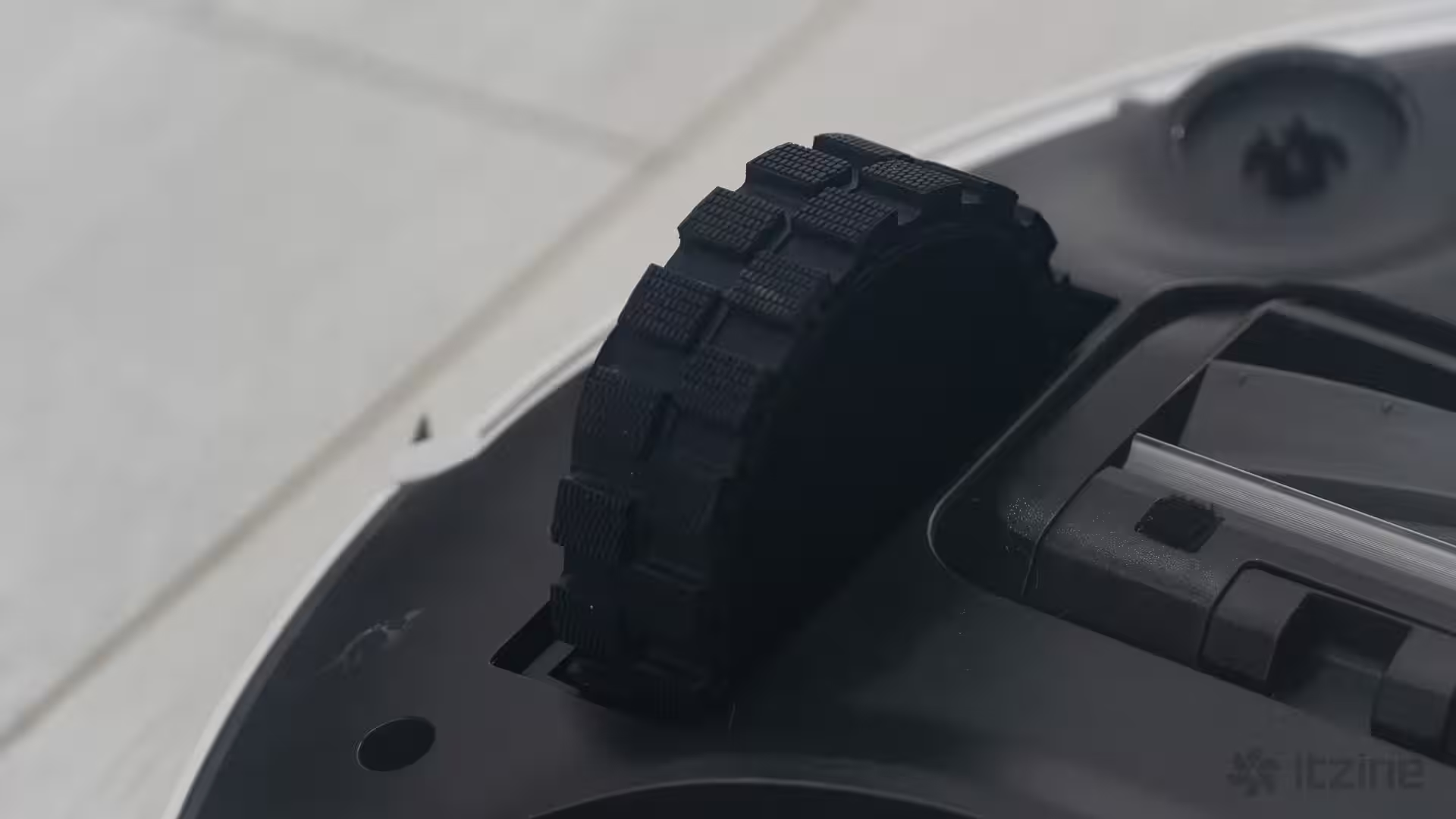
Ultrasonic sensors recognize carpets. When vacuuming without water, suction ramps up automatically on carpets. When mopping, the robot lifts the mop pads up to 10.5 mm. This clearance is sufficient for short-pile rugs and thin runners. For high-pile or shag carpets, it’s better to mark those zones as no-mop areas to avoid misuse and damage.
Dry cleaning with Dreame D20 Ultra: Vormax 13,000 Pa, brush, and filtration
The headline feature here is the suction power. Vormax system delivers up to 13,000 Pa—noticeably stronger where many robots falter, like carpets and floor cracks. On hardwood or laminate, medium power suffices and runs much quieter. On carpets, auto-boost kicks in, efficiently blasting crumbs, sand, and pet hair.
The rubber turbo brush is ideal for pet owners. It doesn’t scratch tile floors, tangles less hair, and is easier to clean. The long side brush sweeps debris from along baseboards and pulls crumbs from behind table legs. Like all round robots, corner cleaning isn’t perfect, but the D20 Ultra has a wet cleaning trick up its sleeve we’ll cover shortly.
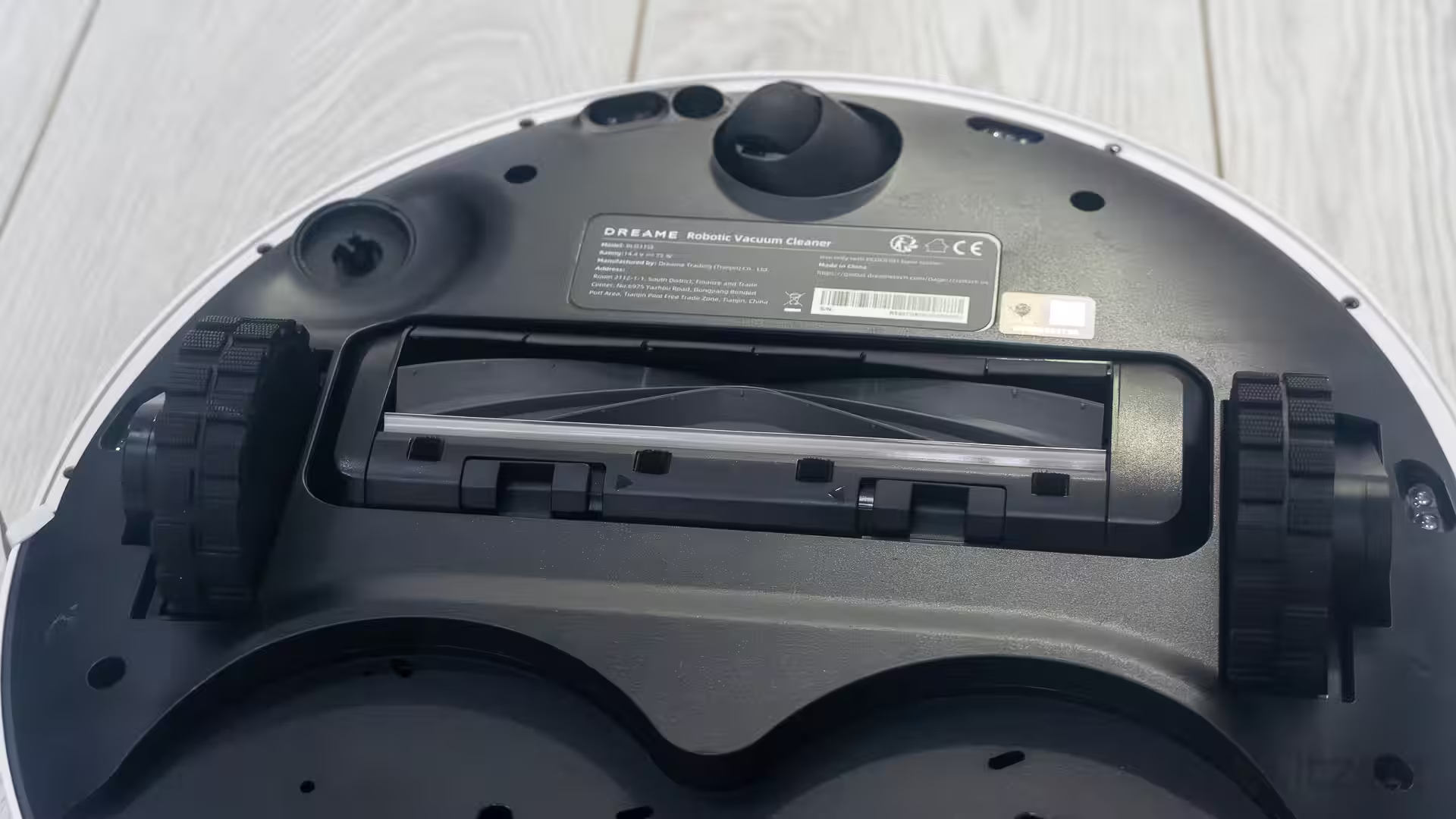
The vacuum’s built-in dust container is small—only 300 ml. But that’s fine because you rarely have to touch it. When it docks, the dock blows debris into the 3.2-liter dust bag. Filtration has three stages: mesh, sponge, and HEPA filter.
Noise levels are typical for this class. In standard mode, the robot won’t overpower your TV’s background sound. Turbo mode is louder but cleans faster, eliminating the need for a second pass. The dock is quite noisy during auto-emptying, but that only takes a few seconds.
Wet cleaning with Dreame D20 Ultra: DuoScrub, RoboSwing, and carpet protection
The mopping system uses what you’d call the “right” approach. Instead of a dragging cloth, the D20 Ultra spins two round DuoScrub mop pads at high speed, pressing firmly against the floor. This lifts fresh stains and drink spills more effectively than a static wet cloth. For stubborn dried dirt, a second pass with increased water helps.
RoboSwing tech improves edge cleaning—the robot swivels its rear end slightly, letting the mops reach closer to the baseboards. While corners can’t be perfect due to geometry, there are fewer streaks along walls. On long straight stretches, the difference is noticeable, especially on light tiles and matte laminate.
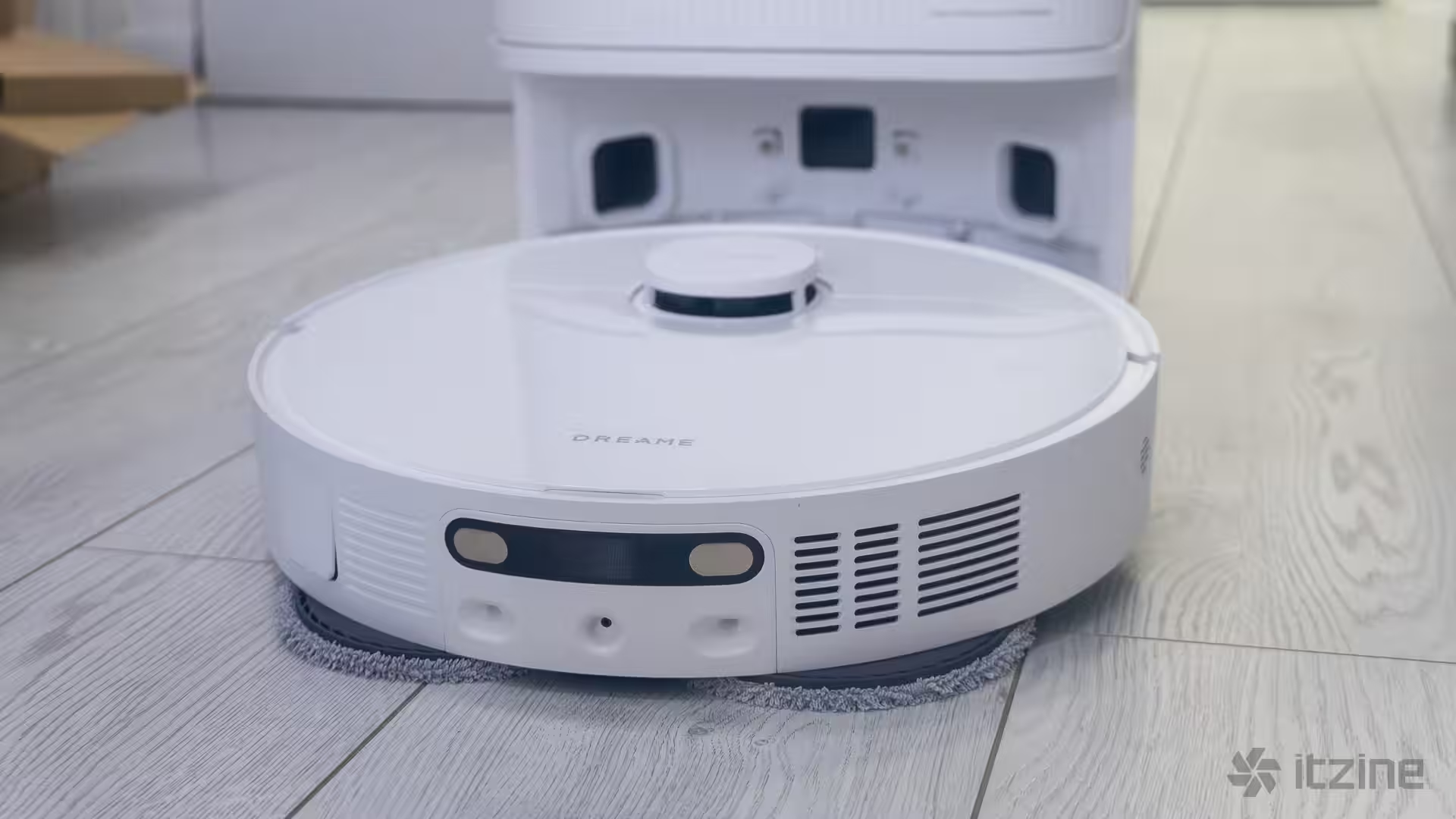
Carpet protection from moisture is thorough. The ultrasonic sensor identifies carpet fibers in time, and the mop module lifts 10.5 mm. This works reliably for short pile. For tall shag carpets, it’s smarter to mark wet cleaning no-go zones, keeping mopping dry and safe—and saving water.
The water supply system centers around the dock. The robot only has a small 80 ml onboard reservoir—not removable or manually refilled—because the dock houses a large 4.5-liter clean water tank and a 4-liter dirty water tank. After each cleaning, leftover water is flushed from the internal lines, preventing odors and mold that can develop in warm, damp mop pads.
PowerDock station: auto mop washing, self-emptying, and warm drying
The PowerDock is the heart of “carefree living.” After each cleaning session, the robot returns to rinse the mop pads, spinning them in a little water basin, then sets off with fresh pads. At the end, the dock warms the mop pads with warm air drying, preventing odors and mold, extending microfiber life, and saving you time. Clean, dry mops mean no streaks next time around.
The station’s self-emptying blows dirt into a 3.2-liter dust bag. For a city apartment, that can last weeks or months. The official claim is “up to 100 days” without a bag change, though real-life depends on cleaning frequency, size, and pet hair. The process is quick but noisy, best scheduled for the day or right after cleaning.
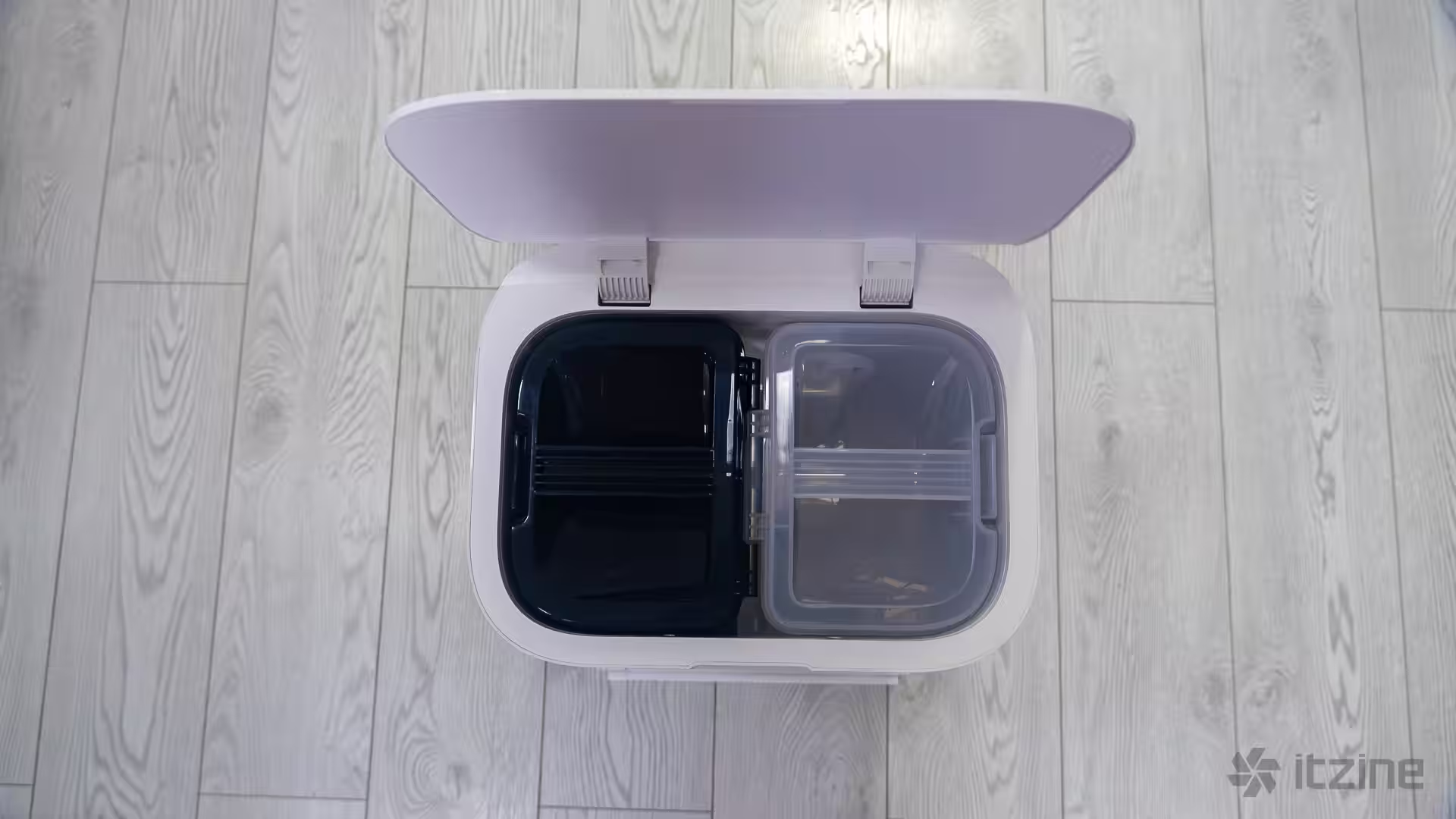
You can remove the 4.5-liter clean water and 4-liter dirty water tanks with one hand. Wide openings make cleaning easier. The dock reminds you when to refill or empty tanks via the app. Keeping tanks tidy and swapping the dust bag on time minimizes contact with dirt. The only gripe is the dirty water tank—while 4 liters is generous, the bacterial buildup and smell after a week can be unpleasant. This is solved either by emptying more often or adding laundry conditioner. Avoid alcohol-based products as they could damage the tank material.
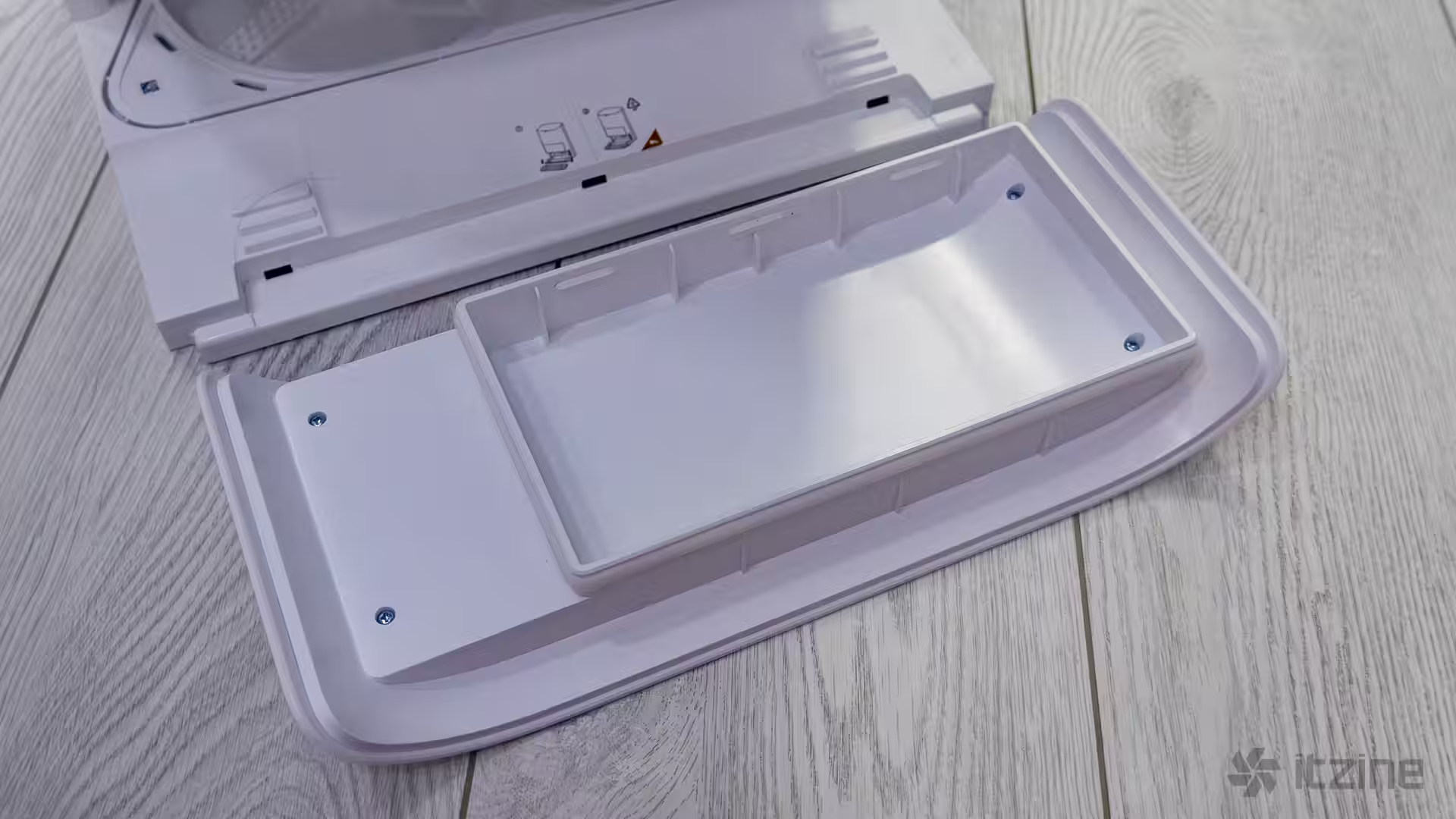
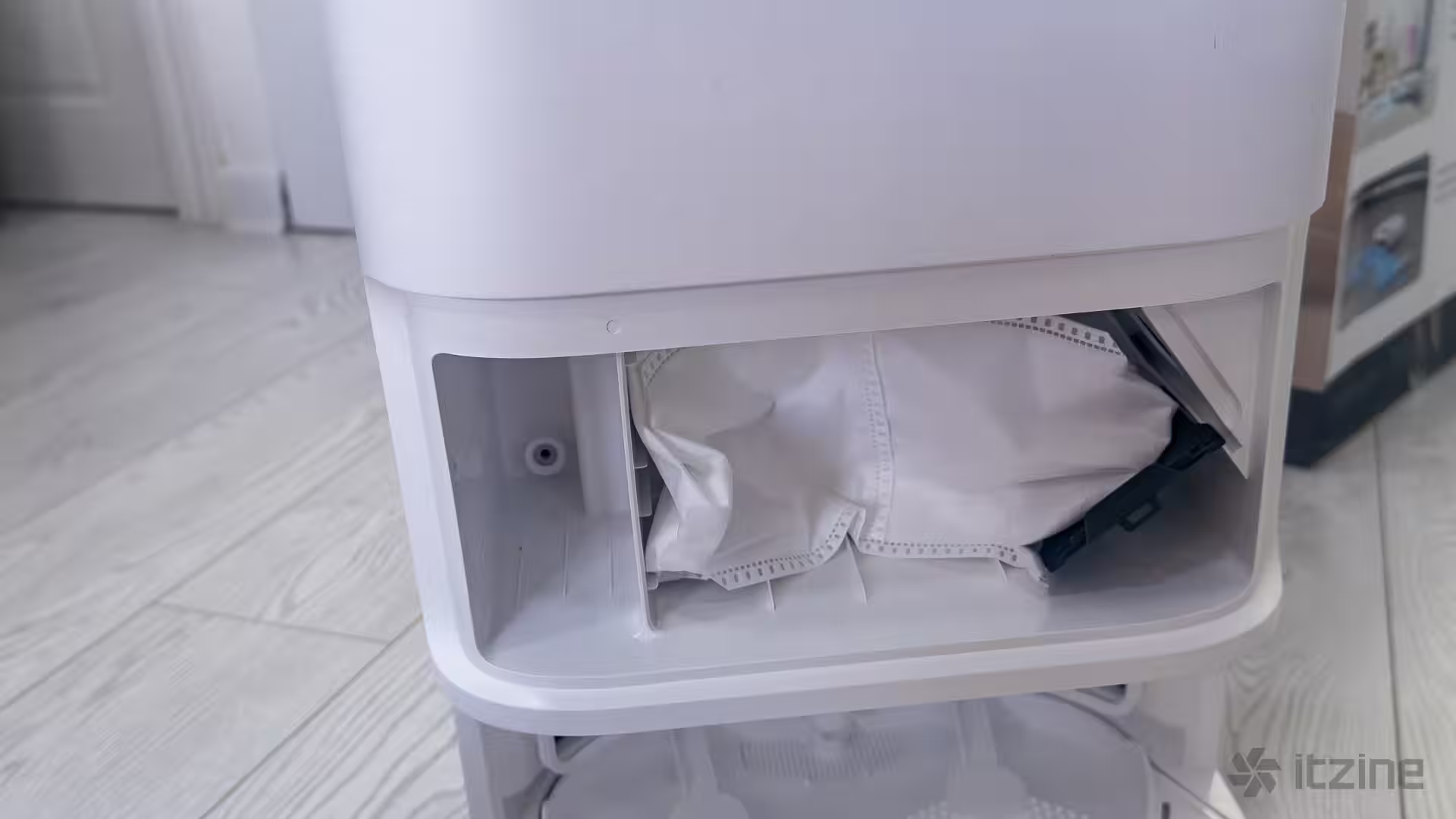
If you want mop water mixed with a floor cleaning solution, there’s a slot to the left of the dust bag for a special container. Dreame recommends using their proprietary fluid and warns against alcohol or harsh chemicals. The container needs to be purchased separately. Remember, if you have kids or pets, it’s safer not to use chemical cleaners at all.
App and voice control for Dreame D20 Ultra
Control is handled by Dreame Home. Initial setup takes about 10–15 minutes. The robot builds a map, divides it into rooms, and you can tweak boundaries, merge, or rename zones. The app lets you set suction power and water flow per room, choose cleaning order, mop rinse intervals, and auto-empty frequency. Frankly, the setup is a bit easier than a similar vacuum from another big Chinese brand starting with “X.” Some minor Russian localization quirks remain, but overall it’s intuitive and works well.
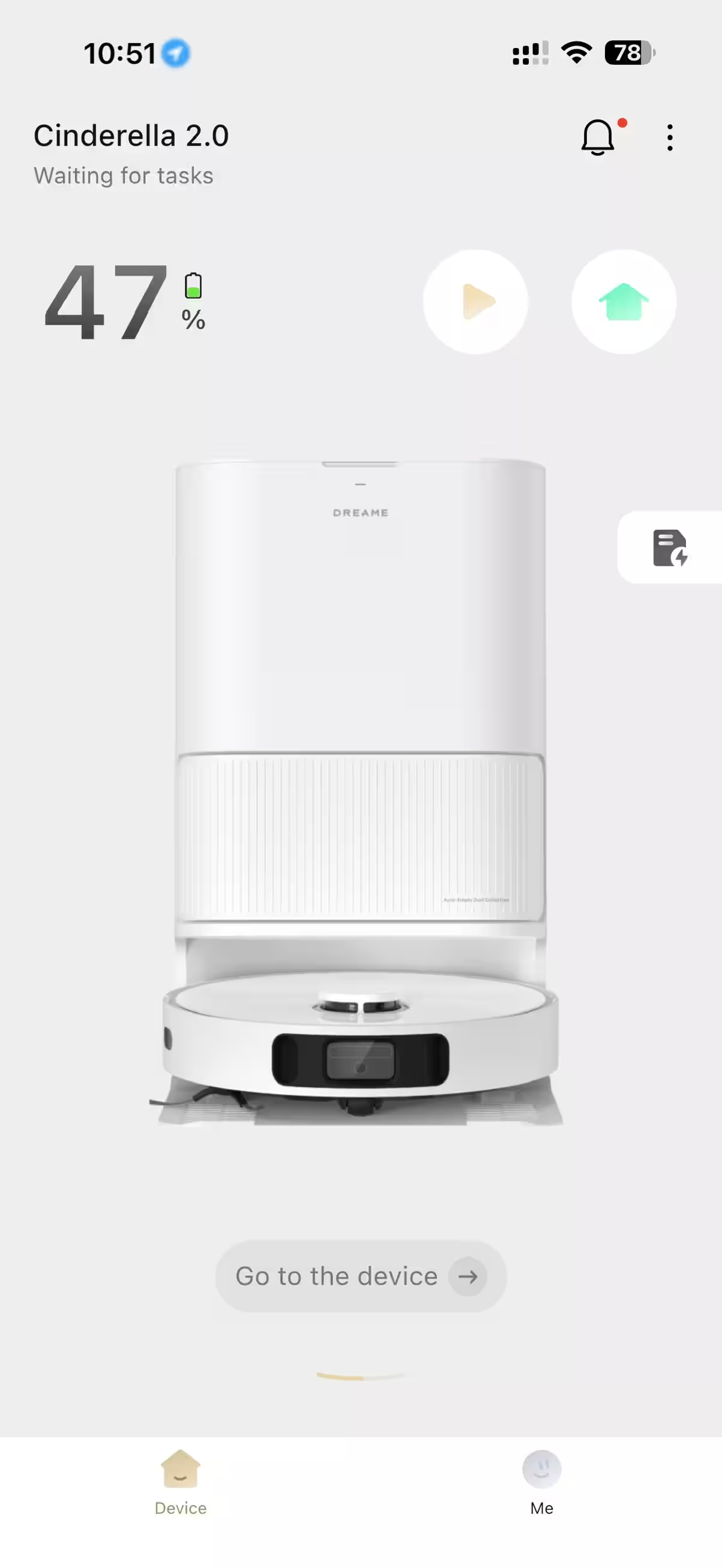
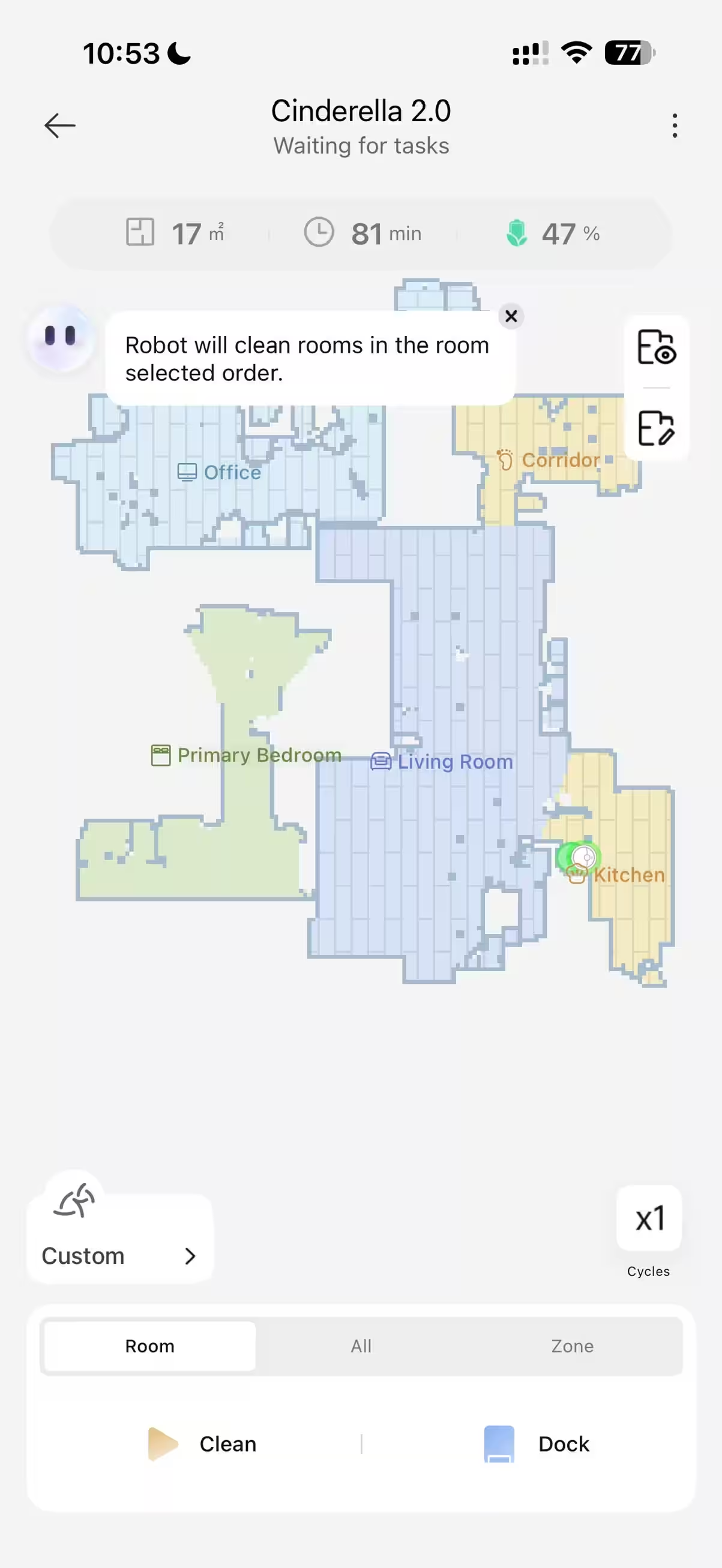
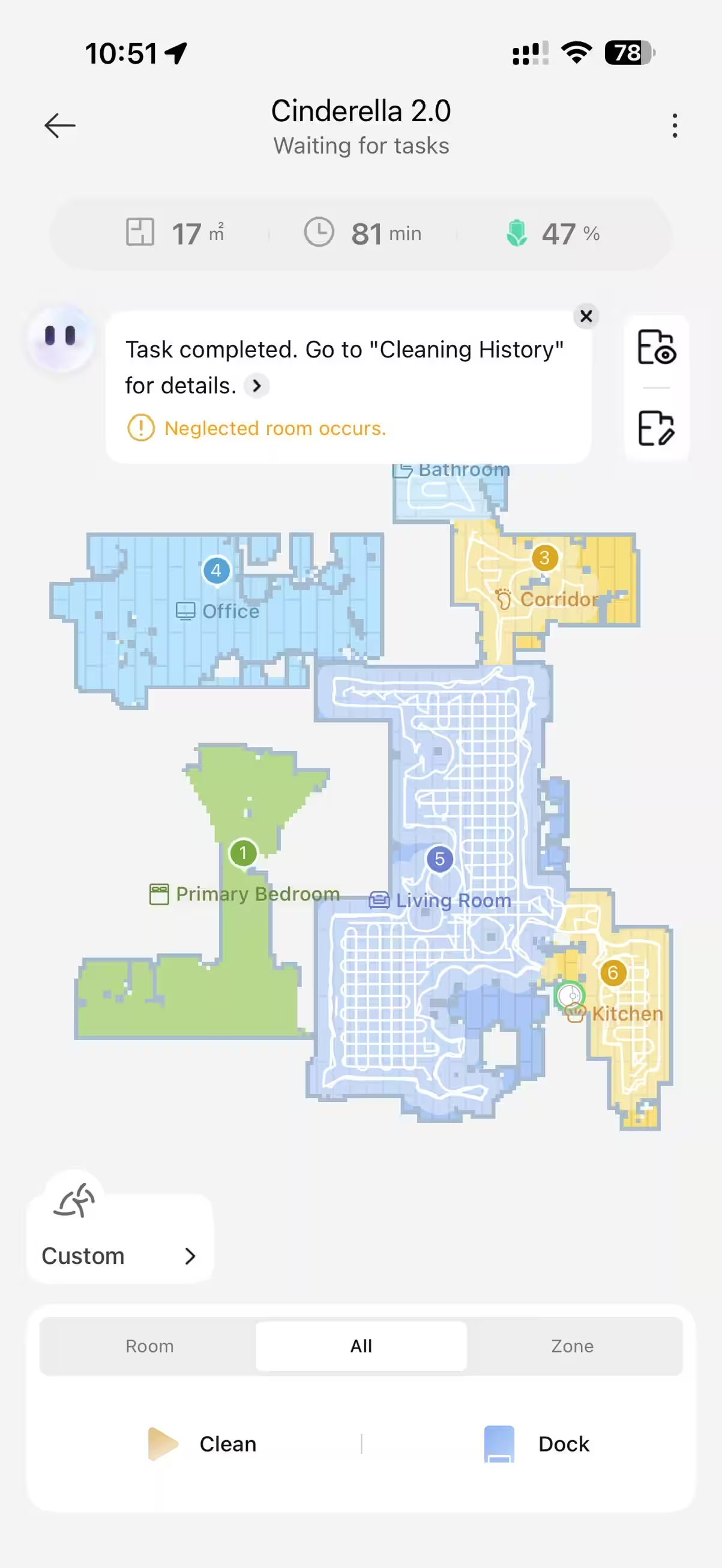
Scheduled cleaning is flexible—kitchen and entryway every day, corridor and living room every other day, and bedroom twice weekly. For wet cleaning, you can amp up water flow on areas prone to spills or grease. No-go zones are handy for tall carpets or tangled cords.
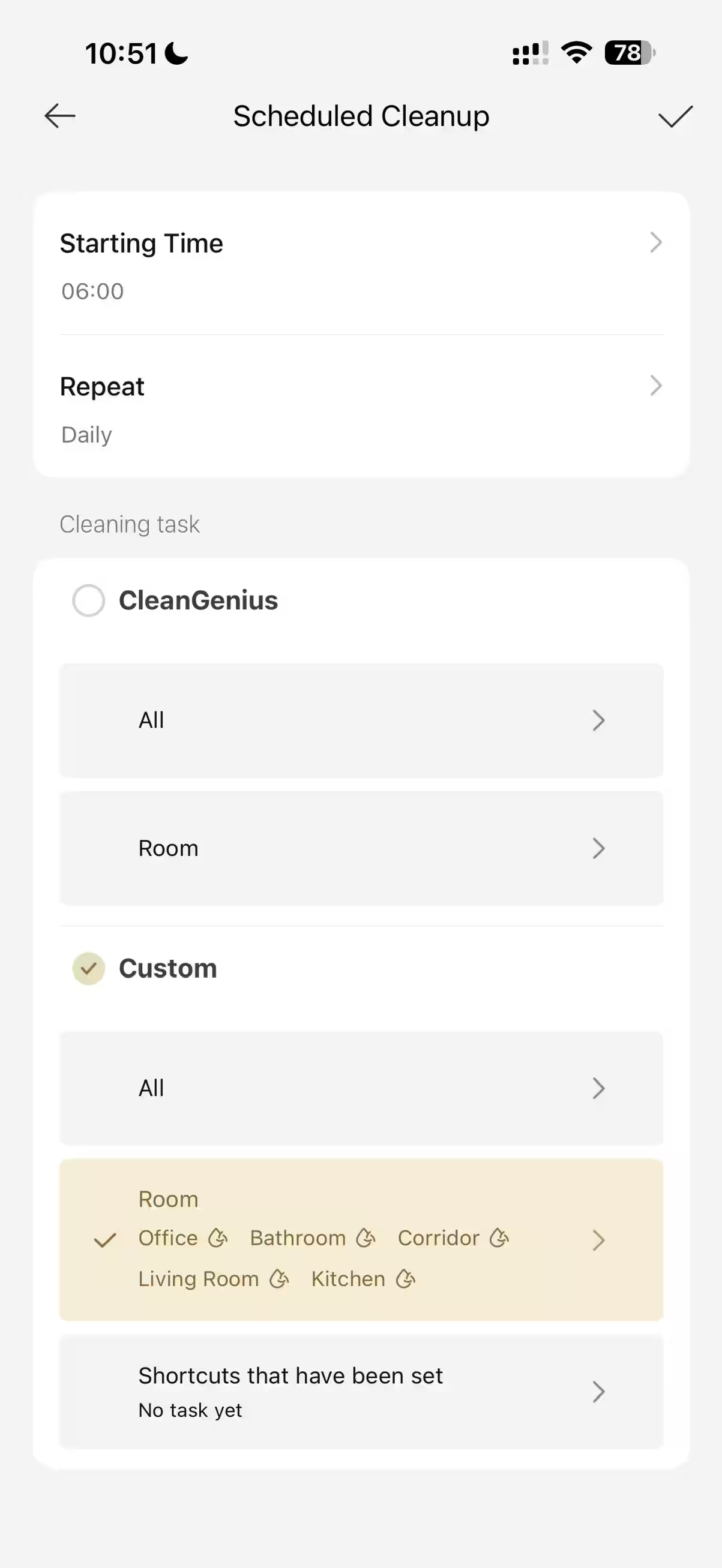
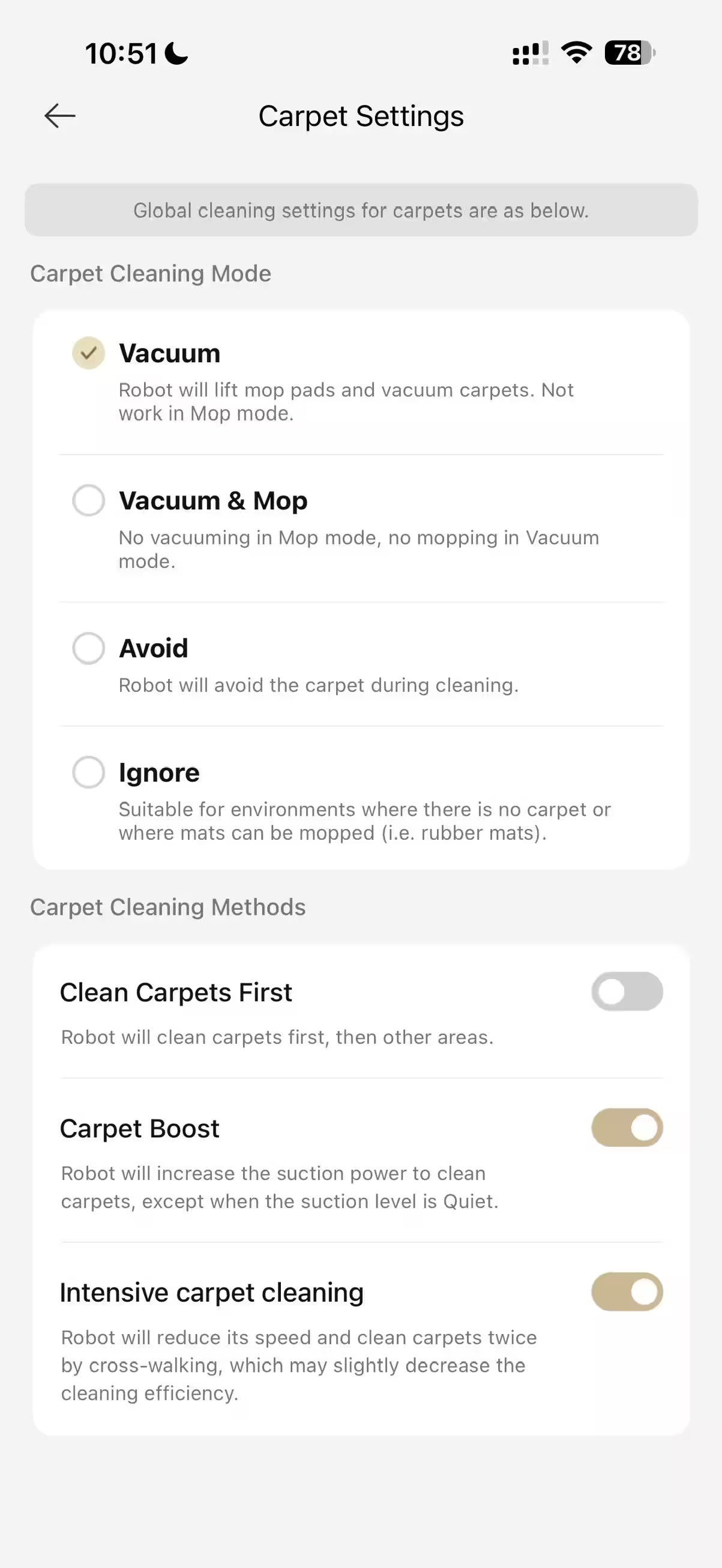
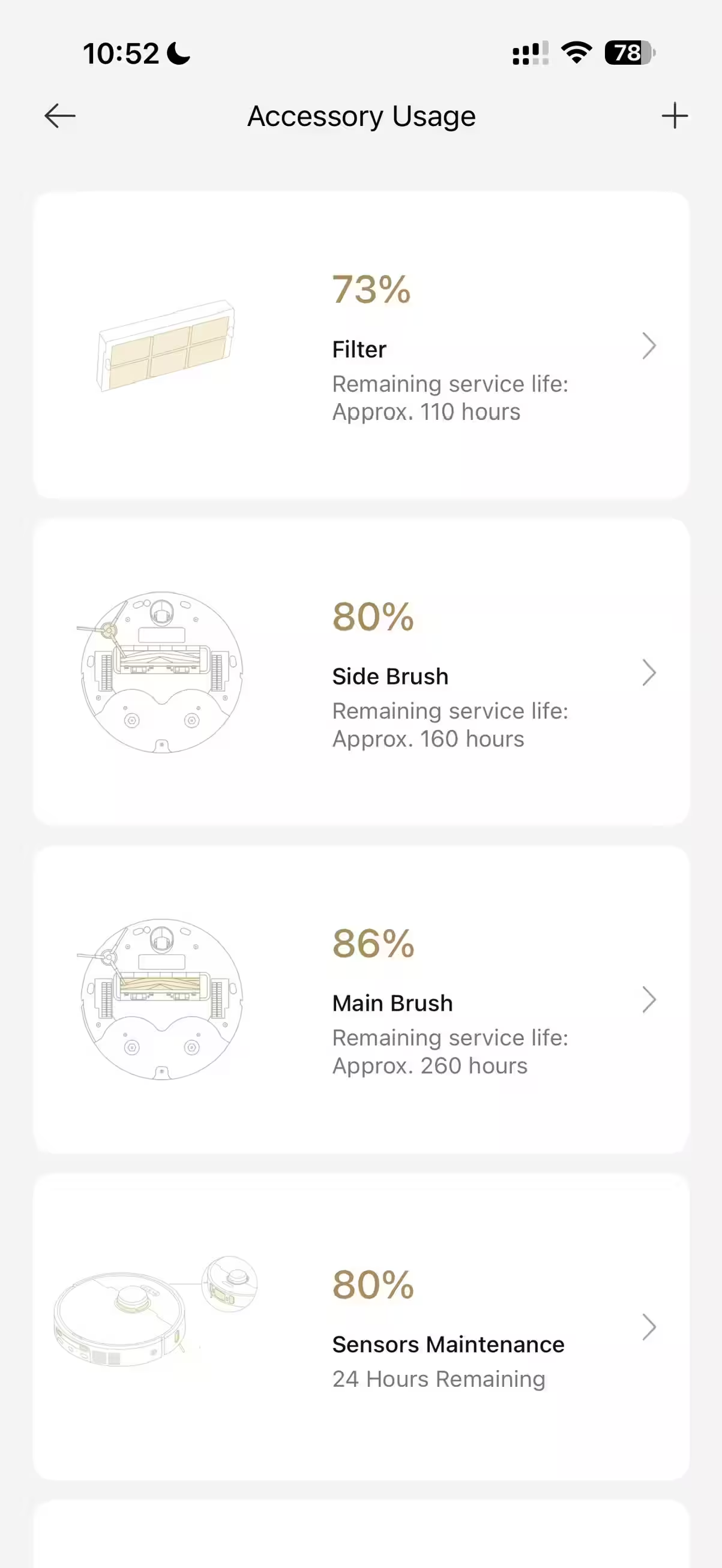
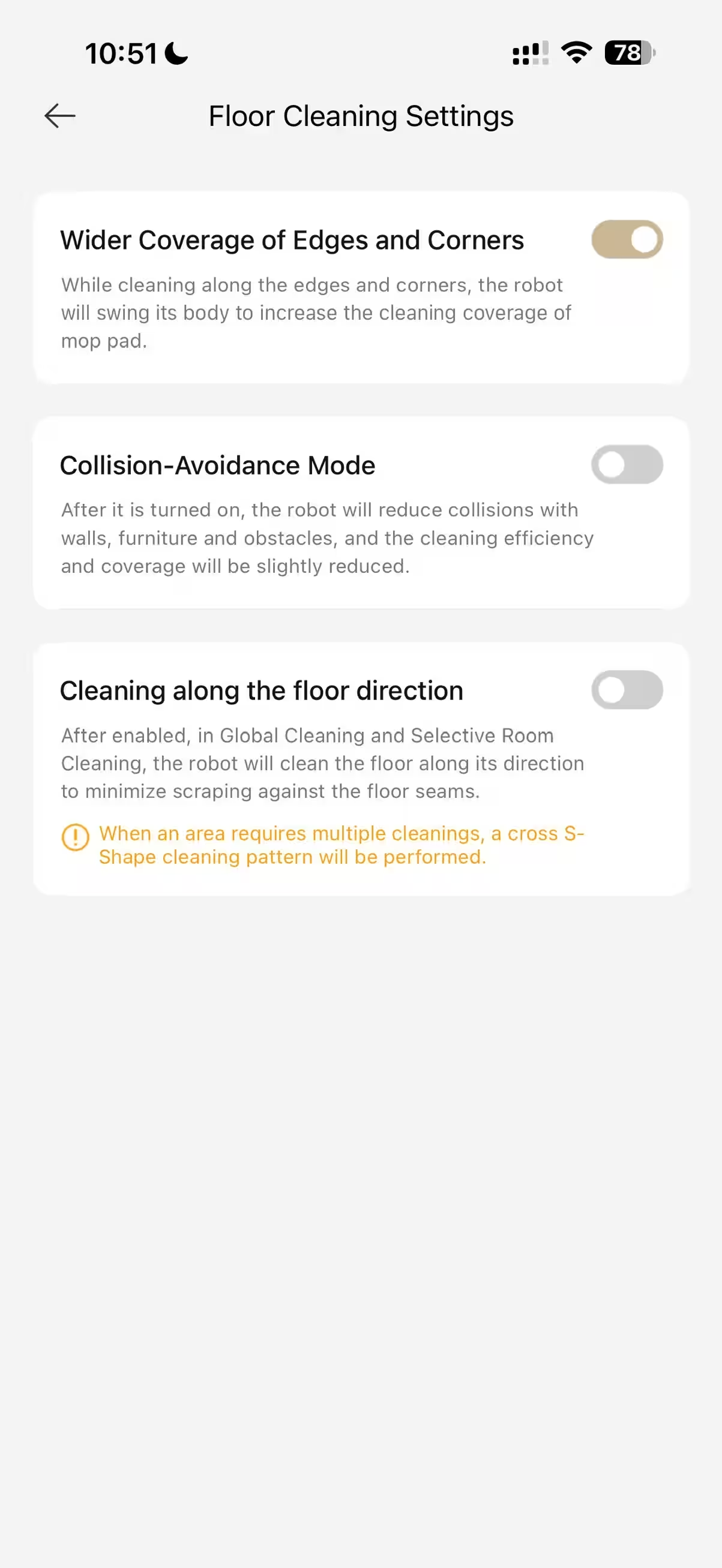
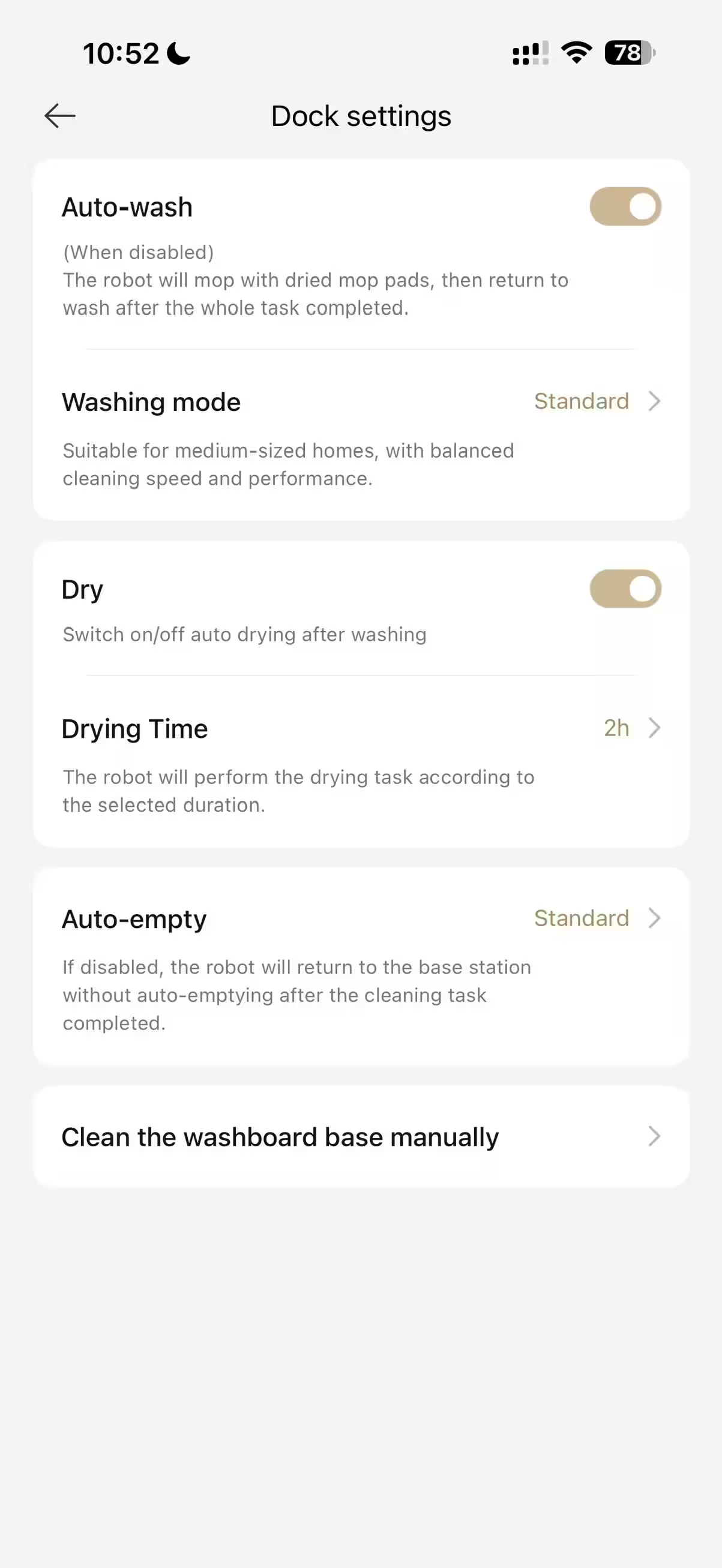
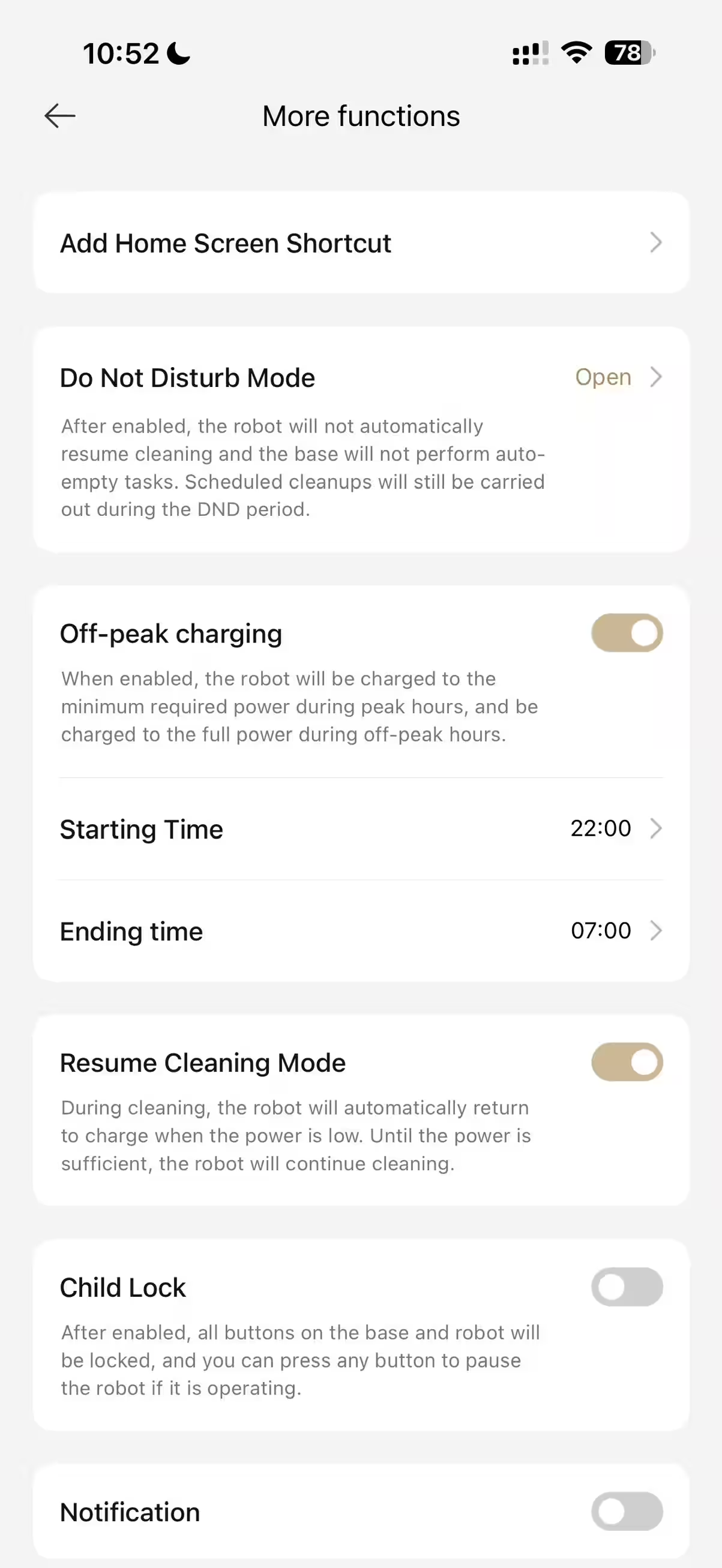
You can set how often the robot rinses mop pads. There’s a night mode so if self-emptying is due overnight, the robot waits for a better time. A child lock disables all buttons on the vacuum. Quick cleans by zone or room are easy—like “clean the kitchen after cooking,” where it cleans three times and tidies nearby areas. There’s also a CleanGenius mode: you simply send it out, and it “decides” where to mop more thoroughly or do second passes—fully automatic.
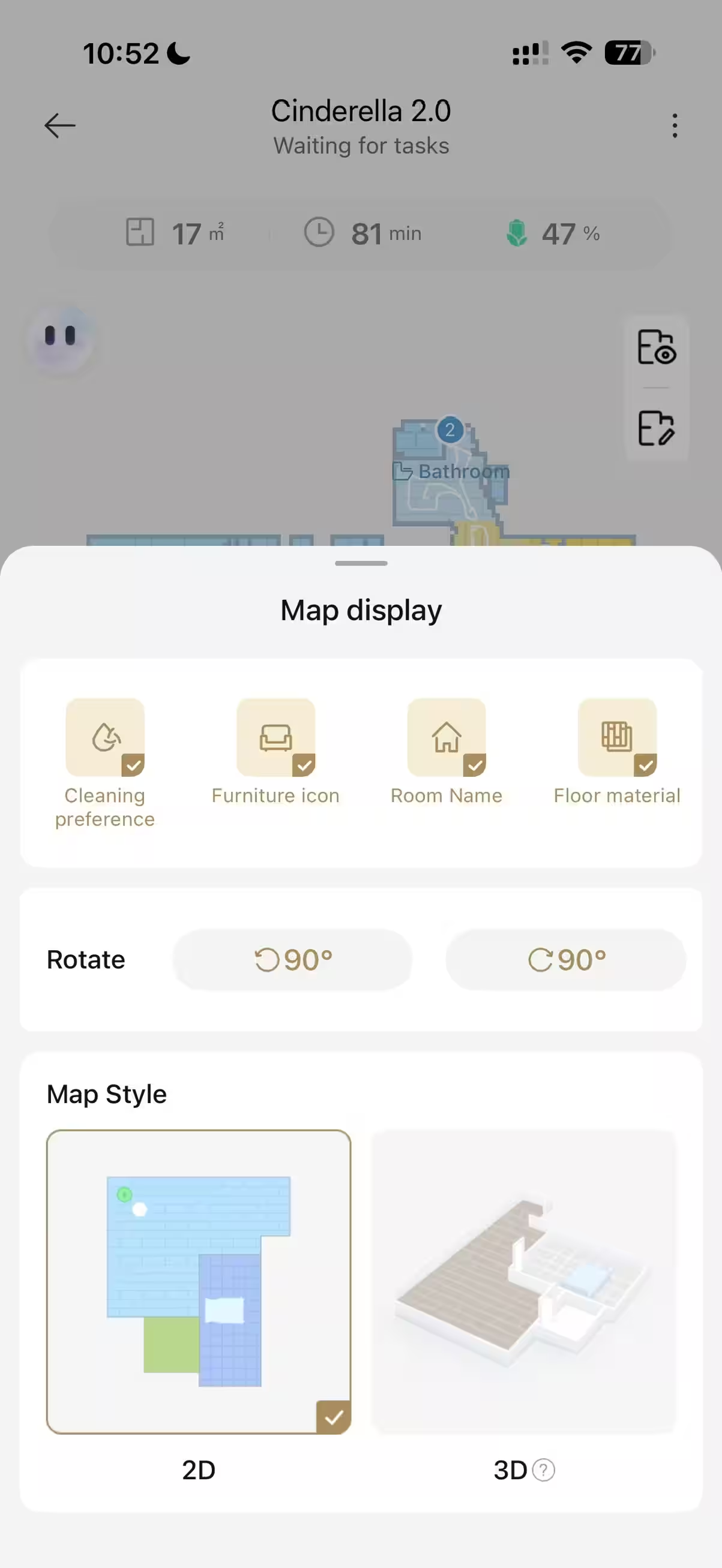
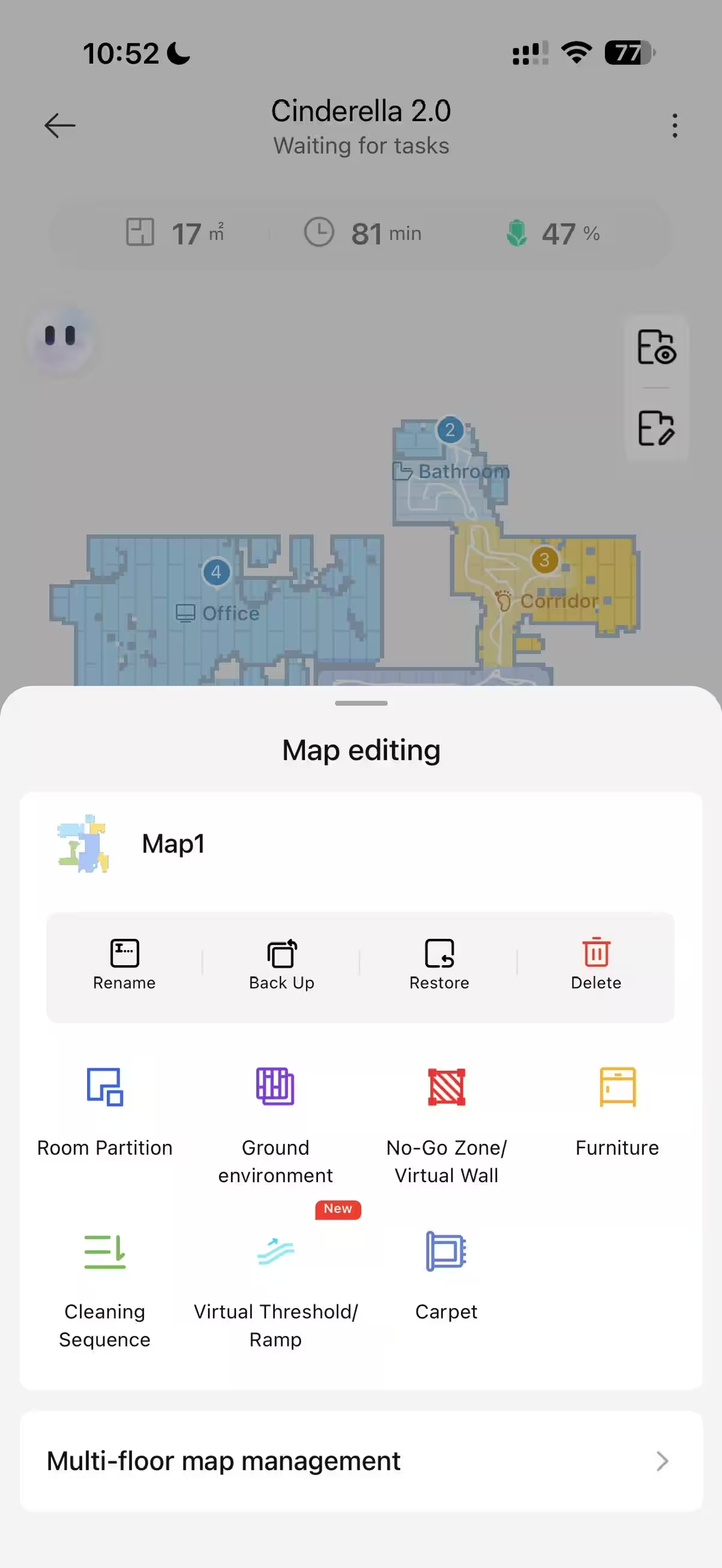
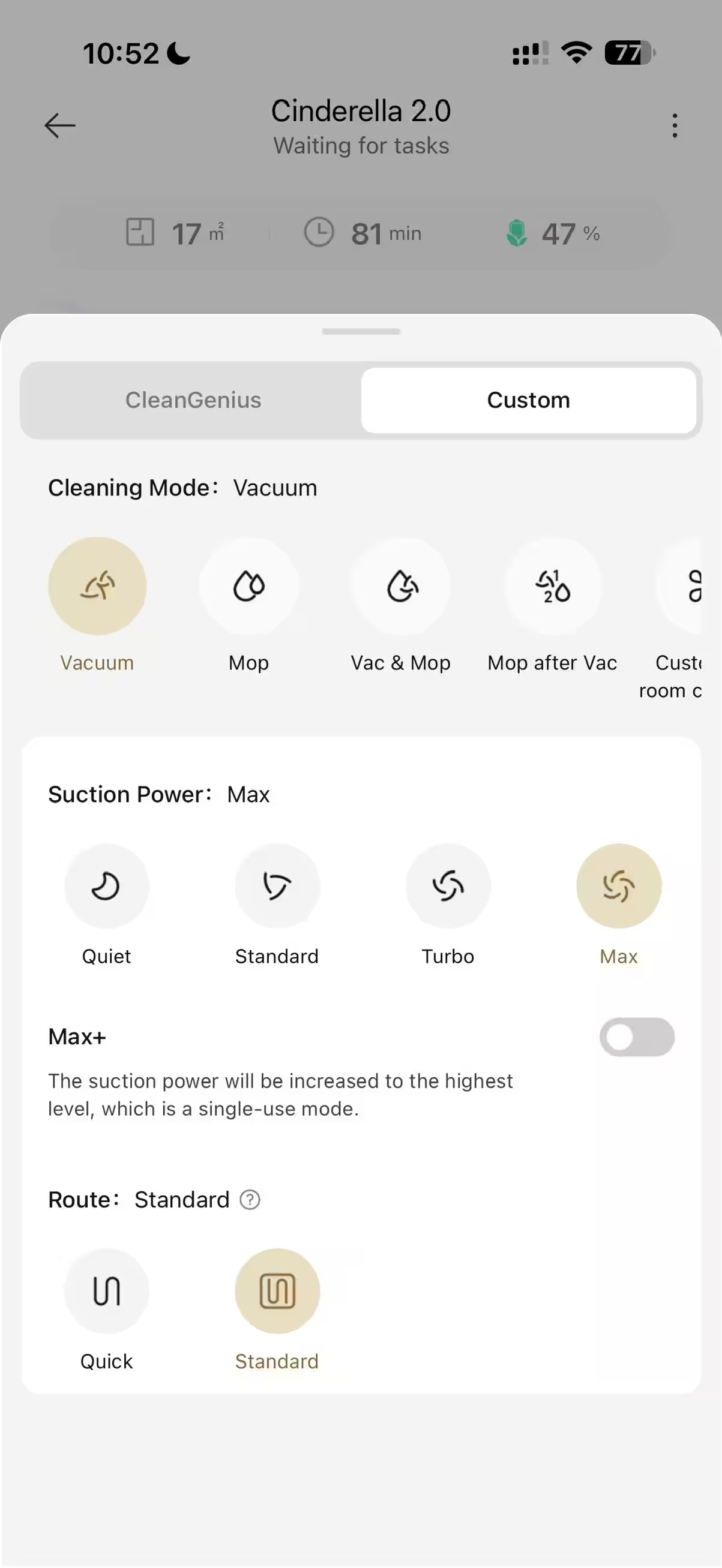
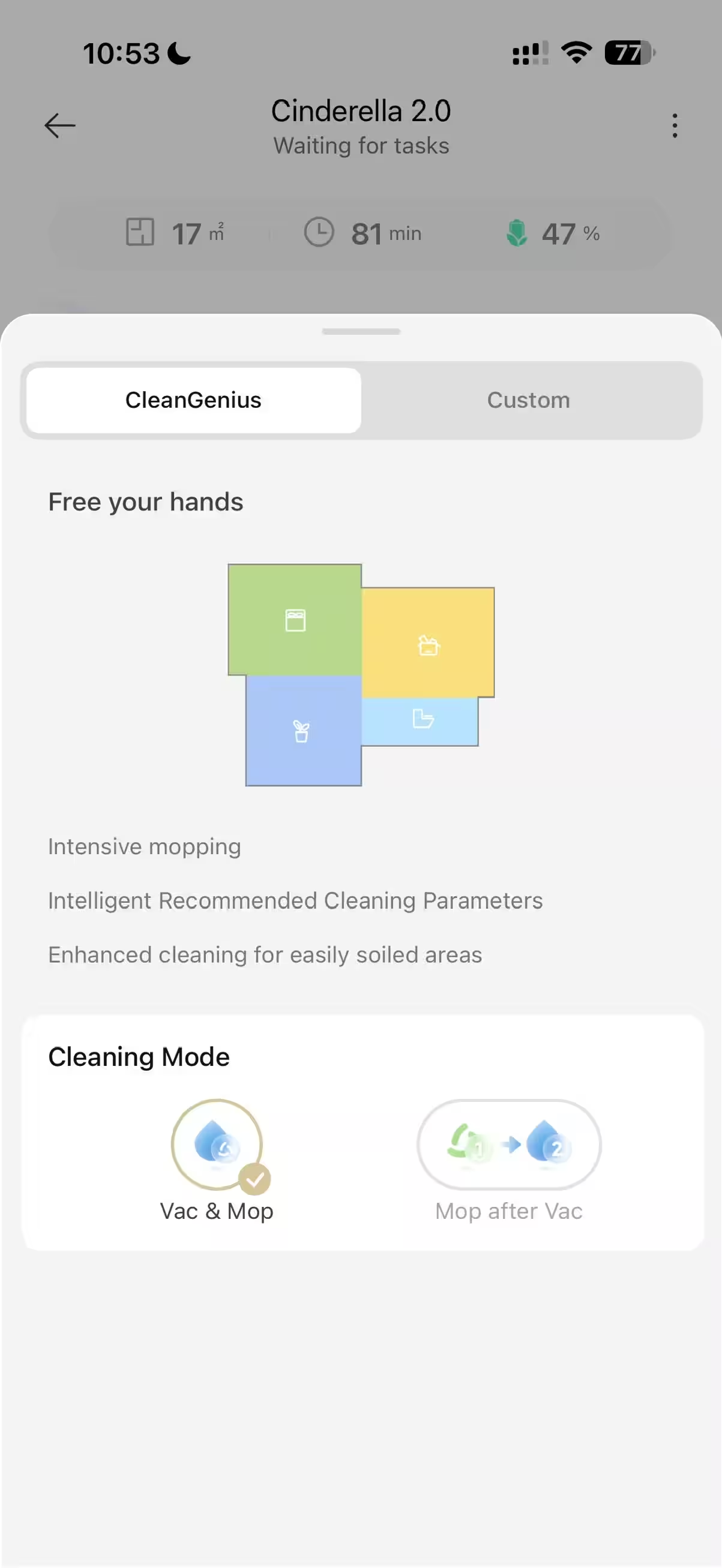
Voice assistant support is included. In Russia, it’s most convenient via Alice or Marusya. Commands like “clean the kitchen” or “start cleaning the living room” save a few taps. Native widgets on iOS and Android notify you when cleaning finishes or if the dock needs attention.
Performance, battery life, and charging with Dreame D20 Ultra
Power comes from a 5,200 mAh battery, claiming up to 260 minutes on a full charge. In practice, runtime varies with suction mode, carpet coverage, and mop rinse frequency. For a standard three-room apartment with moderate furniture, it can clean one or two full rounds, especially if you mix settings by room. When the battery runs low, the robot returns to the dock to recharge, then resumes where it left off. Honestly, if you run the vacuum on a schedule when you’re away, it doesn’t matter how often it recharges or refills water. I recommend enabling battery saver mode, where it doesn’t keep 100% charge all the time, only topping up fully before cleaning. This helps prolong battery life.
The vacuum supports faster charging—about 30% quicker than previous Dreame generations—reducing idle time between cleaning runs and allowing coverage of larger areas without overnight breaks. The official cleaning area is up to 200 m². That’s more a practical guideline so maps and algorithms remain stable and the dock can service mop pads and the dust bin efficiently.
Everyday use of Dreame D20 Ultra: practical scenarios
Daily tidying of the kitchen and entryway keeps crumbs, sand, and pet hair in check. Carpet auto-boost and frequent mop rinsing prevent spreading dirt. Living rooms benefit from mixed cycles: dry vacuuming followed by mopping, with a stop at the dock to clean mop pads midway through the route.
In kid’s rooms, lower suction and moderate water flow reduce noise and avoid over-wetting parquet. Of course, better to keep toys off the floor, but 3DAdapt deftly avoids the usual “zoo” spread across the floor. Bedrooms work best with “less frequent, deeper” cleaning—once or twice a week—and mop cycles tied to times when rooms are empty. You can even link it with smart home occupancy sensors.
Pet owners will appreciate the rubber turbo brush. Hair picks up well and cleaning the brush takes minutes. Setting more frequent auto-emptying prevents overfilling between runs. DuoScrub mop pads erase paw marks, and the warm drying system eliminates the damp cloth smell.
Consumables and maintenance for Dreame D20 Ultra
The 3.2-liter dust bag lasts a long time. The “up to 100 days” claim is realistic for daily cleaning of average-sized apartments. Microfiber mop pads last longer thanks to automatic washing and drying—you just remove and machine wash them on gentle cycles when needed. Spare consumables are widely available on marketplaces.
The filters are washable but must be fully dried before reuse, as damp filters impair suction and strain the motor. The dock notifies when to refill clean water or empty dirty water. Tanks remove easily, and wide openings make cleaning a breeze. The dirty water tank needs care as dirt settles on the walls—be prepared for that. Routine maintenance includes checking brushes for hair clogs, wiping sensors, and ensuring the dock’s mop basin is clean.
Connectivity, maps, and updates for Dreame D20 Ultra
Wi-Fi connects on 2.4 GHz, offering reliable range in large apartments. Maps save in memory, and settings tie to rooms. If your network dips, the robot keeps its route and finishes the job. Firmware updates roll out periodically and are worth installing—they improve pathfinding and add dock features.
With complex room layouts, segmenting the map into logical zones and doing a “training run” helps the robot move smoothly and confidently. For carpets, select “dry only” or no-mop zones for high piles, keeping everything predictable and safe.
Competitors and alternatives to Dreame D20 Ultra
In 2025, the market breaks down into three main groups. First, budget robots without docking stations—they’re cheaper but require frequent manual cleaning of the dustbin and mop pad, typically just a soaked cloth rather than rotating mops. Second, models with self-emptying bins but no mop washing or drying. Progress, but the mops still need manual care. Third, “automatic” solutions like Dreame D20 Ultra where the dock takes care of debris disposal, mop washing, drying, and water management—you just change water and dust bags occasionally.
Flagship models exist with even more powerful docks, complex camera navigation, and moving brush assemblies—but they’re significantly pricier. In the sub-50,000 ruble range, the D20 Ultra offers a rare combo: 13,000 Pa suction, two rotating mop pads, carpet lift, and warm drying. That’s basically a full “premium set” at a reasonable price.
Lower budgets might choose models without drying or with simpler docks, but that defeats the “set and forget” idea. Higher budgets, complex thresholds, lots of low furniture, and oddly shaped carpets call for slimmer robots, external lidars, or hybrid camera systems. But for typical apartments, the D20 Ultra covers it all.
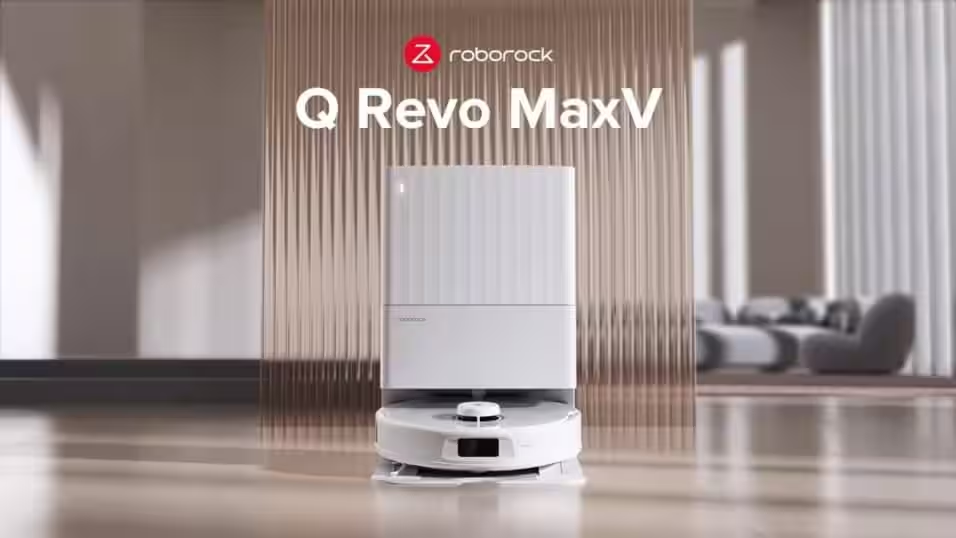
Roborock Q Revo MaxV is a good pick if you want “a bit more automation and intelligence” than the D20 Ultra offers. Its dock washes mops with hot water, dries with warm air, and auto-empties the dustbin. AI camera navigation handles small objects and wires more precisely; the app’s scenario options are flexible. Downsides: the dock is bigger and noisy during self-cleaning, suction is just 7,000 Pa, and it usually costs noticeably more, starting around 60,000 ₽. If budget isn’t tight and you prioritize advanced obstacle recognition plus hot water mop washing, it’s a worthy alternative.
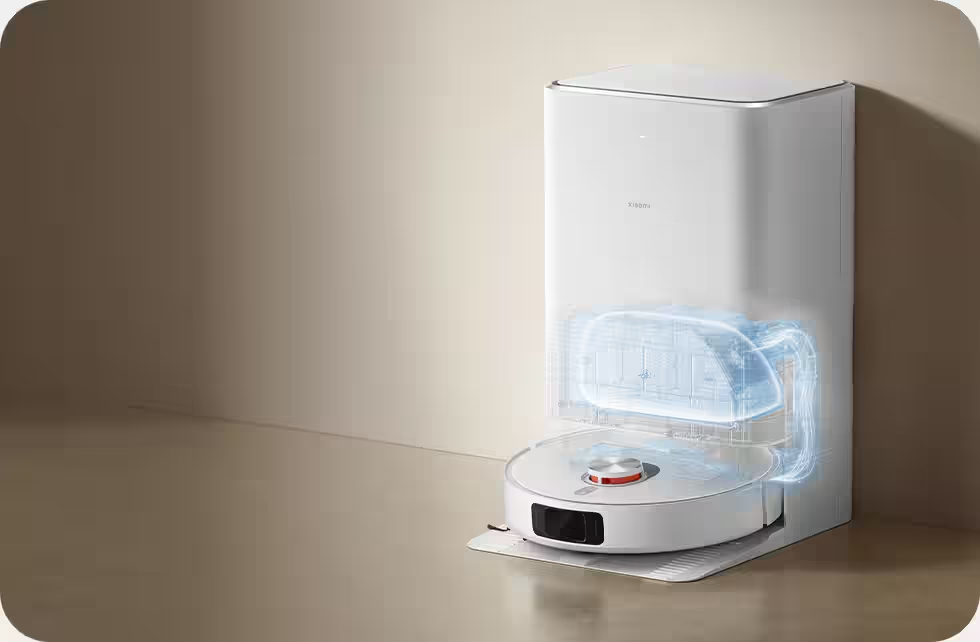
The Xiaomi Robot Vacuum X20+ is an “entry ticket” to automatic cleaning with a dock that washes and dries mop pads and empties dust bins on its own. Lidar navigation is solid, integrated into Mi Home, and good enough for mixed floors and daily routines. Trade-offs are honest: suction and carpet cleaning depth are more modest than the D20 Ultra, obstacle avoidance is simpler, and with multiple X20-series models available, opt for the one with drying functionality. It’s typically priced similarly to the Dreame D20 Ultra.
Limitations and quirks of Dreame D20 Ultra
Lidar height is the main physical limitation. The robot won’t fit under ultra-low furniture. If you have many such spots, keep a handheld vacuum or rearrange furniture. Carpet mop lift at 10.5 mm is enough for short pile but high piles demand no-mop zones.
The dock’s self-emptying noise is loud but brief—best avoid nighttime runs. Plan cleaning sessions and emptying for daytime. The dock needs a stable corner with a power outlet and some free space above to swap tanks and bags comfortably.