Quick access to State Services documents appeared in Max profile
 By ForGeeks
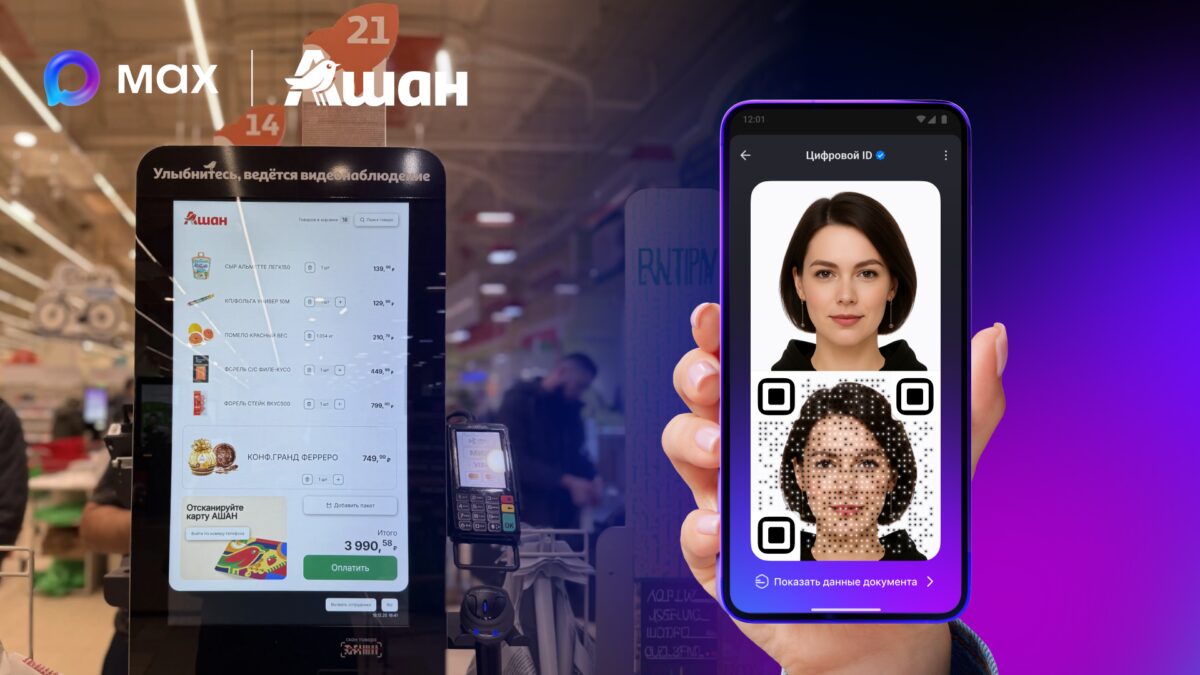
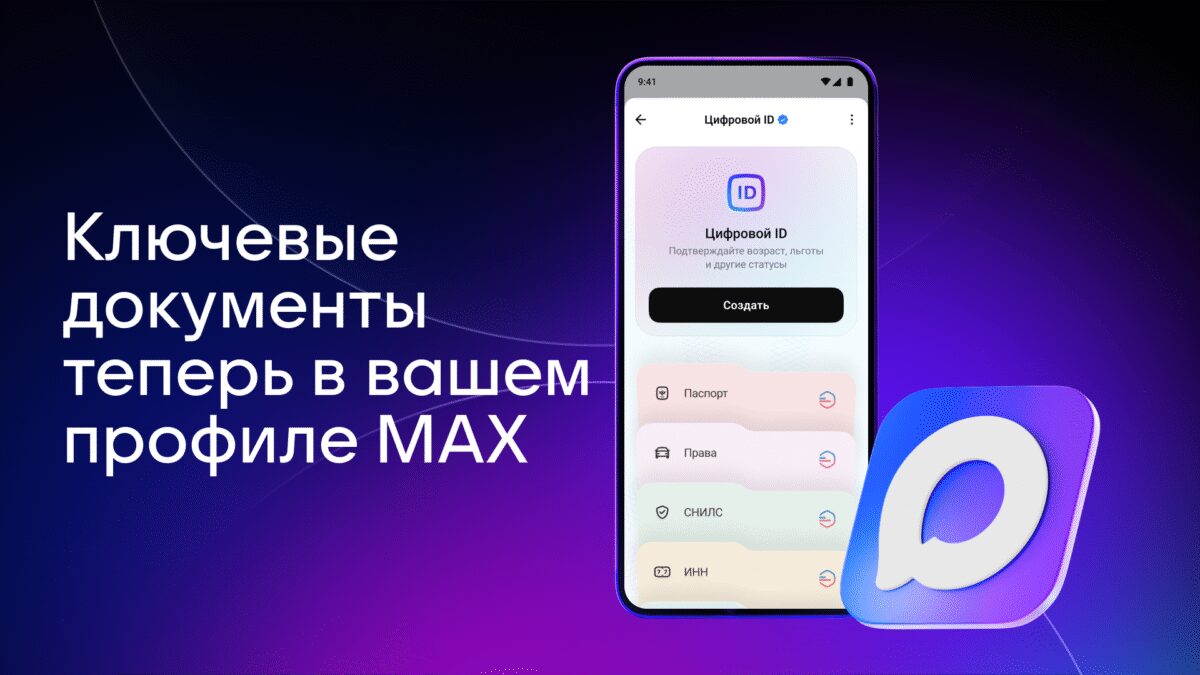
Max users can view basic personal documents right in the app. Electronic versions are displayed under “Digital ID” after agreeing to data transfer from Public Services.
Passport, driver’s license, SNILS, MHI policy and TIN are available in Max without biometrics. Document cards will appear in the profile, and in the future the service will add data on vehicles and children’s basic documents.
Gaining access to documents
To open documents in Max, you need to update the Max and Gosudservices apps, open the “Digital ID” section, select a document and once allow data processing in Gosudservices. After that, the information will be displayed in your profile automatically.
What’s included in Digital ID
“Digital ID” consists of document cards and a QR code that confirms social status and age, for example when buying 18+ category goods at self-service checkouts. To get a QR code, you need to be identified: with biometrics, a new generation passport or a driver’s license.