Magic Eraser in Google Photos is getting worse

 By Arthur Berg
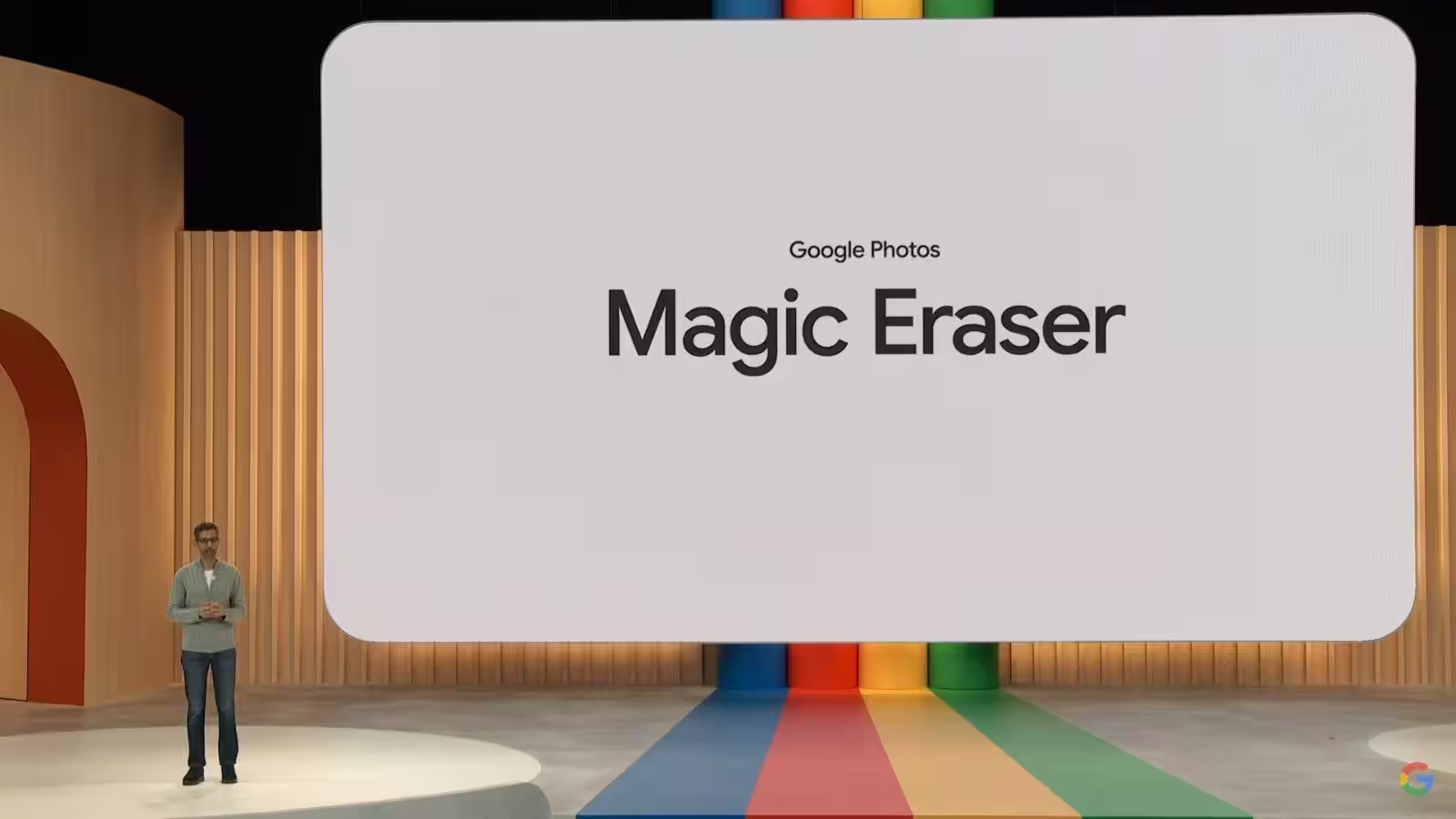
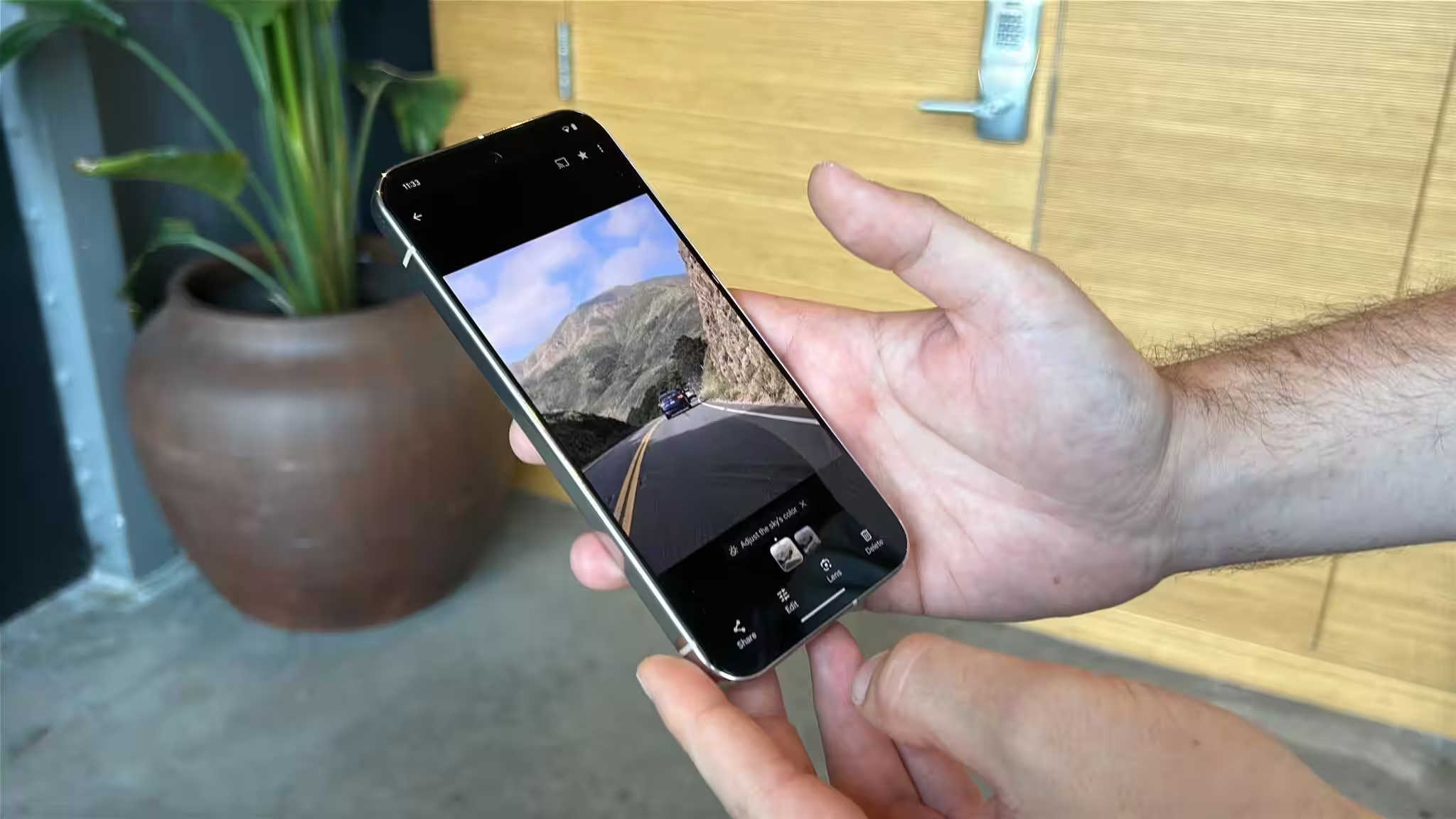
Google Photos users have started noticing that one of the standout features on Pixel phones-Magic Eraser-isn’t performing as well anymore. Small details are leaving behind artifacts, erased objects sometimes turn into odd blotches, and in some cases, “new ears” appear where a stray hair was removed. Reports have popped up on Reddit and various forums, signaling that this AI tool no longer guarantees the high-quality results users have come to expect.
This matters because Magic Eraser has long been a key part of everyday photo editing for Pixel owners and Google Photos users. As this tool degrades, both the user experience and trust in mobile AI editors-from Google and third-party apps alike-take a hit.
Why Magic Eraser is getting worse
Users describe similar issues: removing fine details like hairs or fabric fuzz now often leaves behind blurred patches or noticeable distortions. Some speculate that Google shifted part of the processing from device-based chips to cloud servers, and that the cloud model might be lower quality or running a different algorithm for some reason.
Google hasn’t offered any official explanation yet. Meanwhile, social media advice includes a few possible workarounds: downgrading to an older version of Google Photos, enabling airplane mode to force on-device processing, or switching to third-party editors altogether.
What to do if Magic Eraser isn’t working well
- Enable airplane mode before using Magic Eraser-this can sometimes force the app to process edits locally.
- Downgrade Google Photos to an older version (risky and requires backups and permissions).
- Use third-party apps-many users recommend TouchRetouch for precise spot removal.
- For batch edits, consider the native tools on iPhone or Samsung phones, which offer similar features and can sometimes deliver more reliable results.
It’s important to note that local processing tends to better preserve privacy and often delivers more consistent results on older Pixel models. However, reverting apps comes with risks like security vulnerabilities and compatibility issues. Third-party editors usually cost money but provide more control and predictable outcomes.
Who wins and who loses
Ordinary users bear the brunt, losing the seamless “cleanup” tool they relied on in their photo albums. Google faces a blow to trust in one of its flagship mobile AI demos-especially if the quality drop is tied to a larger architectural shift between on-device and cloud processing.
On the flip side, competitors and niche retouch developers stand to gain. If Magic Eraser can’t handle the job, people turn to TouchRetouch, third-party plugins, or camera features from other brands. For smartphone makers, this is a chance to highlight the reliability of local AI accelerators and promote predictable processing.
What’s next
If complaints about the quality persist, Google will have to either fix the algorithm or clarify the architectural changes. Otherwise, users may gradually lose faith in automatic defect removal and start seeking tools that offer more manual control. The big question remains: will Magic Eraser reclaim its former precision, or is this just the start of a broader mobile AI shakeup where convenience and quality must be balanced against privacy and scalability?