One UI 8.5 beta broke Expert RAW on Galaxy S25
 By ForGeeks
The second beta of One UI 8.5 for the Galaxy S25, S25+ and S25 Ultra has broken the Expert RAW app: the camera won’t launch and requires an update that isn’t available in the Galaxy Store.
Samsung Samsung released the second beta version of the One UI 8.5 shell for smartphones in the Galaxy S25 lineup, including the S25, S25+ and S25 Ultra models, at the beginning of Christmas week. At the same time, the manufacturer has updated the Camera Assistant app, adding new features for professional camera modes.
At the same time, the manufacturer has also updated the Camera Assistant app, adding new features for professional camera modes.
But along with the new features, users ran into a problem. In the second beta of One UI 8.5, the Expert RAW app, which had previously been working smoothly, stopped working. The problem was first noticed by X user Wvisioncreation, and later confirmed by SamMobile, who tested the app on their own Galaxy S25 devices.
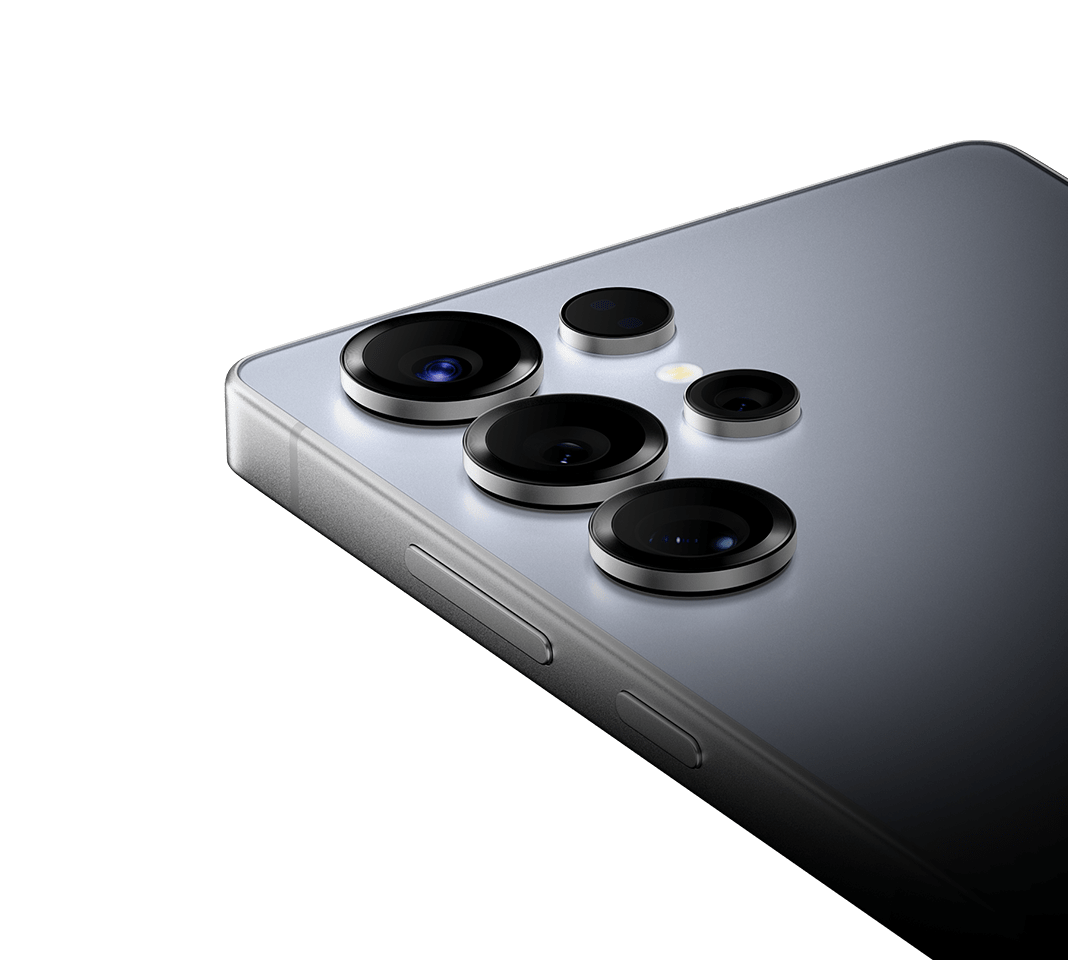
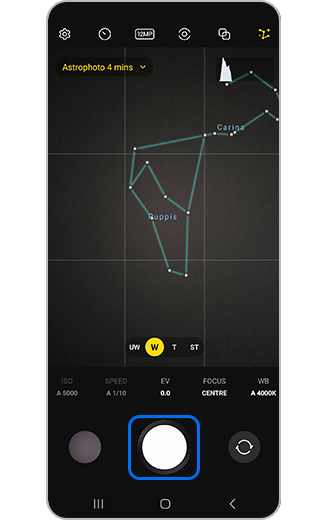
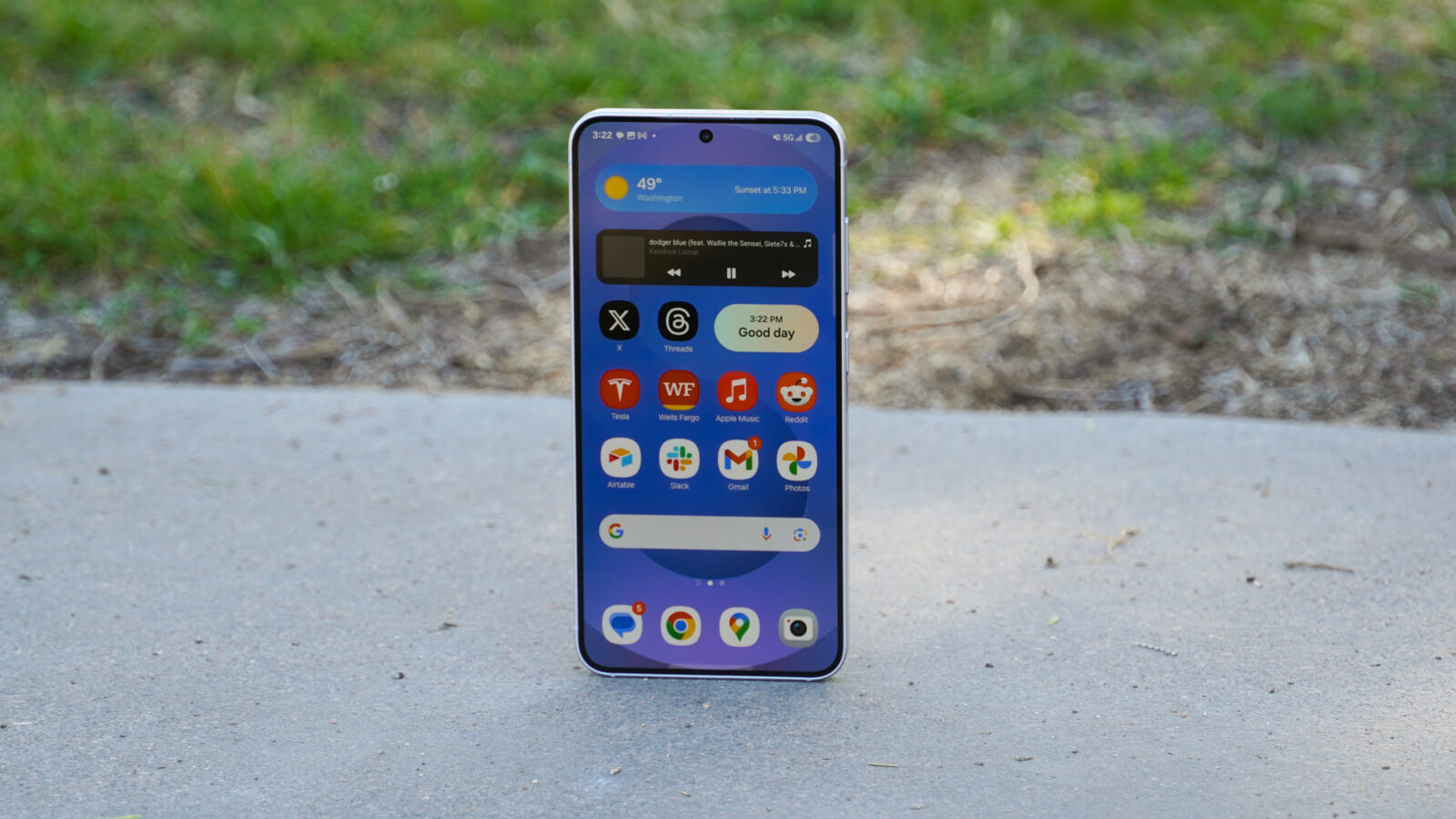
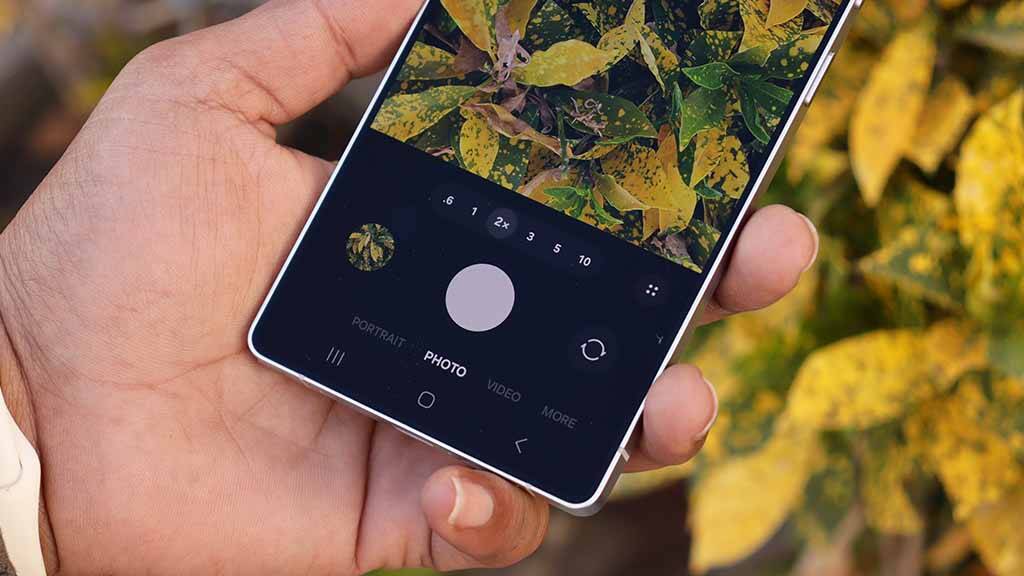
Expert RAW is Samsung’s advanced camera app that complements the standard Pro mode. It uses multi-frame processing to produce RAW images with higher dynamic range and improved image quality. In addition, features such as Astrophotography mode are available in the app, making Expert RAW especially popular with advanced Samsung smartphone users.
The app also offers features such as Astrophotography mode, making Expert RAW especially popular with advanced Samsung smartphone users.
After installing the second beta of One UI 8.5, when Expert RAW launches, the system prompts you to update the app via the Galaxy Store to continue. However, at the time of publication, the update is not available in the store. Without it, the app refuses to launch, effectively blocking access to all of Expert RAW’s features.
Suggest Samsung may be preparing a compatible Expert RAW update, especially since the company has already released a Camera Assistant update along with the new beta firmware. Until the patch is released, users who are actively using Expert RAW are advised not to update to the latest beta build of One UI 8.5.
If the update is already installed, there is a workaround. You need to uninstall Expert RAW, then download the APK file of the older version of the app and install it manually via the default My Files file manager. This option isn’t officially supported for One UI 8.5 and may be accompanied by stability issues, but most of Expert RAW’s features will still work.