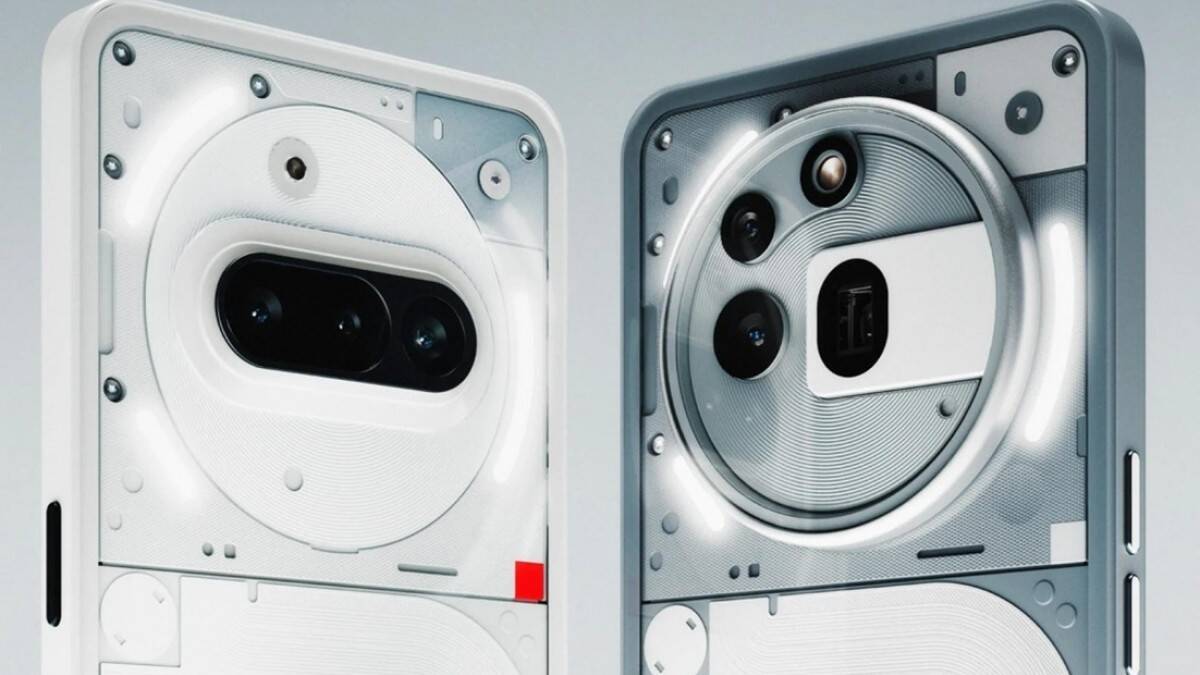
Stable Nothing OS 4.0 based on Android 16 is out for the Nothing Phone (3a) and Phone (3a) Pro
 By ForGeeks
Last week, Nothing released a stable version of Nothing OS 4.0 based on Android 16 for the Nothing Phone (3) smartphone, and now the update is available for two other models – the Nothing Phone (3a) and the Nothing Phone (3a) Pro.
Nothing OS 4.0 brings new features, visual changes, camera improvements and other updates. The following are the major innovations.
New featuresAdded an AI usage tracking panel. In Essential Space mode, the system automatically captures the usage of large AI models for greater transparency. Path: Settings > Intelligence toolkit > AI usage.The ability to hide apps directly from the homescreen and from the apps menu has been added. Hidden programs are displayed in the section: Home screen > Applications menu > Hidden icons.Added customization of the search area in the applications menu, allowing you to limit results to a certain category.Added new size options for Weather, Pedometer and Screen time widgets.Most tiles in Quick Settings can now be set to a 2×2 size.Popup mode now supports two floating icons for easy switching.Added an application optimization feature to speed up program launches during system updates. Path: Settings > Applications > App Optimization.
Essential InnovationsThe Flip to Record feature now lets you take photos and add notes right while recording. All content is saved together and available in the Essential Space.Launched Playground (Alpha), a space where you can explore community creations including Essential Apps, camera presets, and EQ profiles.Essential Apps (Alpha) is open for download. These are community-created apps that use AI and focus on creativity and efficiency.
Visual ImprovementsThe icons of Nothing’s branded apps have been updated and given a new look.The icons in the status bar are clearer.Two new clock options have been added to the lock screen in the personalization section.Extra dark mode has been introduced with a deeper, darker look. Path: Settings > Display > Dark theme > Extra dark mode.Interface transitions are smoother thanks to improved animations.
Glyph interfaceAdded a setting that lets you choose whether Flip to Glyph switches the device to silent or vibration mode.Glyph Progress now uses Android 16 Live Update for better compatibility with third-party apps.
CameraThe presets list has been updated to include new popular styles.Filters now include intensity adjustment and a new Stretch style.Motion Photos now have extended recording time and audio support.New Nothing watermarks and art frames have been added.The camera interface has been redesigned to be more user-friendly.
Nothing notes that the Nothing OS 4.0 update is rolling out to a limited number of users of the Phone (3a) and Phone (3a) Pro models for now. A broader wave of updates will begin after a successful test phase.
Nothing notes that the update is being rolled out to a limited number of Phone (3a) and Phone (3a Pro) users.
To take advantage of the improved Flip to Record feature, users will need to update Essential Space to the latest version. In addition, it is recommended to back up your data before installing Nothing OS 4.0 firmware.