7 interesting prompts for OpenAI ChatGPT Images 1.5 that you should try right now
 By Arthur Berg
OpenAI continues to gently but persistently pump up image generation, and ChatGPT Images 1.5 is one of the clearest steps in that direction. The model has gotten better at understanding complex scene descriptions, composition, light, and style. But most importantly, it works great when you ask it to create an image from scratch, rather than “redoing something.”
It’s a great way to get the model to understand complex scene descriptions, composition, lighting, and style.
Below are seven advanced prompts that explore different sides of Images 1.5, from cinematic futurism to glossy covers. All examples are 16:9-formatted for media, covers, and previews.
Cyberpunk city as a shot from a big movie
Classical cyberpunk isn’t just neon and skyscrapers. It’s a sense of a dense, noisy future where light shines through the fog and the city seems like a living organism. This prompt shows well how adept Images 1.5 is at handling scene scale, depth of space, and complex lighting. It’s suitable for covers about AI, technology, the future of cities, and digital culture.
Here’s a great example of how Images 1.5 can work with the scale of a scene, the depth of space, and complex lighting.
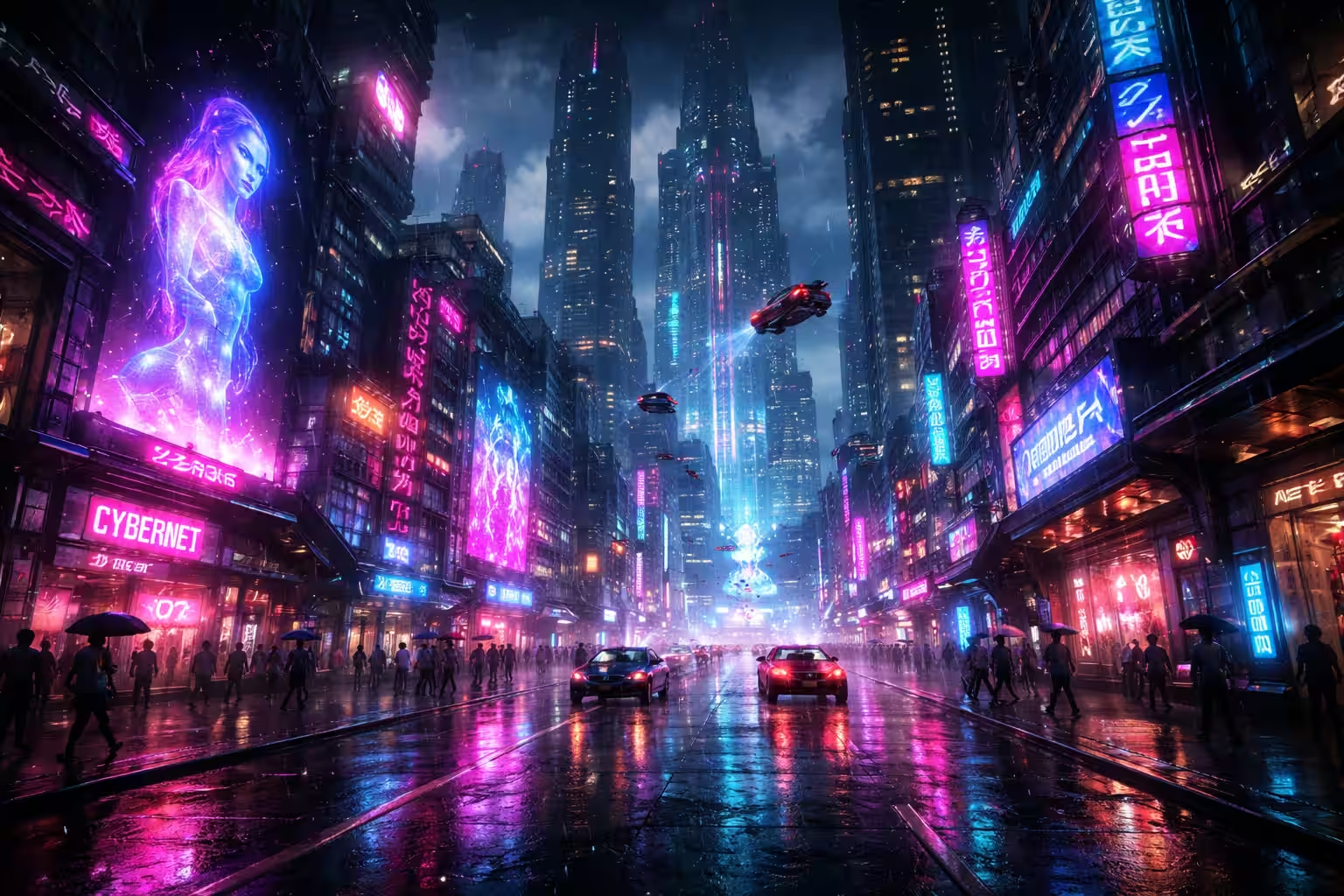
Create an ultra-detailed futuristic cyberpunk city at night, 16:9 format. A huge metropolis with skyscrapers going into the fog, building facades covered with neon advertising screens, holograms and glowing symbols. The streets are wet asphalt after rain, reflecting pink, blue and purple lights. There is a light haze in the air, with flying cars in the background. Movie light in the spirit of Blade Runner and Ghost in the Shell, wide-angle perspective, high contrast, dramatic shadows, a sense of scale and depth.
Pixar-style 3D character
This prompt demonstrates how Images 1.5 handles characters and emotions. Unlike photorealism, cartoon 3D styling requires careful work with shapes, light, and “live” facial expressions. The result looks like a still image from a modern animated movie and is great for illustrations, presentations and covers with a friendly tone.
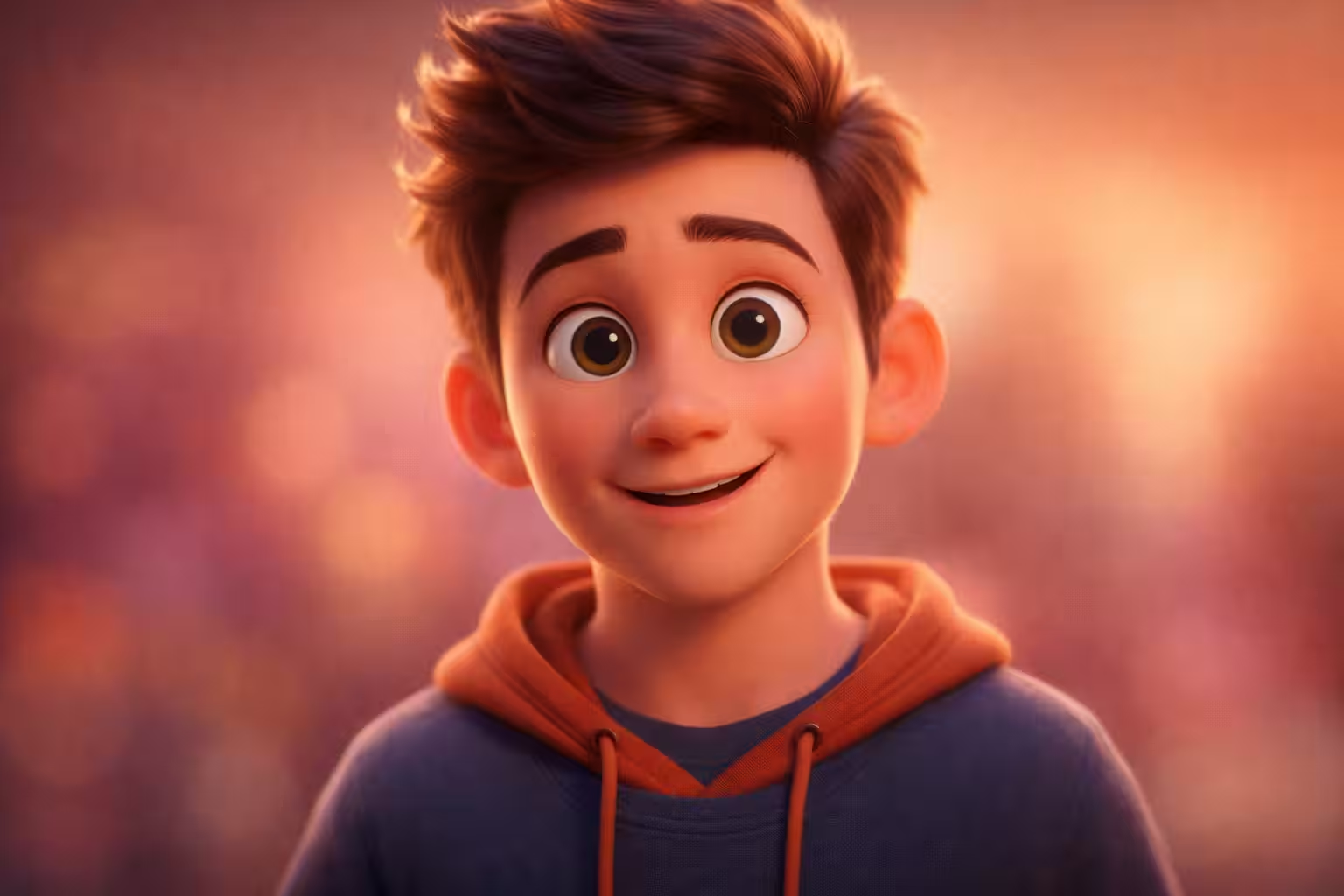
Create a high-quality 3D portrait of a Pixar-style character, 16:9 aspect ratio. Friendly, expressive character with slightly exaggerated facial features and big emotional eyes. Smooth stylized skin with soft highlighting effect, warm diffused lighting, neat shadows. A shallow depth of field, clean background. The shot should look like a freeze frame from a modern animated movie with a high level of production.
Studio Ghibli style illustration – atmosphere and mood
Studio Ghibli is not a style “about drawing”, but a style “about feeling”. Calmness, soft light, attention to detail and the feeling of a living world. This prompt shows well how Images 1.5 works with the illustrative aesthetic, pastel palette and mood of the scene. It is suitable for texts about culture, creativity, philosophy and calm formats.
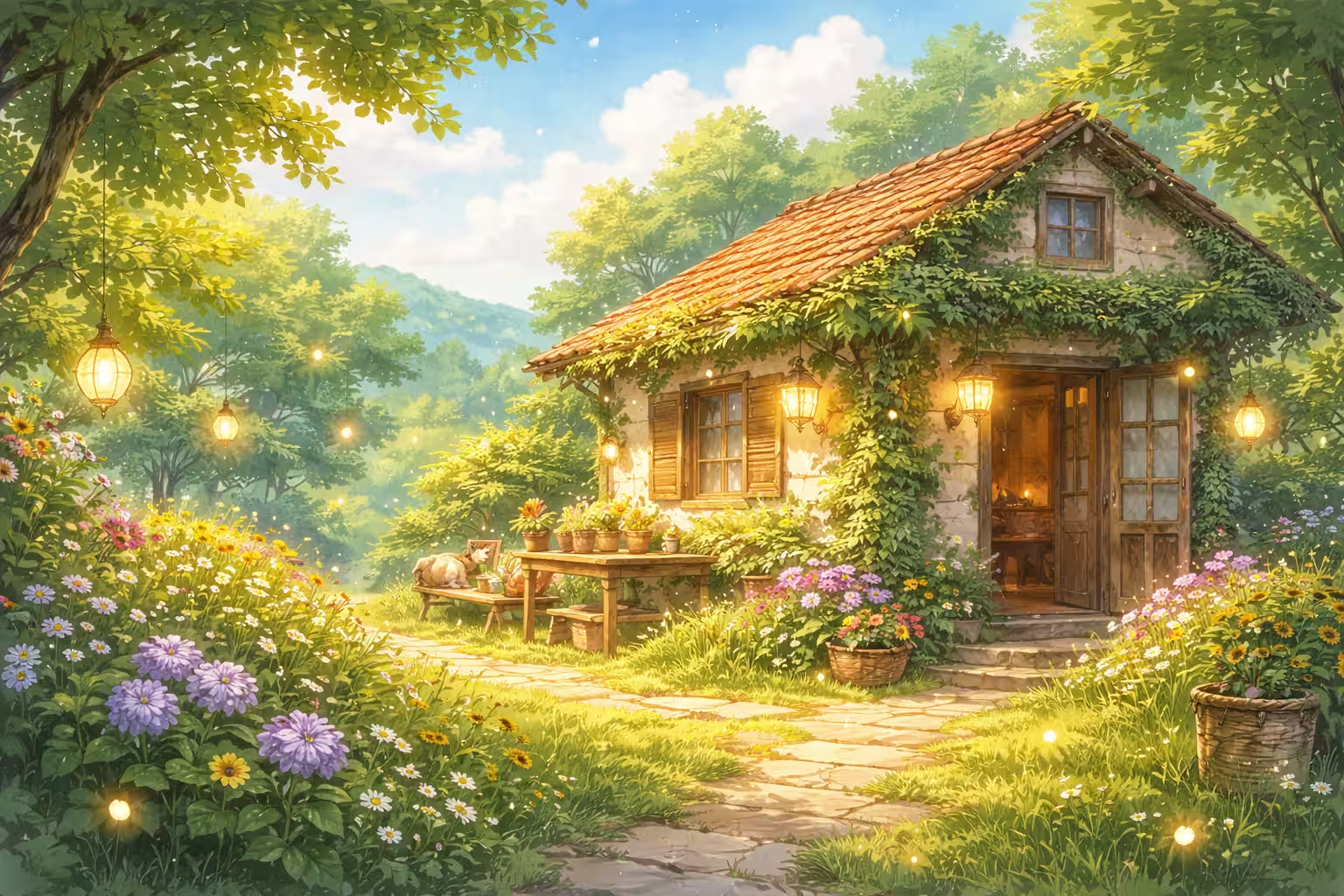
Create an illustration in Studio Ghibli style, 16:9 format. A calm, cozy scene with soft daylight, clouds, greenery and a sense of living space. Small magical details in the frame: glowing particles, plants, lanterns or lights. Drawing style with watercolor textures, pastel palette, warm tones. The atmosphere is quiet, cozy and nostalgic, like in Hayao Miyazaki’s movies.
Classical oil paintings by old masters
This prompt is useful for testing how a model works with artistic techniques and texture. Oil painting requires an understanding of light, brushstroke and depth of color. Images 1.5 reproduces canvas effects and dramatic light shading quite confidently, so this prompt is well suited for cultural and analytical materials.
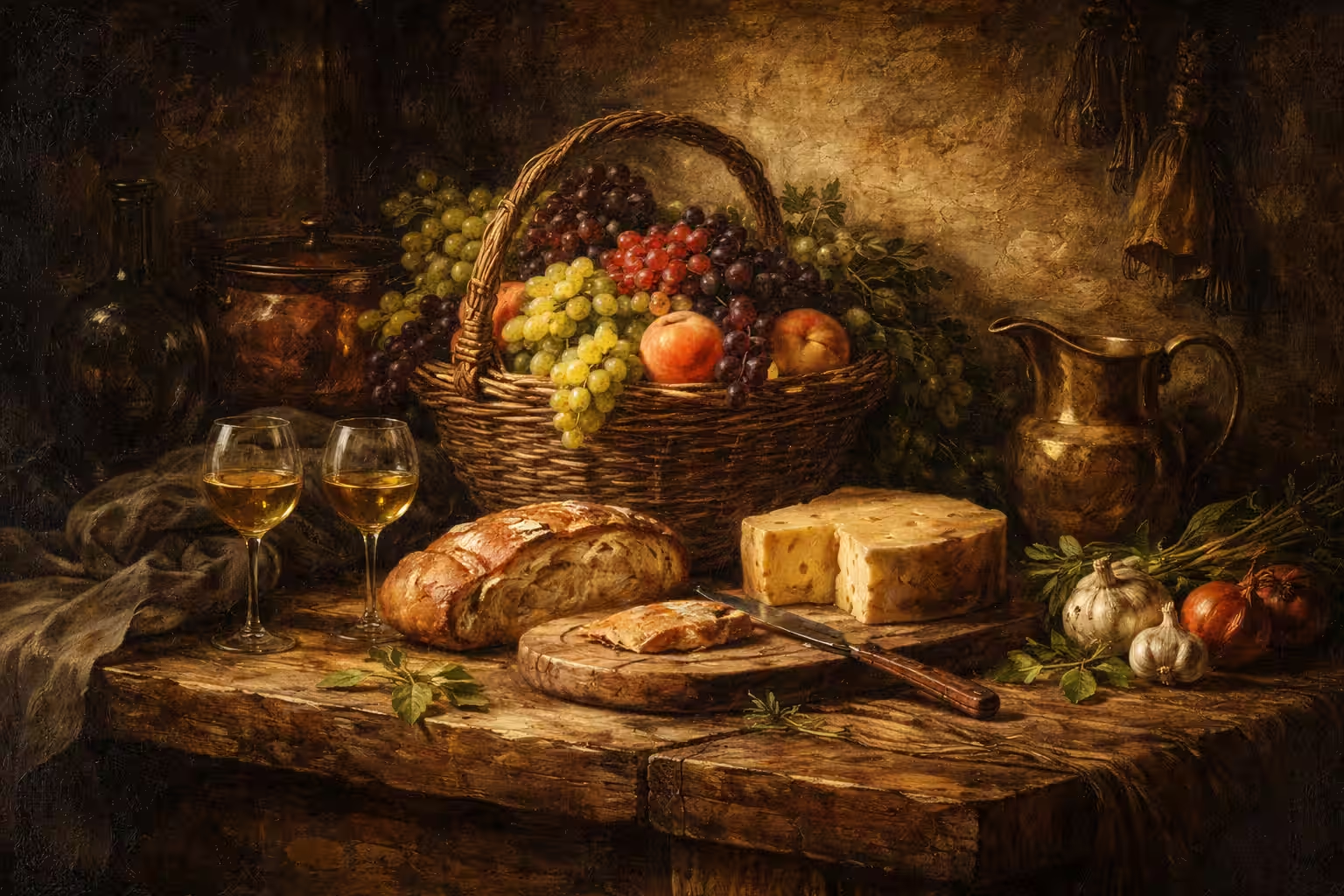
Create a realistic oil painting in the style of the old masters, 16:9 format. Expressive brush strokes, textured canvas, warm earthy color palette. Contrasting light and shadow in chiaroscuro technique, deep shadows and soft light accents. The composition should look like a museum piece with emotional depth and classic painterly aesthetics.
Glossy magazine cover
Here Images 1.5 no longer acts as an artist, but as an art director. Prompt allows you to test how much the model understands the cover composition, the balance of elements and the feeling of “expensive media picture”. This visual can be used for article previews, special projects and presentations.
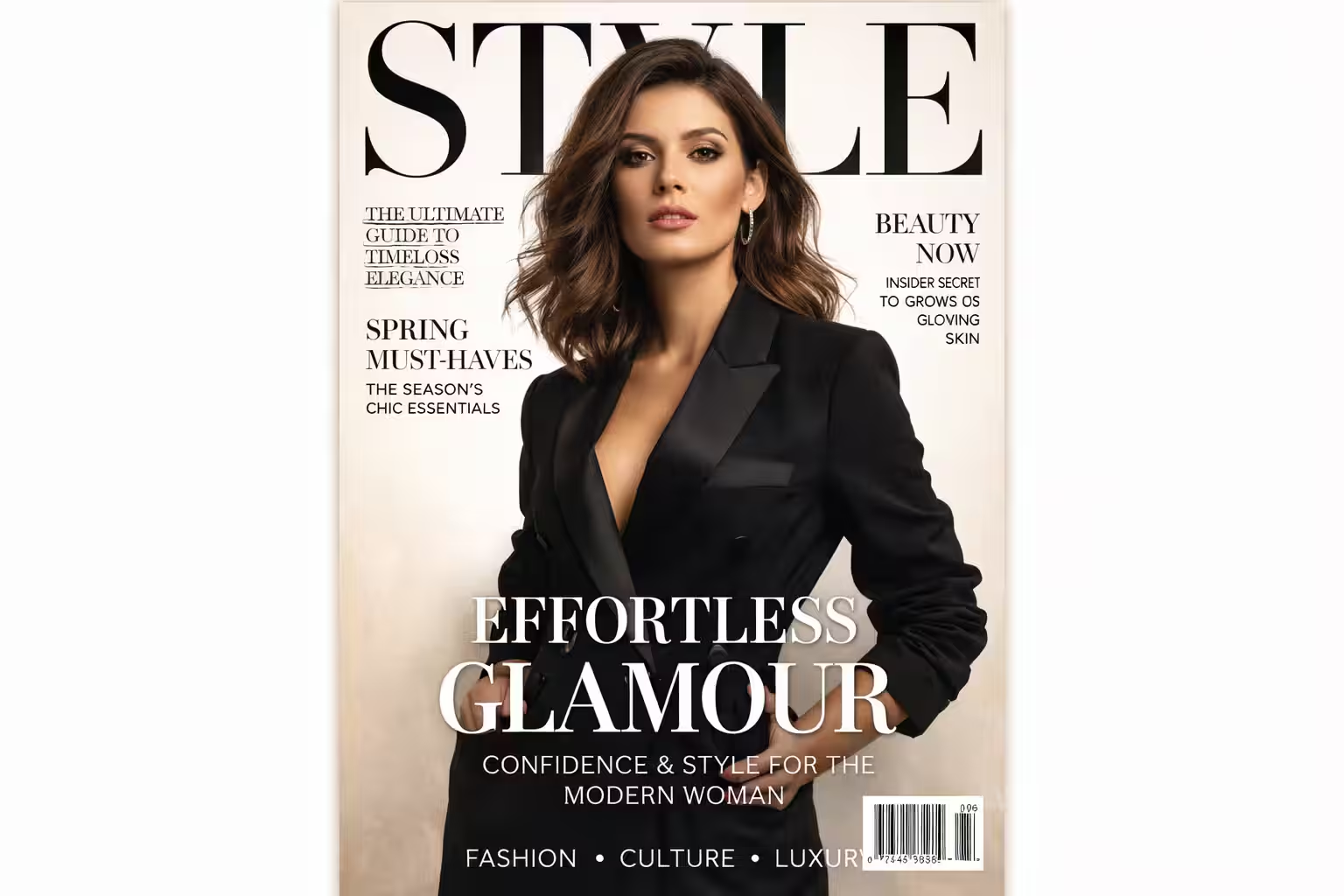
Create a glossy fashion magazine cover. Editorial photo with confident center composition, clean background, soft studio light. Glossy print effect, neat highlights. Elegant modern typography, magazine headlines neatly arranged around the subject, barcode in the corner. The visual style is the level of Vogue and Harper’s Bazaar, with a premium feel and professional layout.
Anime scene with drama and dynamics
Anime is a complex style where emotion, movement and foreshortening are important. This prompt shows that Images 1.5 can put together intense scenes with a sense of action, not just a “pretty picture”. Suitable for fan art, concepts, and visual experimentation.
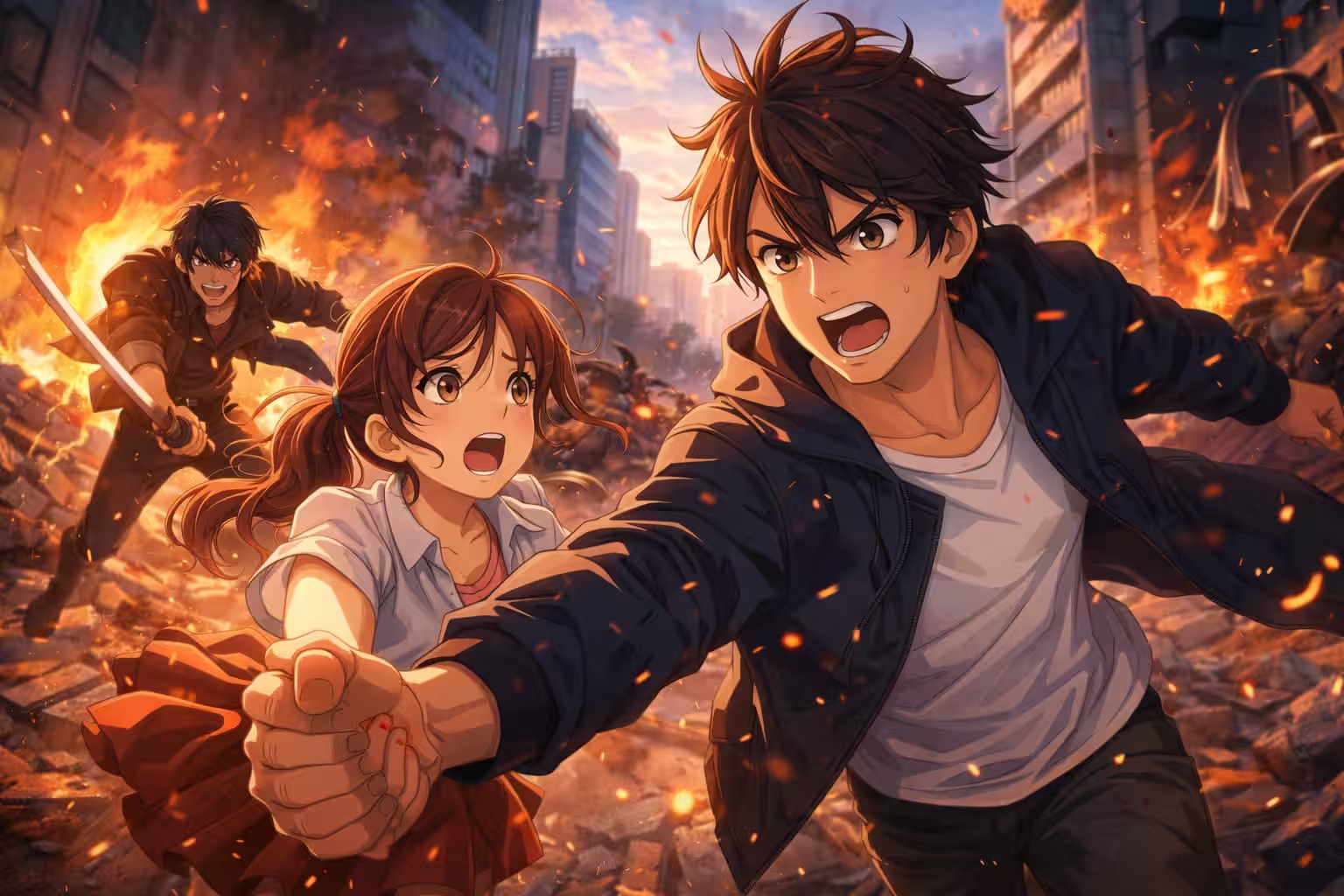
Create a detailed anime scene in the style of modern Japanese animation, 16:9 format. Expressive characters with vivid emotions, dynamic camera angles, dramatic perspective. Saturated colors, elaborate background, cinematic light. The frame should have a sense of movement and tension, as in a key scene of a full-length anime movie.
Photorealistic HDR image for advertising
This prompt is about practice. It shows how Images 1.5 handles photorealism and commercial picture quality. It’s suitable for generalist visuals where clarity, detail, and a “real photo” feel are important.
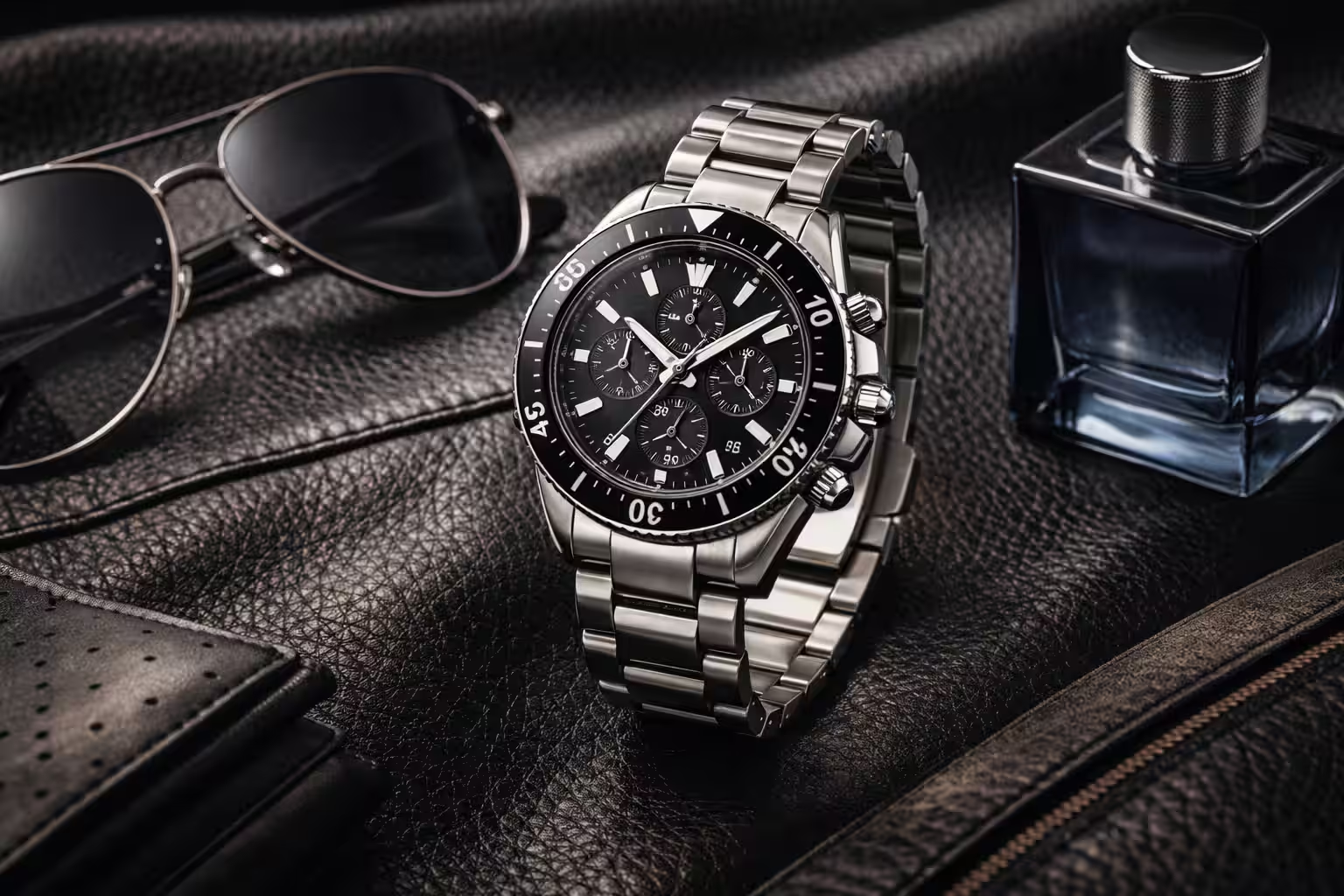
Create a high-resolution, 16:9 photorealistic HDR image suitable for advertising use. Maximum detail, realistic materials and textures, balanced exposure. Saturated but natural colors, deep contrast, professional light. Clean composition, the feel of expensive commercial photography.